

ChatGPT / Codex
Scrimba Explain is an OpenAI plugin called @Explain Video Generator. ChatGPT and Codex share the same plugin catalog, so you install it once and it works in both.
Install the @Explain Video Generator pluginAdds Explain to both ChatGPT and Codex from OpenAI's plugin catalog.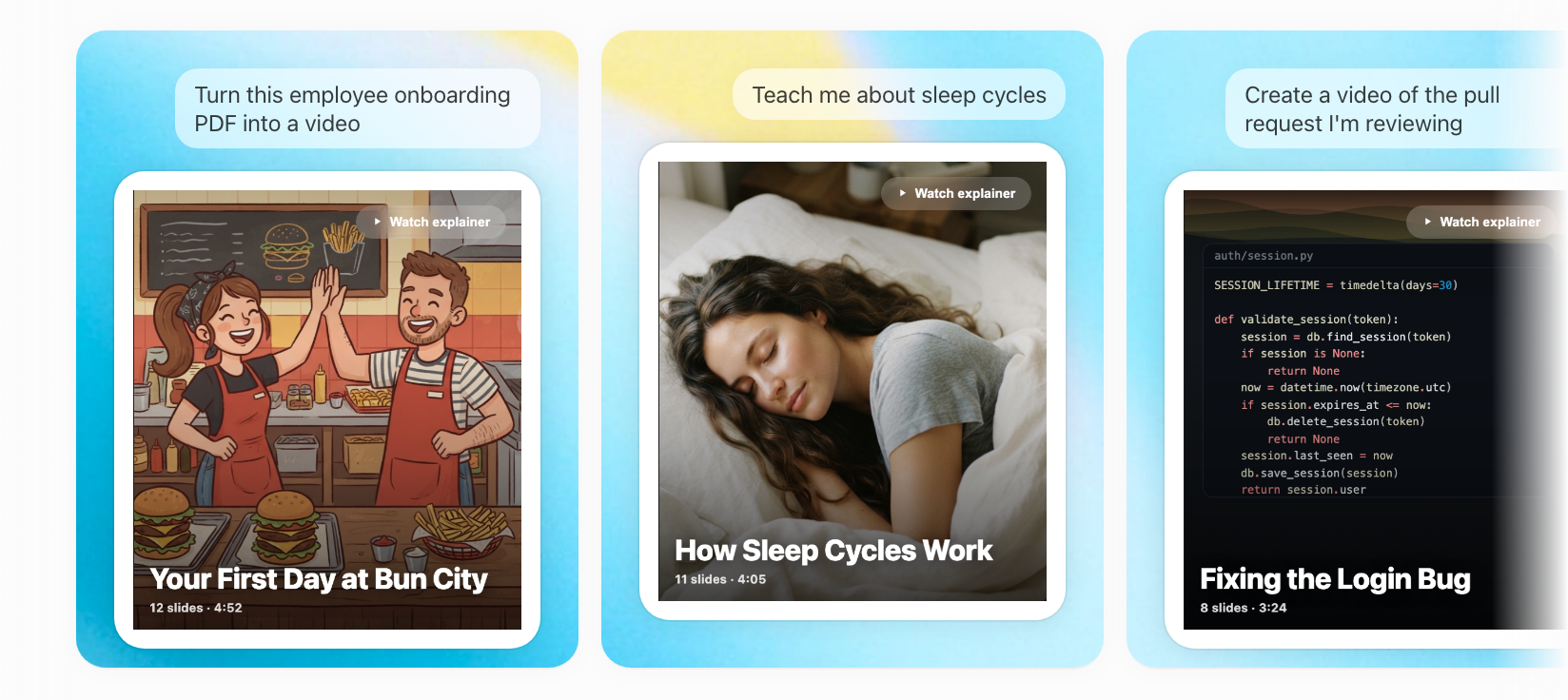
You can also find it from the Plugins tab in ChatGPT or the Codex app: search for it, install it, then start a new chat. In the Codex CLI, run /plugins to browse and install.
Using it
Type @ to invoke the plugin, and say what you want explained:
You can also just describe what you want, and the model will use the plugin on its own.
It writes the full lesson (the slides, the narration script, the diagrams) and replies with a link. Open the link and the explainer builds in front of you: slides appear, narration starts playing, and the lesson is watchable from the first slide onward.
This works especially well at the end of a conversation where the model has already worked something out with you: instead of a long chat transcript, you get a lesson you can rewatch and share.
Pictures from the chat
A picture in the conversation can go on a slide: a screenshot or photo you uploaded, or an image ChatGPT generated earlier in the chat. Ask for it:
Pictures uploaded from the ChatGPT mobile app can't be fetched, so the explainer is built without them. See Your own pictures.
Frames
An explainer from the plugin is square unless you ask otherwise, so it works on a phone and on a desktop alike. Ask for a vertical video and it's built in a tall, portrait frame instead. See Vertical explainers.
Better explainers
The model you're chatting with writes the lesson and the narration. A smarter model makes a better explainer, and so does asking it to take its time and think first.
Where plugins work
Plugins work in ChatGPT on web, desktop, and mobile, in Codex in the ChatGPT desktop app, and in the Codex CLI's plugin browser. The IDE extension doesn't support plugins; use the MCP server there.
What happens to the explainer
An explainer made through the plugin is unlisted: anyone with the link can watch it, but it isn't listed or searchable anywhere. To keep it long-term, sign in to Scrimba when you open it and claim it. See Privacy, claiming and sharing.