

Images
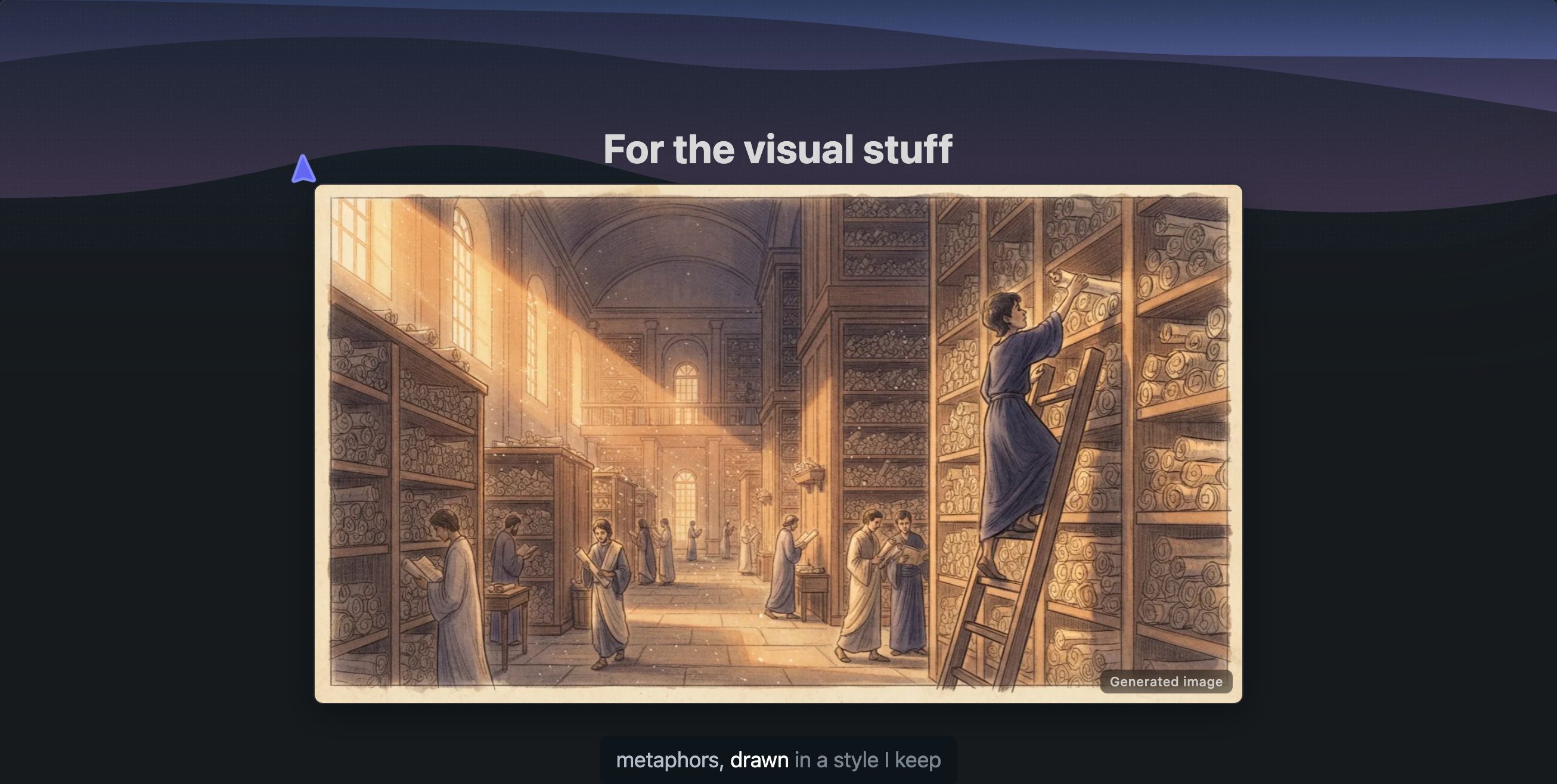
Explainers about stories, places, and people get generated images. History and other non-code topics can play like a short documentary: an image sets each scene while the narration explains the facts.
All images in an explainer share one art style, chosen once for the whole lesson, so it looks like one film rather than a collage of clip art.
Programming explainers made on scrimba.com don't get generated images at all: the technical parts go to code, diagrams, and animations. Explainers written by a coding agent are the exception, with a few images around the technical core.
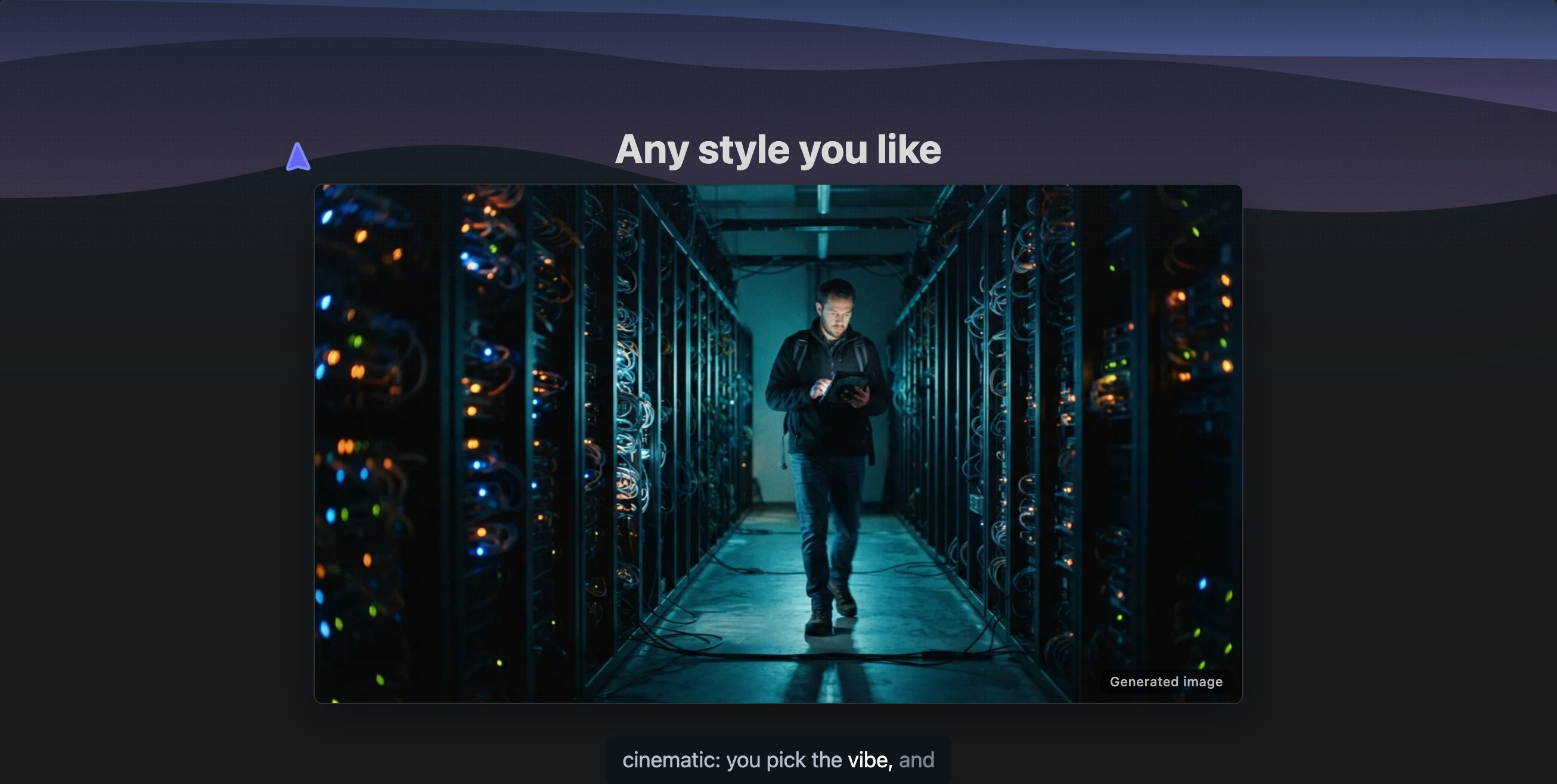
An image sets a scene. When a topic breaks into four labelled parts, the lesson uses an infographic instead: one generated picture explored part by part.
Images are never used for exact content like code, tables, or formulas. Those go on slides that render them precisely.
A generated picture takes the shape of the explainer's frame: wide in an explainer made for a desktop, tall in one made for a phone, square in one made by a connected tool.
An explainer holds at most 12 generated pictures, infographics included, and each generated one carries a small Generated image tag.
An image slide can also show a picture of yours instead of a generated one, from the composer or from a connected agent. See Your own pictures.
Getting good image slides
Story topics get images on their own. You can also ask directly: make it visual, like a documentary.