

Diffs
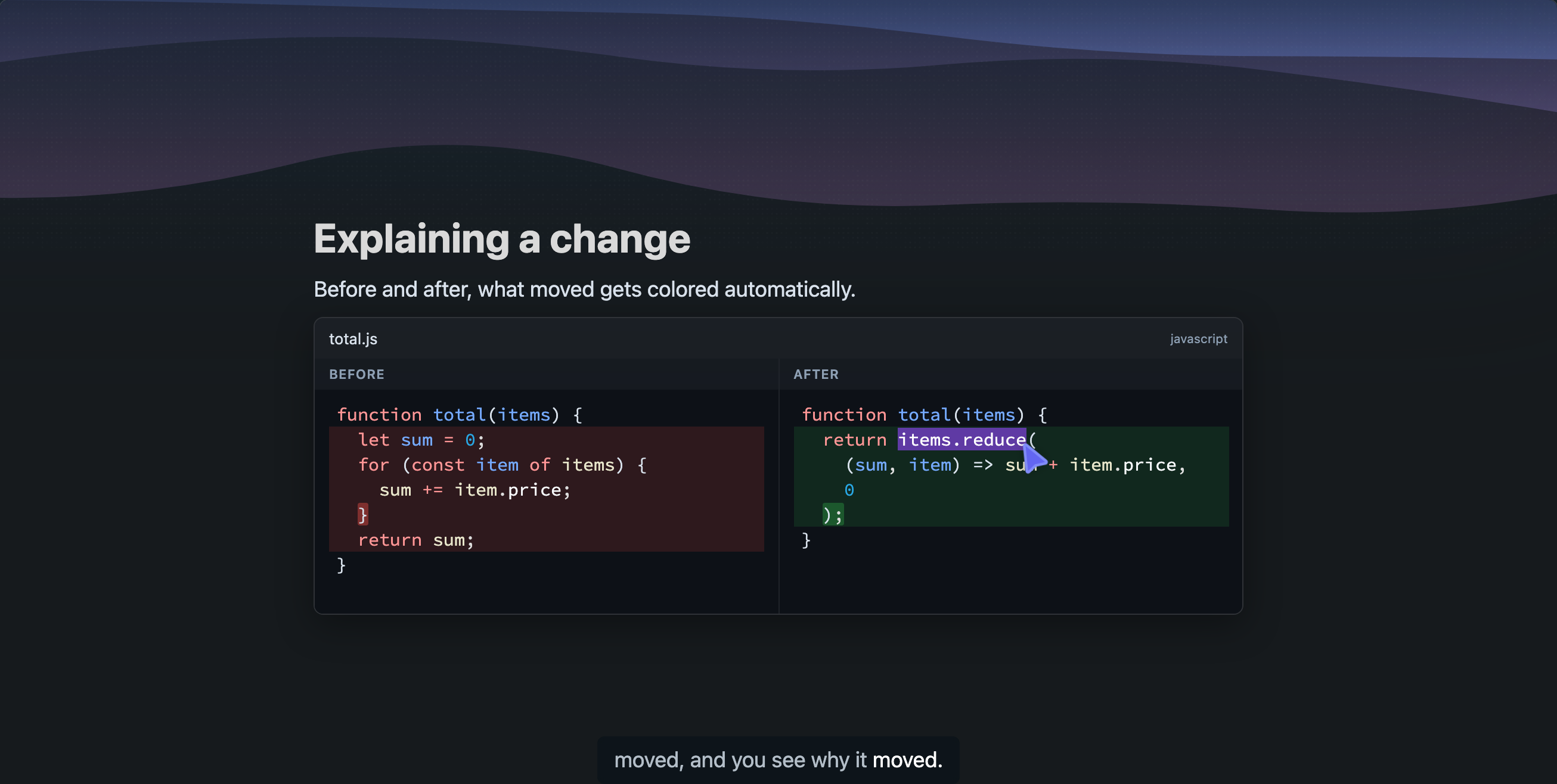
Sometimes the change itself is the lesson: a refactor, a bug fix, a migration, a PR. A diff slide puts the two versions side by side, before on the left and after on the right, and colors the changed lines and words automatically.
On a narrow screen the panes stack instead, with before above after.
The narration walks the change in order: what was there, what it became, and why it moved. The pointer jumps between the two panes, landing on the old line and then its replacement, so you never have to compare the two sides yourself.
Getting good diff slides
Diff slides work best with a coding agent connected: explain what this PR changes or make an explainer of the fix we just made produces diffs of your actual commits. On scrimba.com, paste both versions and ask for the comparison, or attach the files.