

Writing a good prompt
A good prompt includes the topic (what to explain), the audience (who's learning and what they already know), and the slide types (how the lesson should show things). Depth comes mainly from the teacher you pick, though the prompt can amplify it.
You don't design the lesson. Explain decides the structure and the layout, so the prompt is only about what goes into it. All three parts fit in one sentence:
why does a closure still see a variable after the function returned? I know Python but not JS, show me a diagramTopic can be a single word. closures gets you a general lesson on the concept, which is fine if that's what you want. If you already know what's confusing you, say that part instead, like the question above.
Audience is the sentence most people leave out. Say what you already know, not only what you don't:
...I understand the syntax, it's the "why" I'm missingSlide types are the layout control you have: diagrams for structure, animations for processes, diffs for changes, a quiz to check yourself. And you can be specific about what a slide should do, not just which type it is:
You choose what's on the slide. Explain decides how it's arranged.
This is also how you push depth beyond what the teacher gives you. The teaching style sets the baseline, but the prompt can demand more:
...use the pointer to highlight every line of code and explain each one in detail, don't skip anyImage style
Explainers with image slides pick one art style for the whole lesson, and you can name it in the prompt. Ask for hand-drawn and the lesson looks like a sketchbook; ask for photorealistic and it looks like a documentary:
...hand-drawn illustrations, like a sketchbook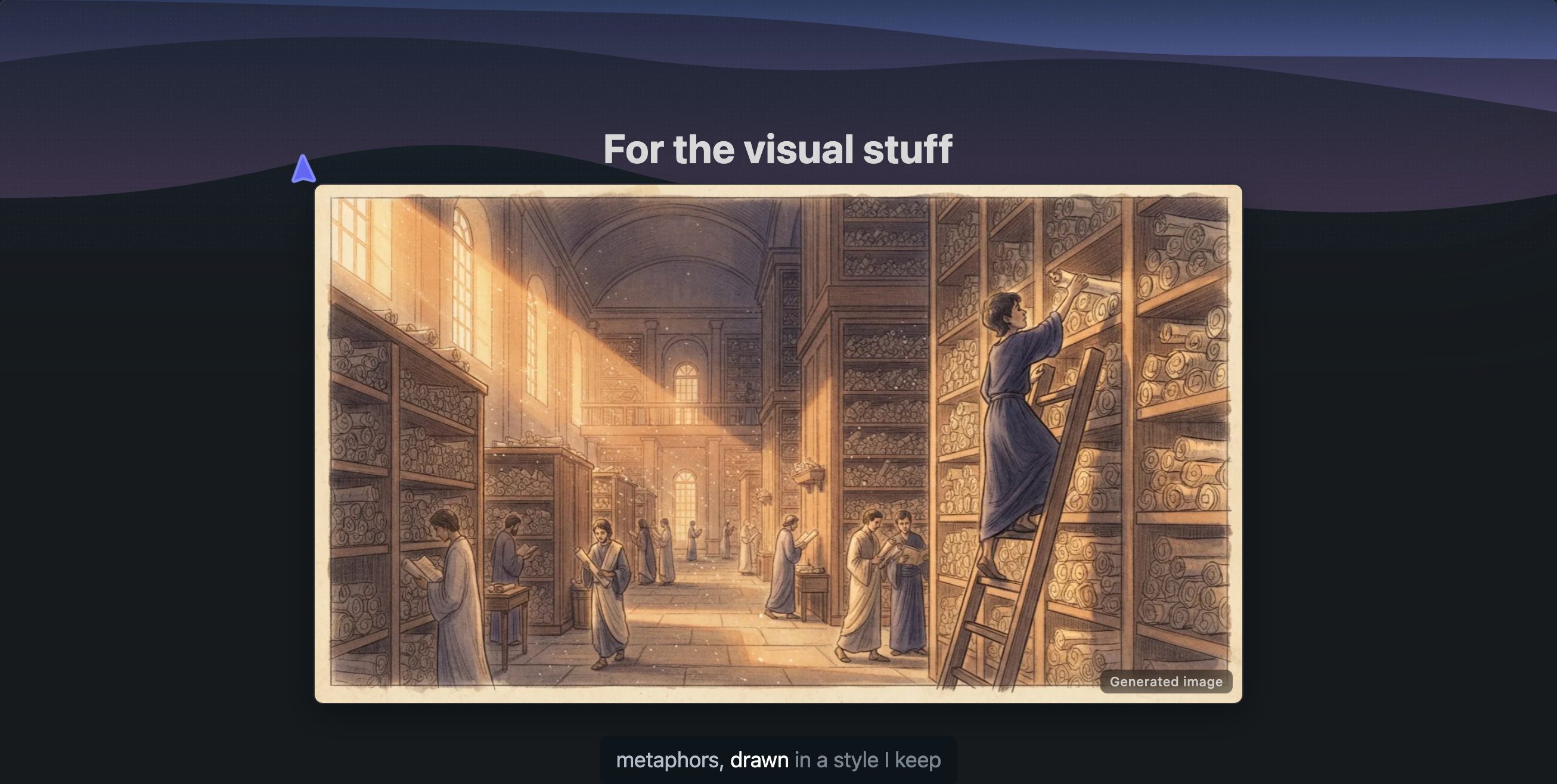
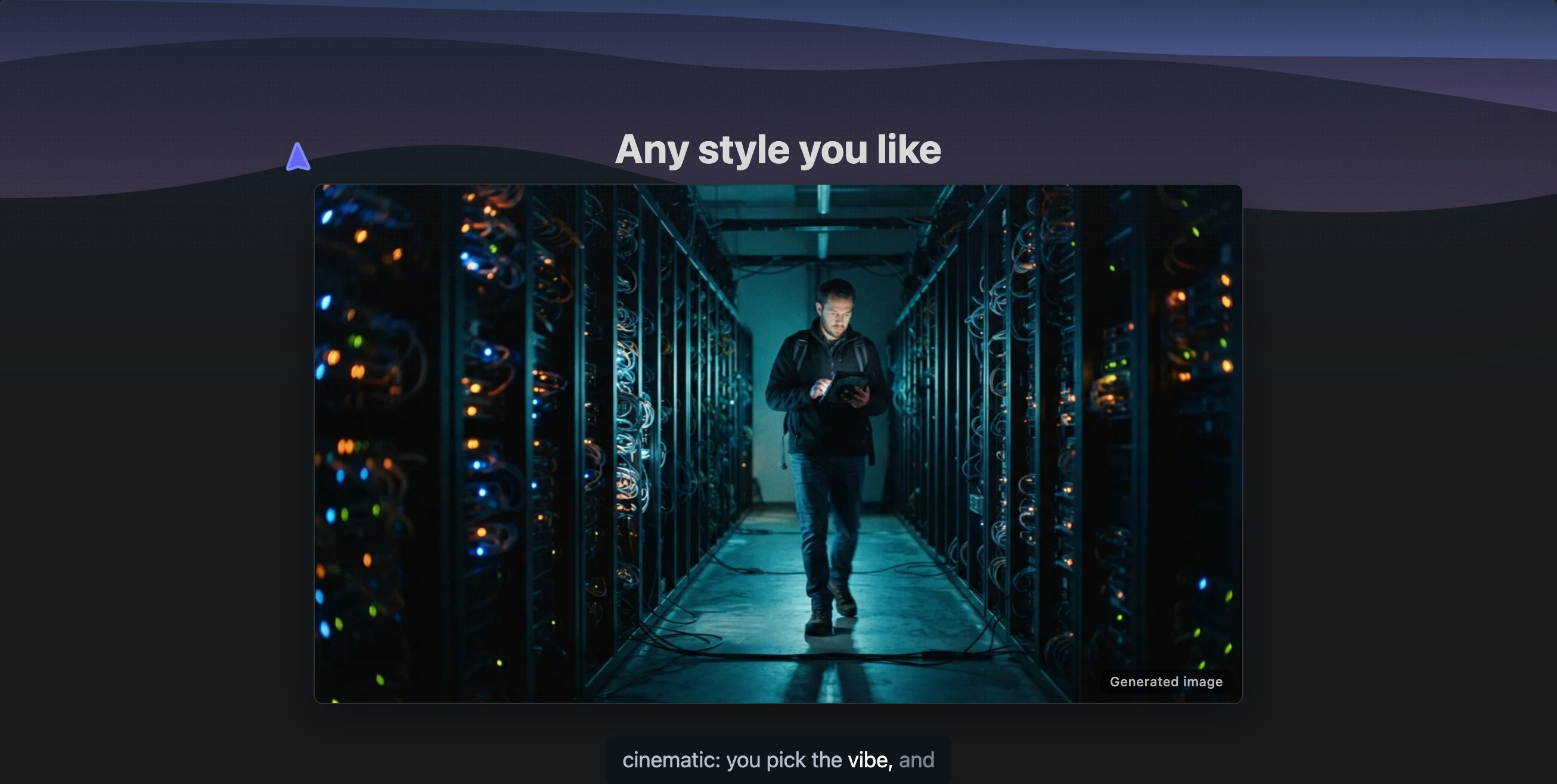
Whatever style you name (watercolor, pixel art, blueprint) applies to every image in the lesson.
Context
The other half of a good prompt is what you give it to teach from. By default Explain teaches from its own knowledge; the more context you hand it, the more the lesson is about your thing instead of the general topic. Paste code straight into the prompt, attach documents such as a spec, an article, or your notes, or use a coding agent, which has your whole repository as context.
And a bare topic is still a fine prompt. Watch the lesson, see what's missing, and make the second prompt the precise one.