

Redoing a slide
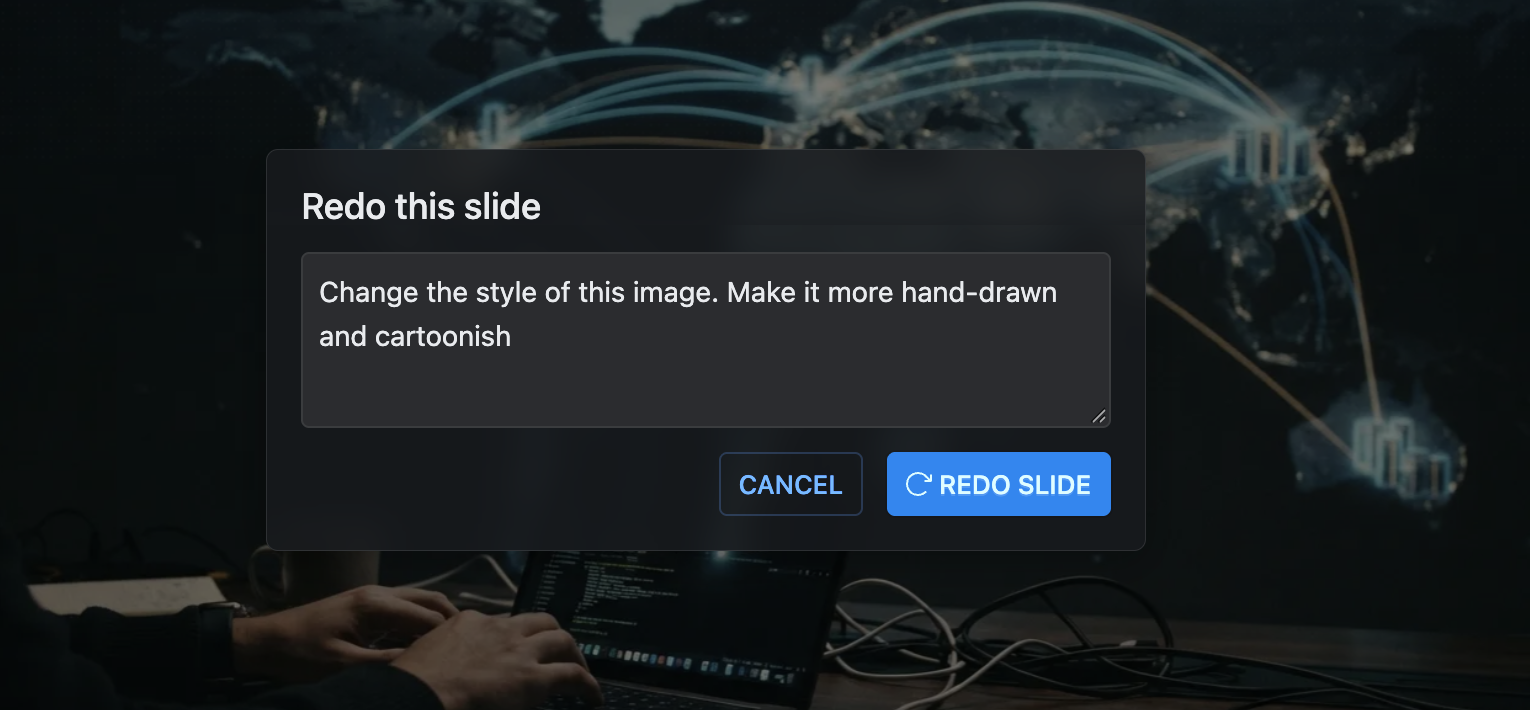
Sometimes an explainer is good except for one slide. You don't have to rebuild the whole lesson: right-click the slide, choose Redo slide, and write what should change.
use a diagram instead of text herethis code example is too long, cut it to the core linesthe pointer isn't landing on the right thingsexplain this more slowly, for a beginner
The slide is rewritten from your instruction, with new narration to match. The rest of the explainer is untouched.
What you can redo
You can redo any slide of an explainer you own, except the intro slide. That includes explainers you claimed from ChatGPT or a coding agent.
On a free account you can redo three slides per explainer. After that, Redo slide offers the Pro upgrade; on Pro, redos are unlimited. Regenerating the narration isn't counted. Exporting has a limit of its own. See Plans and pricing.