

Animations
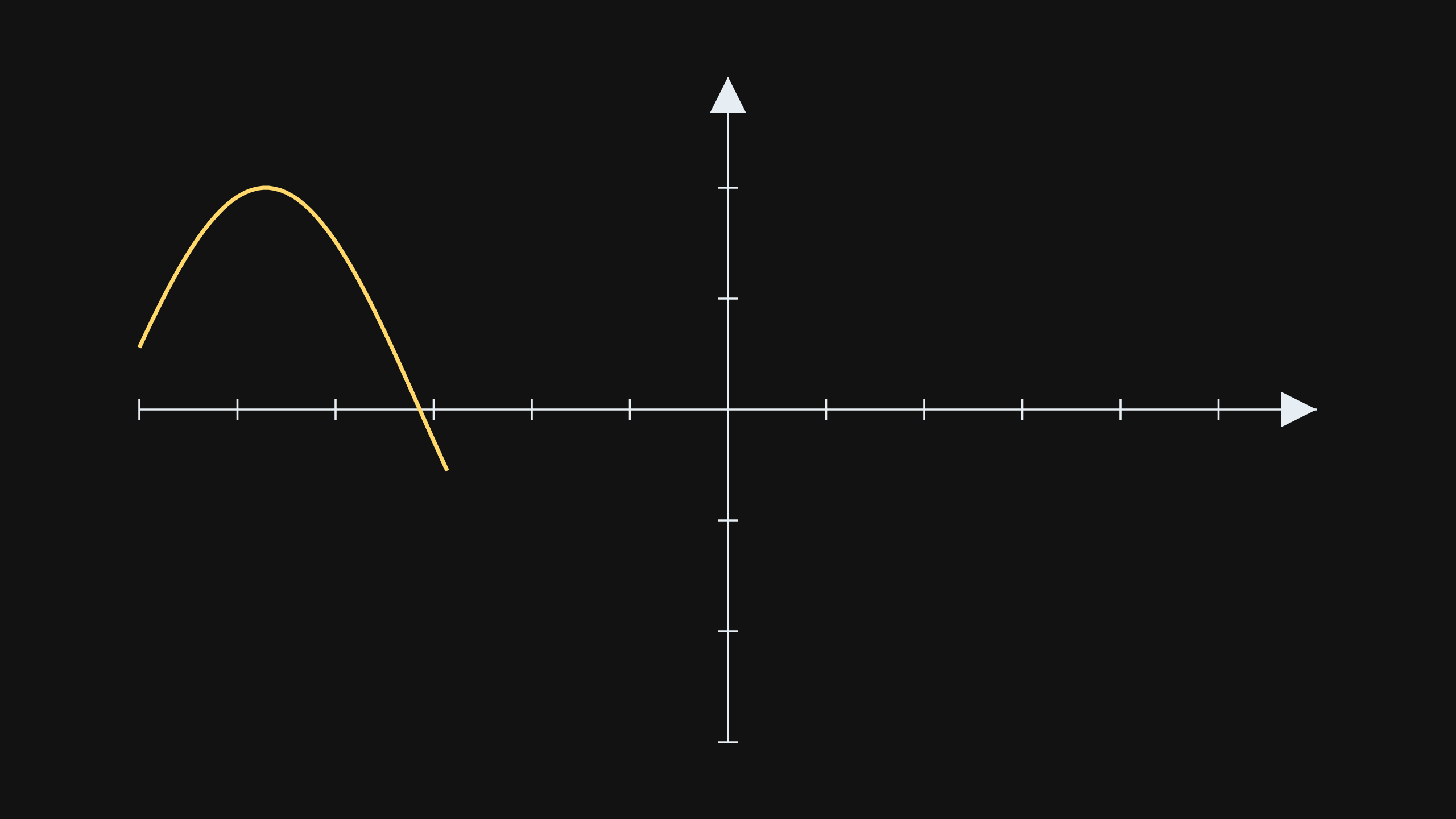
Some ideas are easier to understand when you see them move: a function and its graph, vectors and transformations, a curve being traced, a physical trajectory. For those, an explainer includes short animated scenes, drawn with shapes, arrows, labels, and graphs that build and move in front of you.
The animation is synced to the narration: the scene's steps play in the order the voice explains them, stretched to match the length of what's being said. It plays in place on the slide, like a short embedded video, except it was written for your specific question.
For parts that pass things between them, such as a request crossing a network, the lesson uses a moving diagram instead.
Getting good animation slides
Many explainers include an animation on their own, whenever the idea is quantitative or spatial. Comparisons, advice, and code-editing tasks don't get one.
If you know what you want to see move, say so: animate the unit circle tracing a sine wave or show a vector being rotated by 90 degrees.