Skip to content

What is JavaScript

docs.scrimba.com

Open a web page and click a button that opens a menu, type into a search box that suggests results as you go, or watch a feed load more posts as you scroll. None of that is HTML, and none of it is CSS. It is JavaScript: the language that runs inside the browser and makes a page respond to what you do. This chapter is about what that language is, where it runs, and how it fits with the HTML and CSS you already know.

A language for making pages do things

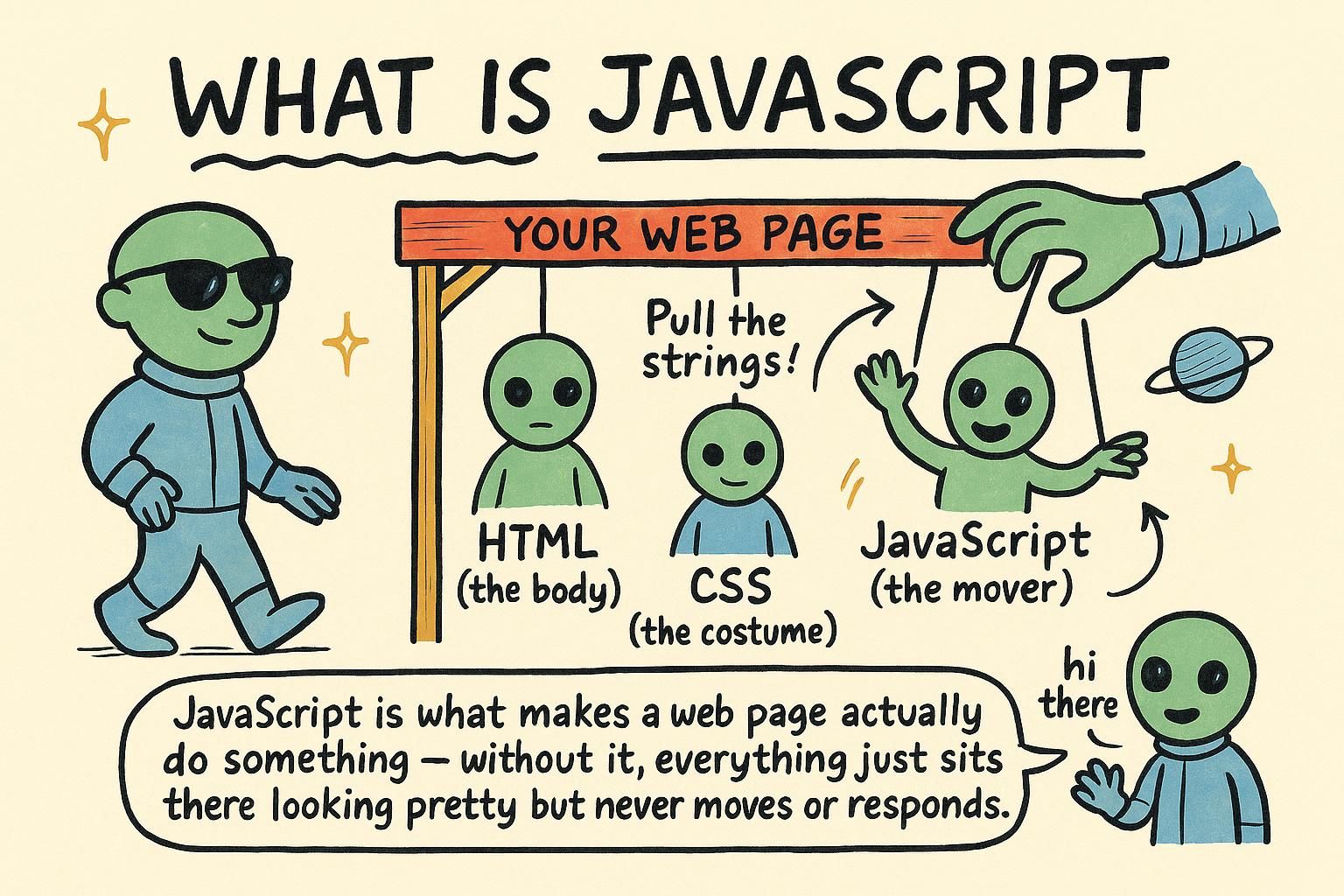
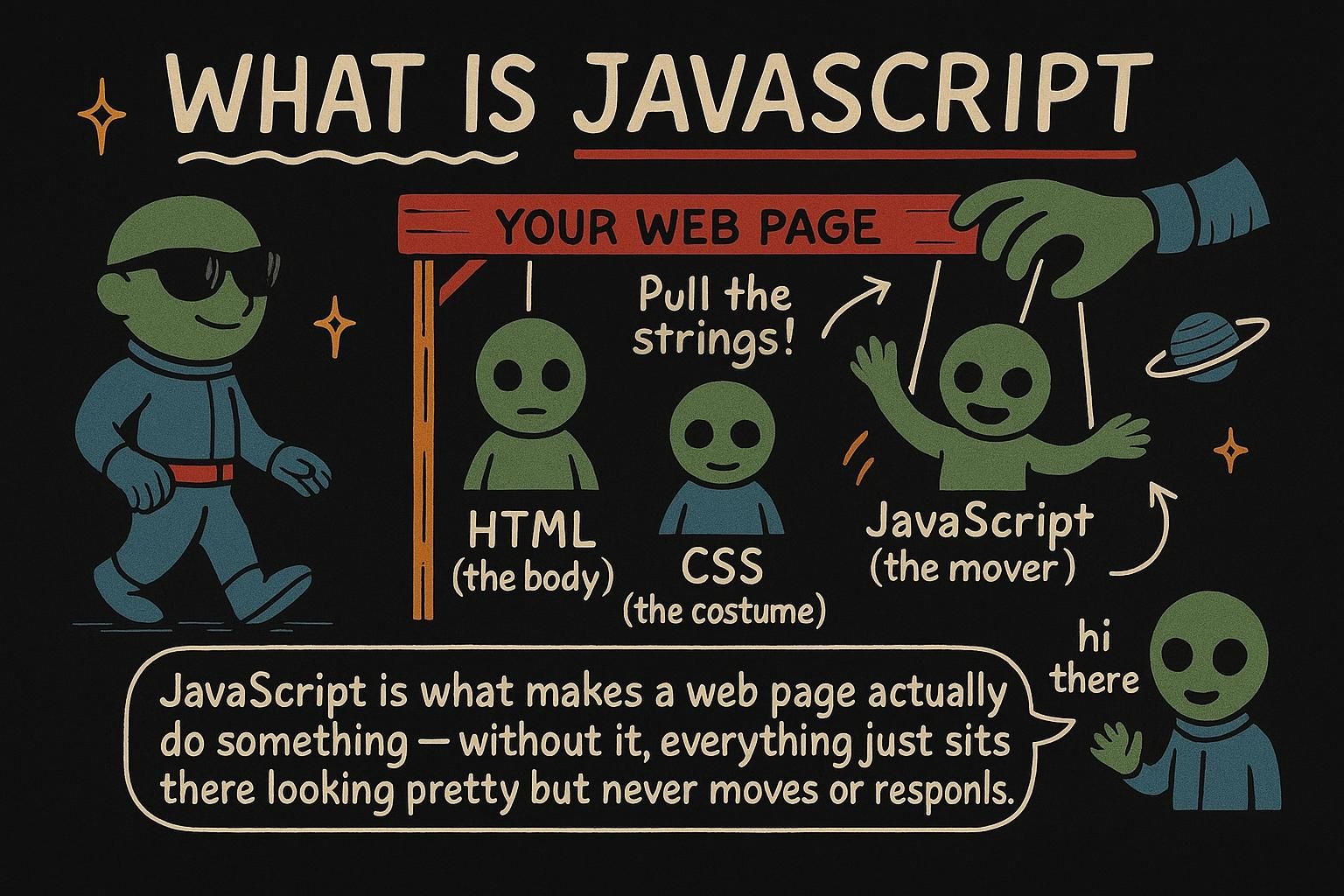
JavaScript is a programming language: a way of writing instructions that a computer carries out step by step. Where HTML describes what is on a page and CSS describes how it looks, JavaScript describes what happens. It is the part that reacts.

Think of a web page as a house. HTML is the structure, the walls and rooms. CSS is the paint and furniture. JavaScript is the electricity and plumbing: the wiring that makes a switch turn on a light, or a tap produce water. It is what makes the page do something when a person interacts with it.

JavaScript is the behaviour layer of a web page. HTML provides structure and CSS provides presentation; JavaScript adds logic and interactivity. It can read and change the page after it has loaded, respond to events like clicks and key presses, keep track of state, and talk to servers to load new data.

Unlike HTML and CSS, which describe a result, JavaScript is a full programming language: it has variables, conditions, loops, and functions. You are not only declaring what you want, you are writing the steps the browser runs. That is the shift this handbook is about, from describing a page to programming one.

JavaScript is a high-level, dynamically typed programming language (values have types, but variables are not locked to one, so a name can hold a number now and a string later). In the browser it is the behaviour layer: it manipulates the DOM (the Document Object Model, the live in-memory tree the browser builds from your HTML) in response to events, manages state, and performs network requests.

The framing worth keeping is that HTML and CSS are declarative while JavaScript is imperative and Turing-complete: you express computation, not only a desired result. That power is why it carries the interactivity of the entire web, and also why the discipline that HTML and CSS barely need, naming, structure, error handling, becomes your responsibility the moment logic enters the page. Most of this handbook is about wielding that power without creating a mess only you can read.

js
// HTML gives you a button. JavaScript makes it do something.
const button = document.querySelector(".menu-toggle");
button.addEventListener("click", openMenu);

You will meet every piece of that in later chapters. For now, notice the shape: JavaScript reaches into the page (document.querySelector), and it responds to something the user does (addEventListener). Reaching in and responding are most of what browser JavaScript does.

JunoA language for making pages do things HTML is structure, CSS is style, JavaScript is behaviour: the part that reacts when someone uses the page. It is a real programming language, so you write instructions the browser follows step by step. That is the shift you are starting: from describing a page to telling it what to do.
JunoA language for making pages do things JavaScript is the behaviour layer: it reads and changes the page, responds to events, and talks to servers. Unlike HTML and CSS it is a full language with logic and state, so you program the page rather than declare it. Keeping that job clear in your head makes the other two easier to place.
JunoA language for making pages do things JavaScript is imperative and Turing-complete, which is why it carries the whole web's interactivity and why structure becomes your job the moment logic appears. It is dynamically typed, so a name can hold any type and the type checks happen at runtime. Most of the craft here is wielding that power without writing code only you can read.

Where JavaScript runs

JavaScript runs inside the browser. Every browser, Chrome, Safari, Firefox, has a built-in engine that reads your JavaScript and runs it. That means there is nothing to install to get started: if you can open a web page, you can run JavaScript.

You add JavaScript to a page with a <script> tag, usually right before the closing </body> tag, To keep your code in its own file, point the tag at it with a src attribute that names the file, the same way an image tag points at an image.

The quickest place to try a line of code is the browser console, a panel in the developer tools where you can type JavaScript and see the result straight away.

JavaScript runs in a runtime: an environment that provides the engine to execute your code plus the extra features that code can use. In the browser, the runtime gives you the document for the page, window for the browser tab, fetch for network requests, and more. The language itself is small; most of what you use in the browser comes from the runtime around it. Load an external script with a <script> tag and its src attribute, and add defer so the browser finishes building the page before running the script, which spares you a class of "element not found" bugs. The console in the dev tools is a live runtime you can type into, and it is where you will test ideas fastest.

JavaScript is defined by a language specification (ECMAScript) and executed by an engine such as V8 (Chrome, Node) or JavaScriptCore (Safari). The engine is only half the story: the useful capabilities come from the host environment, the runtime that embeds the engine and exposes APIs to it. In the browser that host is the page, providing the DOM, timers, fetch, storage, and events; in a server runtime like Node it is the operating system, providing files and sockets instead.

Two practical consequences. First, the same language runs in very different places, so "is this JavaScript or a browser feature" is a real distinction: Array and Promise are the language, while document and localStorage are the browser. Second, how a script loads affects behaviour: a classic <script> blocks parsing, defer runs it after the DOM is built in order, and type="module" defers by default and gives you import/export plus its own scope. Knowing which one you are using explains a lot of "why did this run before the page existed" confusion.

JunoWhere JavaScript runs JavaScript runs in the browser, which already has an engine to execute it, so there is nothing to install. You add it to a page with a <script> tag, and the fastest place to try a line is the console in the browser's developer tools. Open it and type something, you cannot break anything.
JunoWhere JavaScript runs The browser gives you a runtime: the engine plus extras like document and fetch. Load your code with <script src> and add defer so it runs after the page is built. The console is a live runtime for testing ideas, and it is the fastest feedback you will get.
JunoWhere JavaScript runs The engine runs the language (ECMAScript); the host environment supplies the APIs, which is why Array is JavaScript but document is the browser. How a script loads matters too: classic scripts block parsing, defer runs after the DOM in order, and type="module" defers and adds import scope. That distinction explains most "it ran before the page existed" bugs.

Your first look at JavaScript

Here is a tiny program. You do not need to understand every part yet, the next chapters cover each one, but you can already read the shape of it:

js
let name = "Sam";
console.log("Hi " + name); // Hi Sam

The first line stores the text "Sam" under the name name. The second line prints a message to the console, joining "Hi " and the stored name together. console.log is how you ask JavaScript to show you a value while you are learning, and you will use it constantly.

A first program, small but complete:

js
let name = "Sam";
let greeting = "Hi " + name;
console.log(greeting); // Hi Sam

Three ideas are already here: a variable that holds a value, an expression that combines values ("Hi " + name), and a statement that does something with the result (console.log). Almost all JavaScript is those three things stacked up: name some values, compute with them, and act on the outcome. console.log prints to the console and is your default tool for seeing what your code is actually doing.

The smallest useful program still shows the core loop of the language:

js
const name = "Sam";
const greeting = `Hi ${name}`;
console.log(greeting); // Hi Sam

Note the choices a working developer makes by reflex here: const rather than let because the binding never changes (signalling intent and preventing accidental reassignment), and a template literal (the backtick string with ${...}) rather than + concatenation because it reads cleaner and handles types more predictably. None of this is required to make the line run, which is exactly the point: JavaScript will accept the loose version happily, so the quality of your code comes from decisions the language does not force. This handbook spends much of its time on those decisions, starting with variables next.

JunoYour first look at JavaScript A program is mostly this: store some values, combine them, and do something with the result. console.log prints a value so you can see it, and it is your best friend while learning. Do not worry about the details yet, you will meet each part properly in the next chapters.
JunoYour first look at JavaScript Most JavaScript is three things stacked up: variables that hold values, expressions that combine them, and statements that act on the result. Recognising those three in any snippet makes unfamiliar code far less intimidating. Keep console.log close, it is how you check what your code is really doing.
JunoYour first look at JavaScript The language runs the loose version and the careful version equally, so quality comes from choices it never forces: const over let when a binding is fixed, template literals over + for readability. That freedom is JavaScript's blessing and its trap. The next chapters are largely about making those calls well, starting with variables.

What "modern JavaScript" means

You will hear people talk about modern JavaScript. JavaScript has been around since 1995 and it gets new features every year, but old code keeps working, so the language has picked up a few different ways to do the same thing over the years.

The good news: you do not need the history. This handbook teaches the current, recommended way to write each thing. If you see older tutorials using var to make variables, that is the old style; you will learn let and const instead, which are what developers use today.

"Modern JavaScript" usually means the language as it has been since a big 2015 update (called ES2015, or ES6) and the yearly additions since. That update added let and const, arrow functions, template literals, and more, and it is the baseline every current browser supports.

It matters because you will run into two eras of code. Older material uses var, function expressions everywhere, and string concatenation; current code uses const/let, arrow functions, and template literals. This handbook teaches the modern style throughout and names the older forms only so you recognise them in the wild. You will not need build tools or configuration to use any of it; it runs in the browser as-is.

JavaScript is standardised as ECMAScript, and since ES2015 the specification ships yearly (ES2016, ES2017, and so on), each adding a small, backward-compatible set of features. "Modern JavaScript" is shorthand for writing against that evolved language, const/let, arrow functions, template literals, destructuring, modules, async/await, rather than the pre-2015 idioms.

The reason this stays simple in practice is JavaScript's near-absolute commitment to backward compatibility: new syntax is added, old syntax almost never breaks, so a decade-old script still runs. That is why you can learn only the modern forms and safely treat var and its era as read-only knowledge for maintaining old code. The one place the past intrudes is when you read someone else's older codebase, and this handbook flags those older forms as they come up so they do not trip you. The next chapter, variables, starts exactly there, with the modern way to name and store values.

JunoWhat modern JavaScript means JavaScript is old and keeps its old code working, so there are a few ways to do some things. You do not need the history: this handbook teaches the current, recommended way each time. If a tutorial uses var, that is the old style, and you will learn let and const instead.
JunoWhat modern JavaScript means Modern JavaScript means the language since the 2015 update: const and let, arrow functions, template literals. You will meet older code that uses var and concatenation, so this handbook teaches the modern style and names the old forms only so you recognise them. It all runs in the browser with no build step.
JunoWhat modern JavaScript means ECMAScript ships yearly and stays backward compatible, so new syntax is added and old syntax almost never breaks. That is why you can learn only the modern forms and treat var and its era as read-only knowledge for old codebases. Write against the evolved language and let the handbook flag the legacy forms as they appear.

Where JavaScript goes from here

JavaScript is a large language, but it starts small: values, names for them, and ways to combine and act on them. Once those click, the rest of this handbook builds outward: making decisions and repeating work, organising code into functions, holding collections in arrays and objects, and then reaching into the page itself with the DOM to build things people can actually use.

The next chapter, variables, is where the real work begins: how to store a value, the difference between let and const, and the small set of rules that the whole rest of the language is built on.