

 Learn JavaScript
Strings
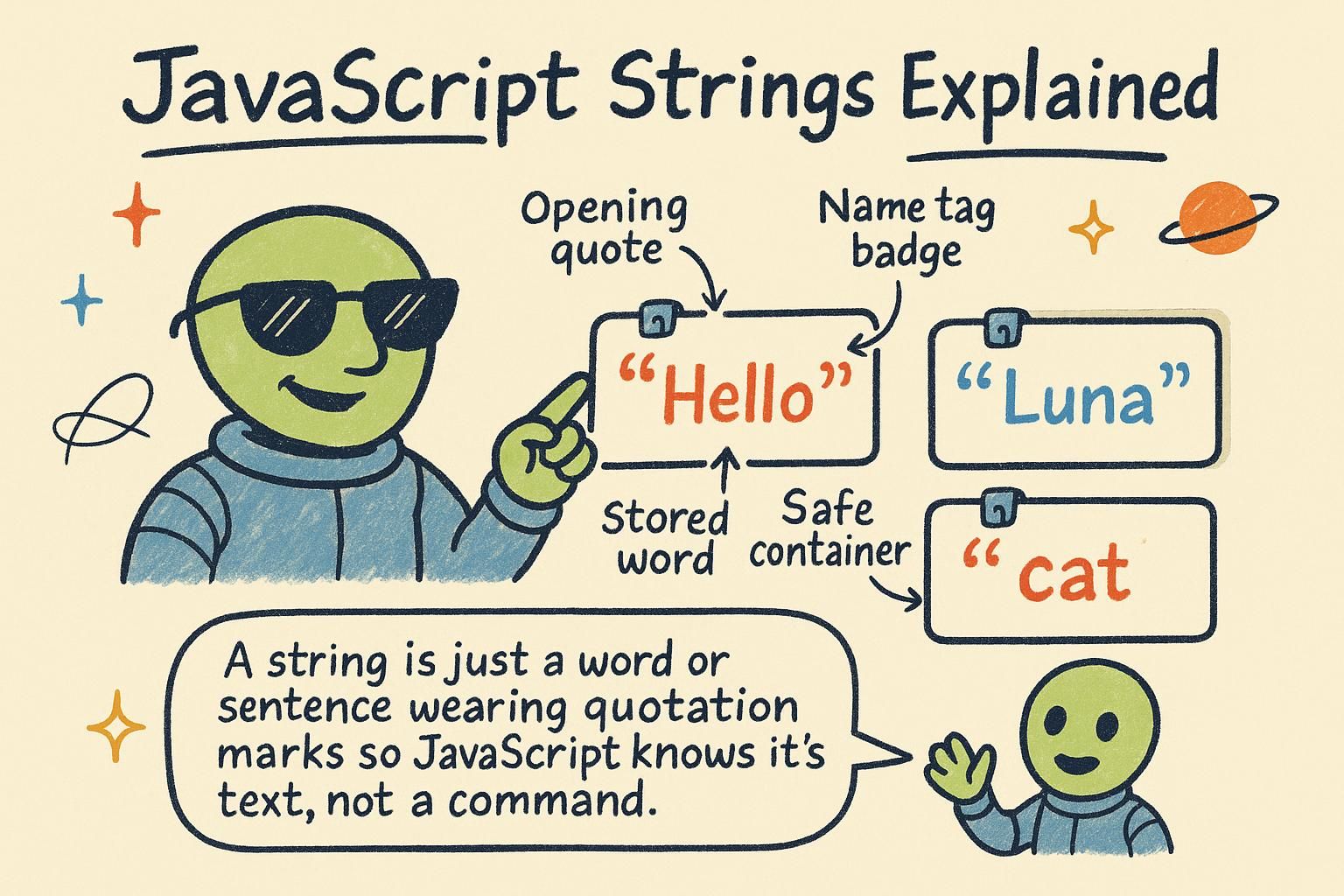
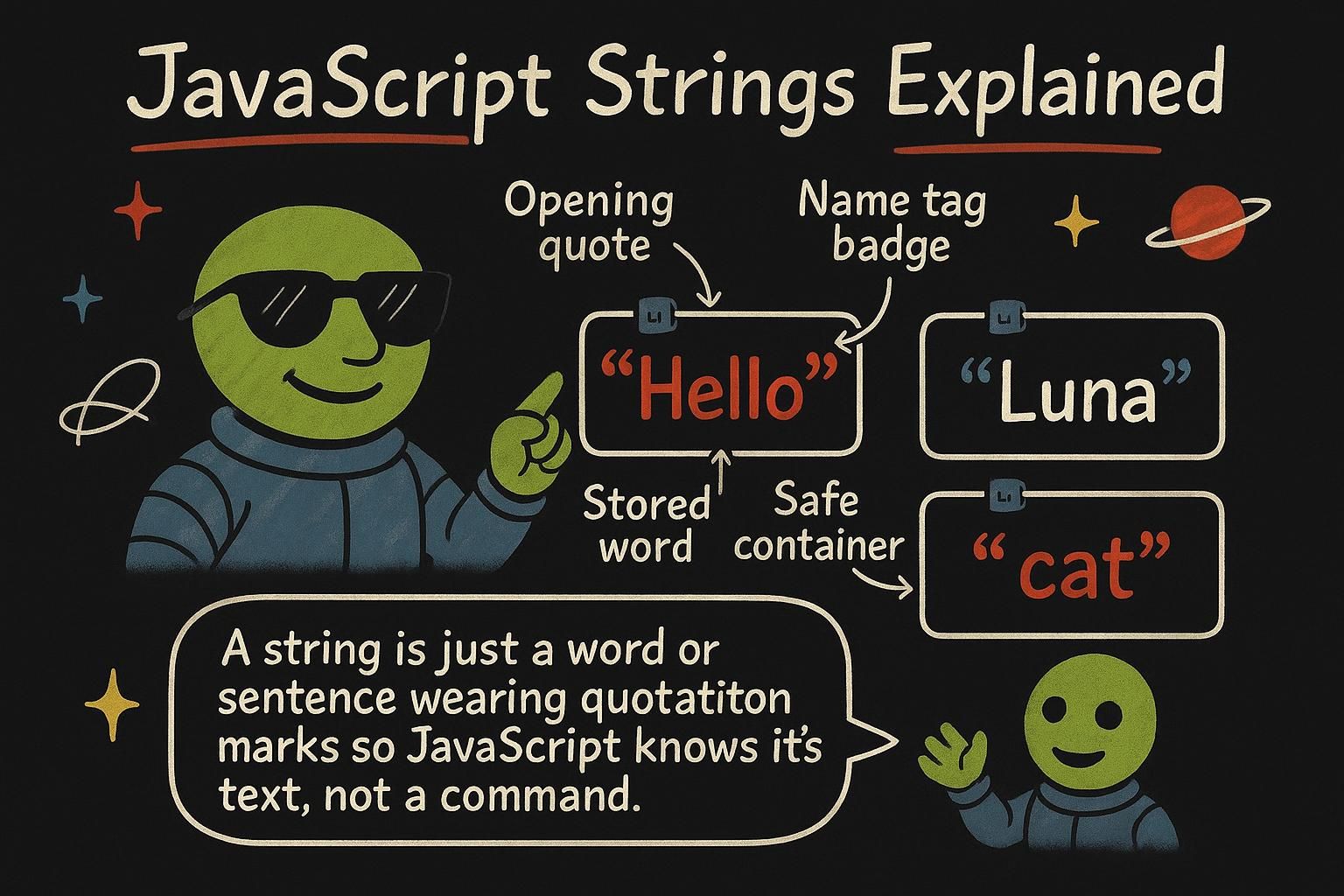
You are building a greeting for a signed-in user, and you have their name sitting in a variable. You need the page to say "Welcome back, Priya" without you typing "Priya" by hand, because tomorrow it is Kwame, and the day after that it is someone you have never heard of. Text you can build, measure, and reshape on the fly is a string, and this chapter is about working with them.
Making strings
A string is text: any run of characters wrapped in quotes. You can use single quotes or double quotes, and they behave the same way, so pick one and stay consistent.
const firstName = "Priya";
const greeting = "Welcome back";
The most useful way to build a string is a template literal, written with backticks instead of quotes. Inside a template literal you can drop a value into the text with ${...}, and JavaScript fills in whatever that value holds:
const firstName = "Priya";
const message = `Welcome back, ${firstName}`;
console.log(message); // Welcome back, Priya
That ${firstName} is a slot. When the string is built, the slot is replaced by the value of firstName. Reach for template literals whenever you are building text out of pieces.

${...} slots that get filled in with your values. That is the tool you will reach for most. Joining and measuring
You can join two strings with the + operator. This is called concatenation:
const firstName = "Kwame";
const greeting = "Hi " + firstName;
console.log(greeting); // Hi Kwame
Notice the space inside 'Hi '. Concatenation glues strings exactly as written, so if you forget the space you get HiKwame. A template literal usually reads better for the same job: `Hi ${firstName}`.
Every string knows its own length. Ask for it with .length:
const firstName = "Kwame";
console.log(firstName.length); // 5
You can also read a single character by its position, counting from zero, using square brackets:
const firstName = "Kwame";
console.log(firstName[0]); // K
The first character is at position 0, not 1. That zero-based counting is everywhere in JavaScript, so it is worth getting comfortable with now.
+, but remember to include your own spaces, or Hi and a name run together. A template literal is usually cleaner for the same thing. Use .length to count characters, and square brackets like name[0] to read one by position, counting from zero. Useful string methods
Strings come with built-in methods: actions you run on a string by writing a dot and the method name. Here are the ones you will use most.
Change the case with toUpperCase() and toLowerCase():
const firstName = "priya";
console.log(firstName.toUpperCase()); // PRIYA
Check whether one piece of text appears inside another with includes(), which answers with true or false:
const message = "Welcome back";
console.log(message.includes("back")); // true
Cut out part of a string with slice(), giving it the start position and where to stop. Clean up stray spaces at the ends with trim(). And swap one piece of text for another with replace():
const raw = "  Hello  ";
console.log(raw.trim()); // Hello

const message = "Hi Sam";
console.log(message.replace("Sam", "Yuki")); // Hi Yuki
There are many more string methods, and you do not need them memorised. Learn these five, and look the rest up when a job calls for them.
toUpperCase(), includes() for a yes or no check, slice() to cut out a part, trim() to remove stray spaces, and replace() to swap text. There are plenty more, so learn these five and look up the rest when you need them. Where strings go next
Strings are one of JavaScript's core building blocks, and you now have the pieces that matter: making them with quotes or template literals, joining and measuring them, and reshaping them with methods that always return something new. The same dot-and-method pattern you used here shows up again on other types, most notably when you start working with lists in array methods.
Text also rarely travels alone. The moment you show a count, a price, or a total, you are mixing strings with numbers, and template literals are how you stitch the two together cleanly.