

 Learn JavaScript
Numbers and math
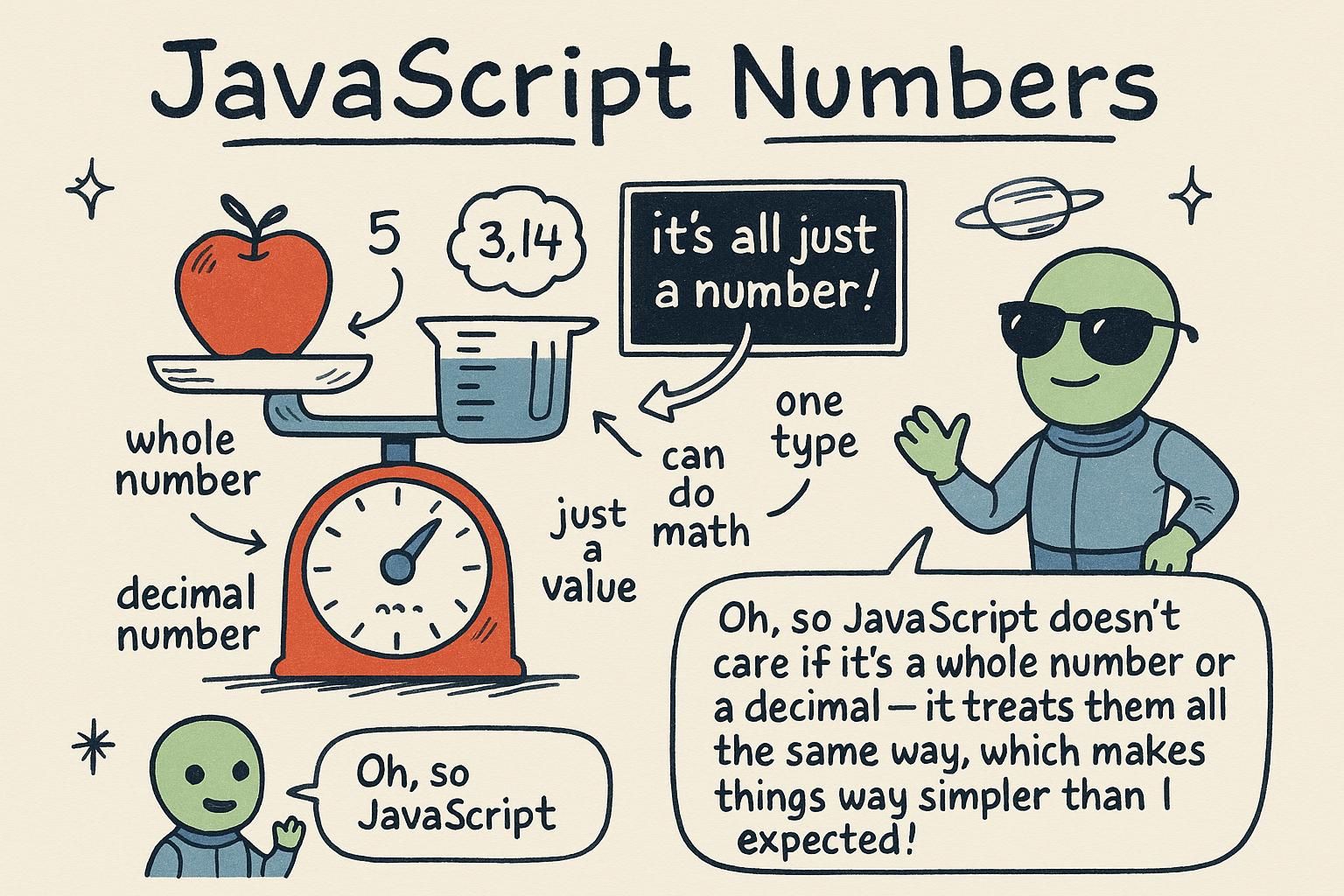
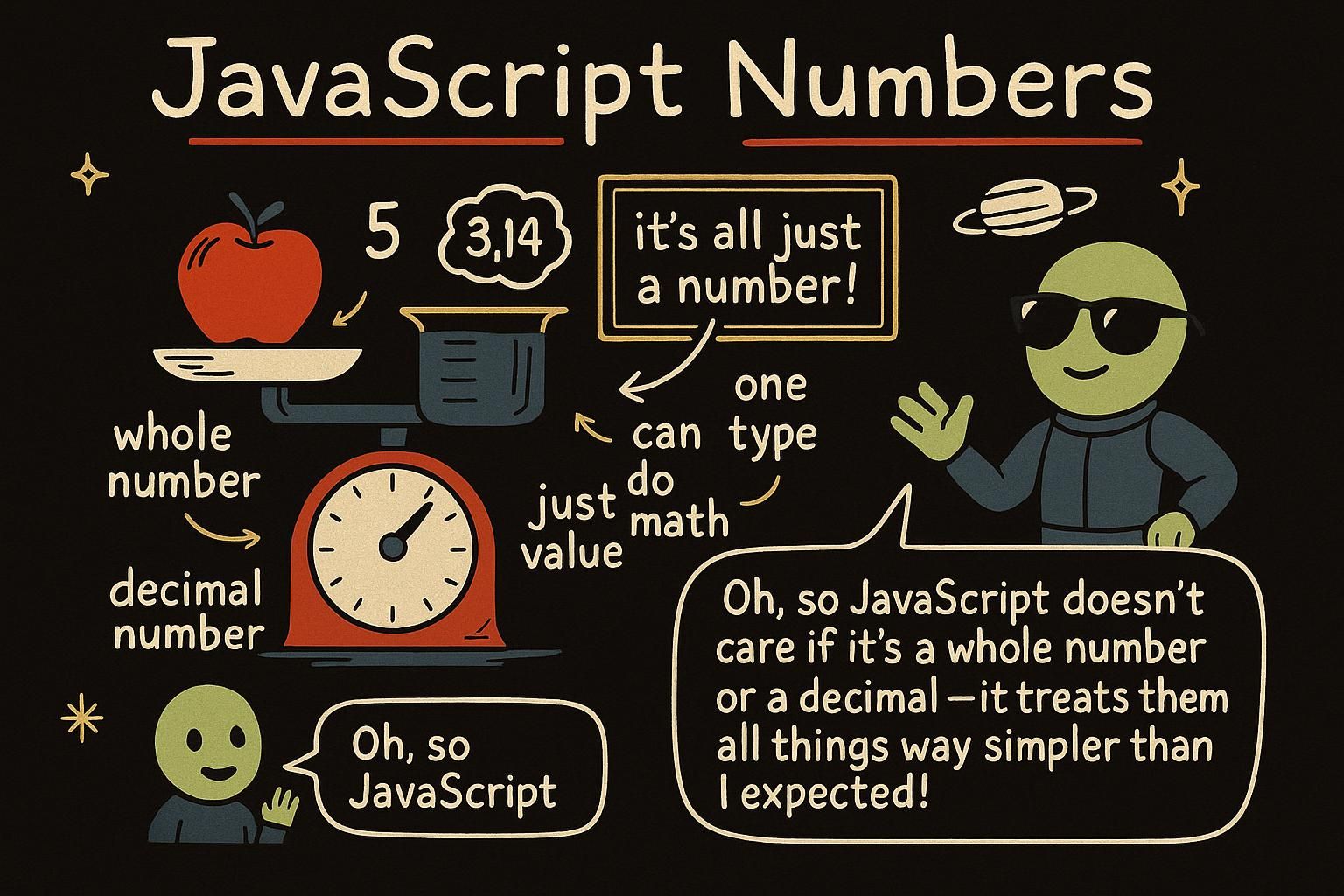
A shopping cart adds up prices, a game tracks a score, a form works out how much tax to charge. All of it comes down to numbers and doing arithmetic with them. JavaScript treats numbers as one of its core building blocks, and this chapter is about what you can do with them: the everyday maths, the built-in helpers for rounding and randomness, and the piece that trips up almost everyone, turning text typed into a page back into a number you can add up.
Numbers and arithmetic
JavaScript has one number type, and it covers everything. Whole numbers like 42 and decimals like 9.99 are both the same kind of value, so you never pick between them:
const price = 9.99;
const quantity = 3;
const total = price * quantity;
console.log(total); // 29.97
You do maths with the symbols you already know: + adds, - subtracts, * multiplies, and / divides. There is one more that is less familiar, %, the remainder. It gives you what is left over after dividing:
const remainder = 7 % 2;
console.log(remainder); // 1
Seven divided by two is three with one left over, so 7 % 2 is 1. This is how you check whether a number is even: an even number divided by two has nothing left over, so number % 2 is 0 for even numbers and 1 for odd ones.

number type in JavaScript, so whole numbers and decimals are the same thing and you never choose between them. The operators are + - * / plus %, the remainder, which is what is left after dividing. The handy trick is % 2: it is 0 for even numbers and 1 for odd ones. The Math object
When you need more than the basic operators, JavaScript gives you Math, a built-in collection of maths helpers. You call them by name with a dot:
console.log(Math.round(4.6)); // 5
console.log(Math.floor(4.6)); // 4
console.log(Math.ceil(4.1)); // 5
Math.round rounds to the nearest whole number, Math.floor always rounds down, and Math.ceil always rounds up. There are also Math.max and Math.min, which pick the biggest or smallest of the numbers you give them:
console.log(Math.max(3, 8, 5)); // 8
console.log(Math.min(3, 8, 5)); // 3
And Math.random, which gives a random decimal from 0 up to (but not including) 1. On its own that is rarely what you want, so the common recipe is to multiply it and floor it to get a random whole number:
const roll = Math.floor(Math.random() * 6) + 1;
console.log(roll); // 4 (a different number each time)
Math.random() * 6 lands somewhere from 0 up to 6, Math.floor drops it to a whole number from 0 to 5, and + 1 shifts it to a dice roll of 1 to 6.
Math is a ready-made toolbox of maths helpers you call with a dot: Math.round, Math.floor (down), Math.ceil (up), and Math.max / Math.min for the biggest and smallest. Math.random gives a decimal from 0 up to 1, and the recipe worth memorising is Math.floor(Math.random() * n) for a random whole number. It took me a few tries to trust that pattern, so copy it and read it slowly. Turning strings into numbers
Anything a person types into a page arrives as text, even when it looks like a number. Type 5 into a box and you get the string "5", not the number 5. That matters because + on two strings joins them instead of adding:
const a = "5";
const b = "3";
console.log(a + b); // "53", not 8
To do maths, you convert the text to a number first. The clearest way is Number():
const count = Number("5");
console.log(count + 3); // 8
There are two more you will see: parseInt reads a whole number and drops any decimal, and parseFloat keeps the decimal:
console.log(parseInt("42px")); // 42
console.log(parseFloat("9.99")); // 9.99
Both of these can read a number sitting at the start of some text, like "42px", which Number cannot. There is also a shortcut, a + in front of a string, which converts it the same way Number does:
console.log(+"7"); // 7"5" is not the number 5, and "5" + "3" gives "53" instead of 8. Convert first: Number("5") is the clearest, parseInt reads a whole number, parseFloat keeps decimals, and a + in front of a string is a quick shortcut. Watch for the joining-instead-of-adding trap, it catches everyone once. The sharp edges of numbers
Numbers in JavaScript hold a surprise that is worth seeing once, early. Add two simple decimals and you can get a strange answer:
console.log(0.1 + 0.2); // 0.30000000000000004That is not a bug in your code. Computers store decimals in a way that cannot represent every value exactly, so a tiny error creeps in. It rarely matters, and when it does, you round the result for display:
const sum = 0.1 + 0.2;
console.log(Math.round(sum * 100) / 100); // 0.3
You will also meet a value called NaN, short for "not a number". You get it when a maths operation has no sensible answer, like trying to turn nonsense text into a number:
console.log(Number("hello")); // NaNSeeing NaN in your output usually means a conversion went wrong somewhere, so it is a useful clue rather than something to fear.
0.1 + 0.2 comes out as 0.30000000000000004, which is normal, not a bug in your code. When it matters, round the result before you show it. And NaN means "not a number", the answer you get when a conversion fails, so treat it as a clue that some text did not turn into a number the way you expected. Where numbers go next
Numbers are one of a handful of core data types in JavaScript, sitting alongside text and true/false values. Most real programs mix them, pulling a number out of a string, comparing it, storing the result in a variable, and the operators that do that comparing and combining are the subject of operators next.