

 Learn JavaScript
Async JavaScript
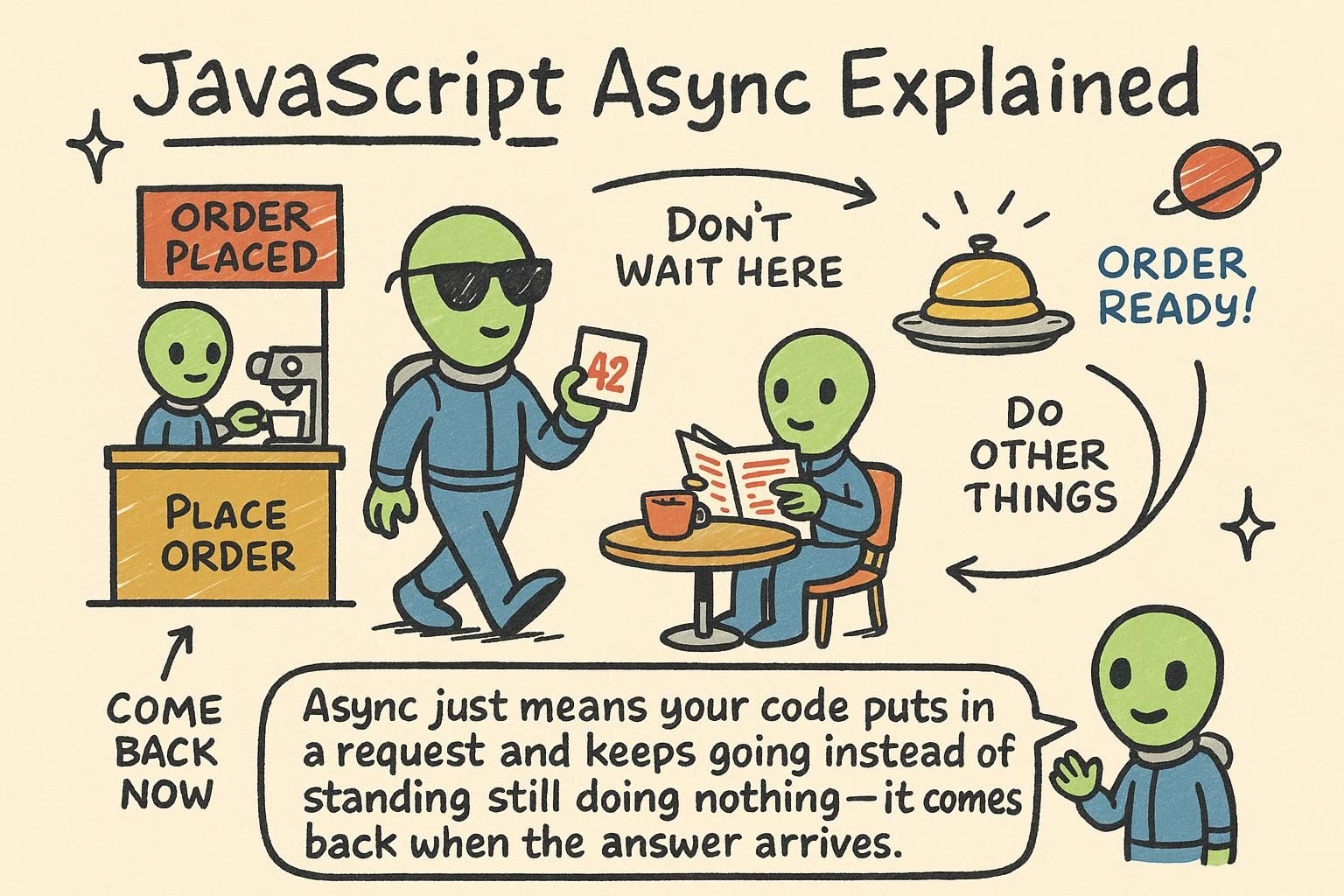
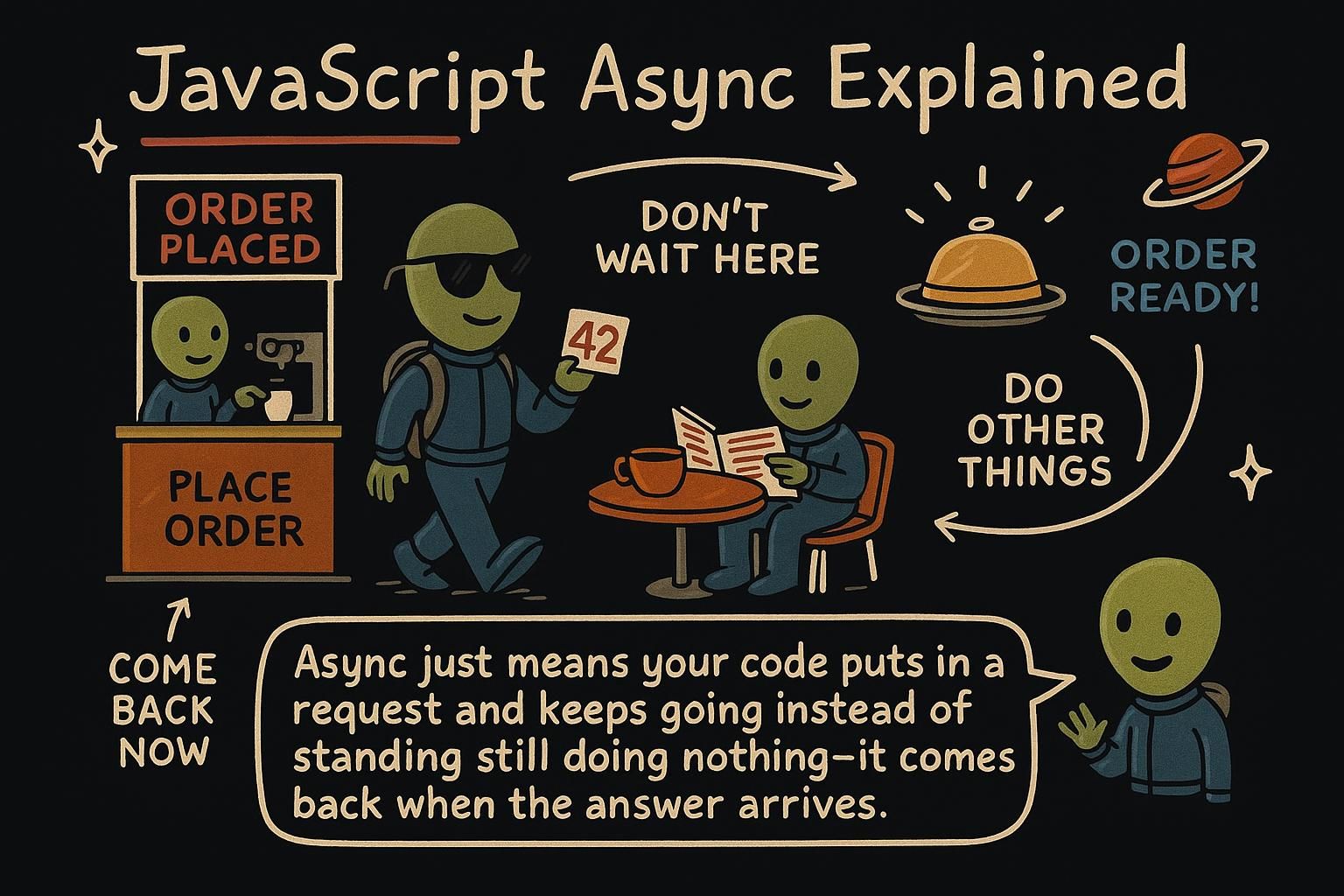
Some things happen instantly: adding two numbers, reading a variable, changing text on the page. Others take time. A timer counts down for three seconds. A request to a server travels across the network and comes back a moment later. If JavaScript stopped and waited for each of those, the whole page would freeze: no clicks, no scrolling, nothing, until the slow thing finished. It does not work that way. This chapter is about how JavaScript starts something slow, keeps the page responsive, and comes back to handle the result when it is ready.
Why async
Most JavaScript runs top to bottom, one line finishing before the next starts. That is fine for fast work. But some tasks take real time, and JavaScript does not sit and wait for them. It starts the slow task, moves on to the next line, and comes back to the slow one when it is done. That is what asynchronous means: not happening in order, not right now, but later, when the result is ready.
The simplest example is a timer. setTimeout runs a piece of code after a delay:
console.log("Start");
setTimeout(() => {
  console.log("3 seconds later");
}, 3000);
console.log("End");
// Start
// End
// 3 seconds later
Notice the order. "End" prints before "3 seconds later", even though it comes after setTimeout in the code. JavaScript did not wait three seconds on that line. It set the timer, kept going, and ran the delayed code when the time was up.

"End" prints before the setTimeout message, even though the timer comes first in the code. Promises
setTimeout is fine for a delay, but most async work produces a value you care about: the data you asked for, or an error if it went wrong. For that, JavaScript uses a promise. A promise is a value that is not ready yet, with a spot reserved for it. It is like a receipt: you do not have the meal, but you have something that will turn into the meal.
A promise ends in one of two ways. It resolves with a value when the work succeeds, or it rejects with an error when it fails. You say what to do in each case with .then() and .catch():
loadUser()
  .then((user) => {
    console.log(`Loaded ${user.name}`);
  })
  .catch((error) => {
    console.log("Something went wrong");
  });
.then() runs when the promise resolves, and it receives the value. .catch() runs if it rejects, and it receives the error. The code inside them runs later, once the result arrives.
.then() for the value and .catch() for the error, and both run later once the result is in. async / await
Promise chains work, but there is a cleaner way to write them that reads almost like ordinary top-to-bottom code. It uses two keywords, async and await.
You mark a function async, and inside it you can await a promise. await pauses the function until the promise resolves, then gives you the value directly, no .then() needed:
async function showUser() {
  const user = await loadUser();
  console.log(`Loaded ${user.name}`);
}
Read that top to bottom: get the user, then log the name. The await line waits for loadUser() to finish and hands you the user. The function pauses there, but the rest of the page keeps running, so nothing freezes.
To handle errors, wrap the await in try and catch:
async function showUser() {
  try {
    const user = await loadUser();
    console.log(`Loaded ${user.name}`);
  } catch (error) {
    console.log("Could not load the user");
  }
}
If the promise fails, the code jumps into the catch block instead of crashing.
async and you can await a promise inside it. await pauses that function until the promise resolves and hands you the value straight away, so the code reads top to bottom with no .then(). Wrap it in try and catch to handle failures, and the page keeps running while the function waits. Fetching data
The most common async task you will write is loading data from a server. The browser gives you fetch for this. You pass it a URL, and it returns a promise for the response:
async function loadUsers() {
  const response = await fetch("https://api.example.com/users");
  const users = await response.json();
  console.log(users);
}
There are two awaits, and that surprises people at first. The first one waits for the server to respond. The second one reads the body of that response and turns it into JavaScript data with .json(), which is itself async. So fetching is two steps: get the response, then read it.
Servers can also respond with an error, like "not found". fetch does not treat that as a failure on its own, so you check response.ok yourself:
async function loadUsers() {
  const response = await fetch("https://api.example.com/users");
  if (!response.ok) {
    console.log("Request failed");
    return;
  }
  const users = await response.json();
  console.log(users);
}fetch(url) returns a promise for the server's response, and loading data is two steps: await fetch(...) for the response, then await response.json() to read the data out of it. A server error like "not found" does not fail on its own, so check response.ok before you read the body. Both steps use await because both take time. The event loop and running work in parallel
Everything so far has one theme: JavaScript starts slow work, keeps going, and comes back to it later. This section is the mechanism behind that, plus the patterns for running several async tasks well.
Here is a picture of how JavaScript keeps track of async work. Your running code sits on the call stack, the list of what is executing right now. When you call setTimeout, the timer is handed off to the browser to count down, so it is not on the stack blocking anything. When the timer finishes, its callback goes into a task queue, a waiting line of code ready to run.
The event loop is the part that connects them. It has one rule: run everything on the call stack first, and only when the stack is empty pull the next task from the queue. That is why setTimeout(fn, 0) still runs after your other code, even with a zero delay. The callback has to wait in the queue until the current code is done:
console.log("first");
setTimeout(() => console.log("third"), 0);
console.log("second");
// first
// second
// third
The delay of 0 does not mean "right now". It means "as soon as the current code finishes".
setTimeout(fn, 0) still runs after the rest of your code. A delay of 0 means "as soon as the current code finishes", not "right now". Where async goes from here
Async is the part of JavaScript that keeps a page alive while slow work happens in the background. The shape is always the same: start something that takes time, let the rest of your code run, and handle the result when it arrives. Promises give that result a value you can pass around, async/await lets you write it in plain top-to-bottom code, and fetch is where you will use all of it most, loading data from a server.
From here, async connects to the parts of the language that react to the outside world. You will wire fetched data into the page through the DOM, and you will kick off async work in response to what people do on the page, which is events. The results you get back are almost always objects, so reading and reshaping them is the next skill that pairs with everything here.