

 Learn JavaScript
Conditionals
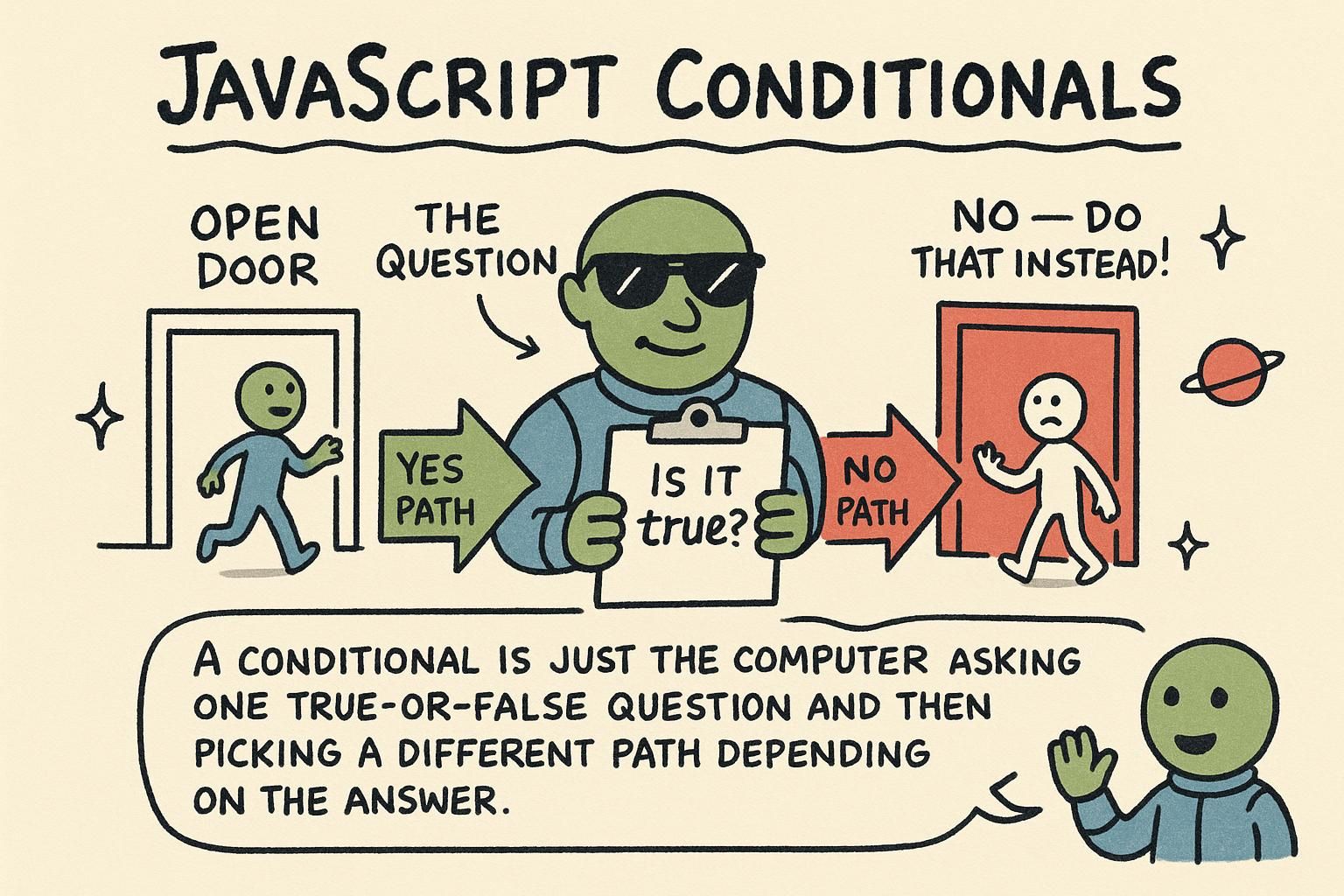
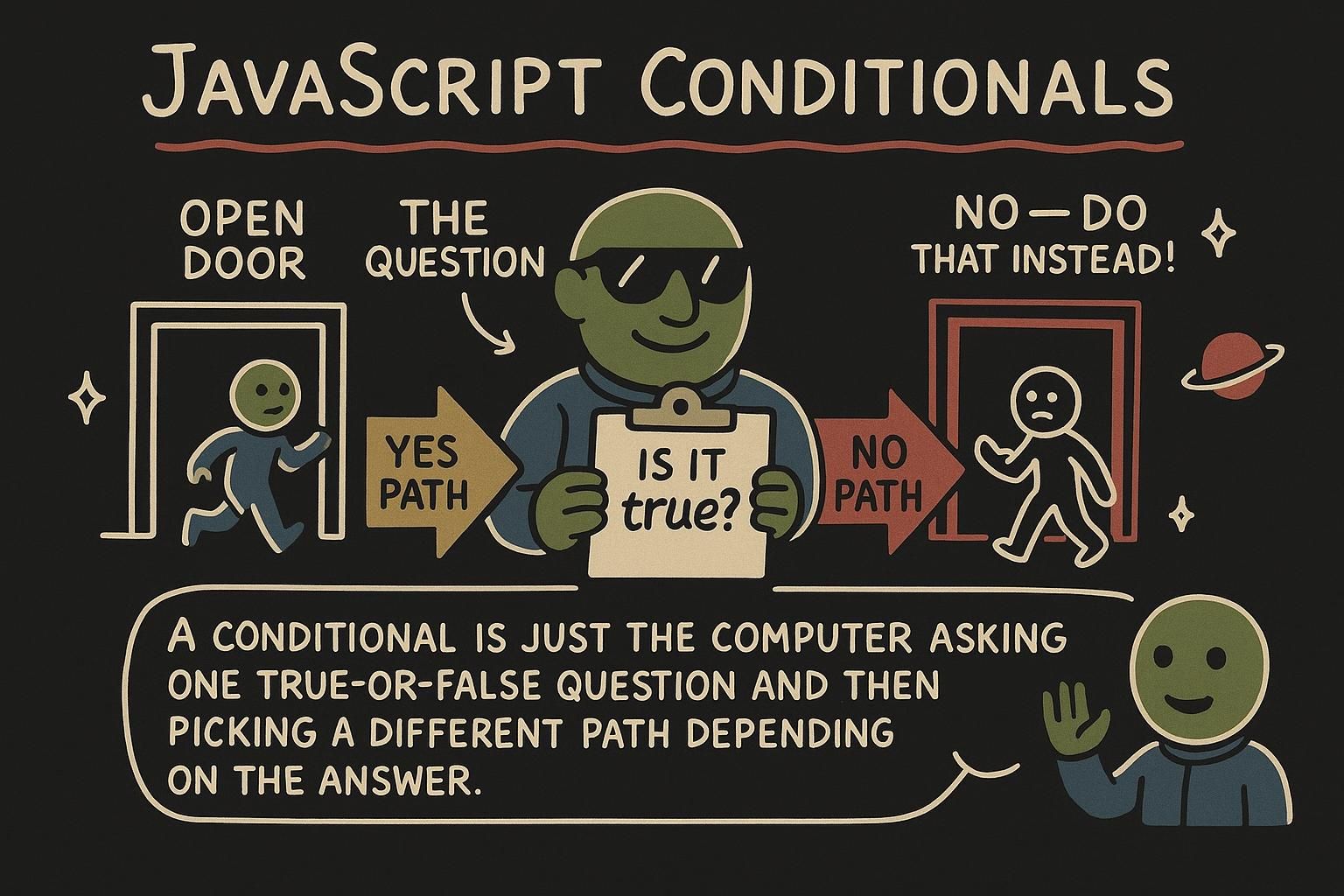
A program that always does the same thing is not much use. You want a page that shows one message to a signed-in visitor and another to a stranger, a form that accepts an age of 18 but not 12, a game that reports whether you won or lost. All of that needs a way to ask a question and act on the answer. That is what conditionals do: they let your code choose what to run based on whether something is true.
You already have the pieces. The comparison and logical operators produce the true-or-false answers, and this chapter is about acting on them.
Running code only when a condition is true
An if statement runs a block of code only when a condition is true. You write the word if, a condition in parentheses, and a block in curly braces. If the condition is true, the block runs. If it is not, JavaScript skips the block and carries on.
const age = 20;

if (age >= 18) {
  console.log("You can enter."); // You can enter.
}
The condition age >= 18 is either true or false. Here age is 20, so it is true, and the message prints. Change age to 12 and the condition is false, so the block is skipped and nothing prints.
Often you want a fallback for when the condition is false. That is what else is for:
const age = 12;

if (age >= 18) {
  console.log("You can enter.");
} else {
  console.log("Come back when you are older."); // Come back when you are older.
}
Exactly one of the two blocks runs, never both. When you have more than two outcomes, else if lets you check another condition:
const score = 74;

if (score >= 90) {
  console.log("Grade: A");
} else if (score >= 70) {
  console.log("Grade: B"); // Grade: B
} else {
  console.log("Grade: C");
}
JavaScript checks each condition from the top and stops at the first one that is true. A score of 74 is not >= 90, but it is >= 70, so it prints Grade: B and never looks at the else.

if runs its block only when the condition in the parentheses is true, and else gives you a fallback for when it is not. Add else if when there are more than two outcomes. JavaScript checks from the top and stops at the first match, so put your conditions in an order that makes sense. Choosing a value with the ternary operator
Sometimes an if / else does one small job: pick between two values. For that there is a shorter form called the ternary operator. You write a condition, a ?, the value to use when it is true, a :, and the value to use when it is false.
const age = 20;
const message = age >= 18 ? "Welcome" : "Too young";

console.log(message); // Welcome
Read it as a question: is age >= 18? If yes, message becomes "Welcome"; if no, it becomes "Too young". That is the same decision an if / else would make, in one line.
The ternary is at its best when you are choosing a value to store or print. When a branch needs to do several things, an if statement is clearer, so reach for the ternary only when each side is a single value.
condition ? valueIfTrue : valueIfFalse. It shines when you are choosing something to store or print. If a branch needs to do more than hand back a single value, use a full if instead, it will read more clearly. Comparing one value against fixed cases with switch
When you are checking one value against a list of set possibilities, a switch statement can be tidier than a long if / else if chain. You give it the value to check, then list the cases to compare it against.
const day = "Tue";

switch (day) {
  case "Sat":
    console.log("Weekend");
    break;
  case "Sun":
    console.log("Weekend");
    break;
  default:
    console.log("Weekday"); // Weekday
}
The switch compares day to each case in turn. When it finds a match, it runs that case's code. break tells it to stop; without it, JavaScript keeps running into the next case. default is the fallback that runs when no case matches, like the final else in a chain.
Forgetting break is the classic switch mistake. Leave it off and your code runs the matching case and then every case below it until it hits a break or the end, which is almost never what you meant.
switch checks one value against a list of case options and runs the one that matches, with default as the catch-all. Always end each case with break, or JavaScript keeps running into the cases below it. That missing break is the mistake almost everyone makes at least once. Picking the right tool
You now have three ways to make a decision, and the choice is mostly about fit. Use an if / else if / else chain for most branching, especially when the conditions are ranges or combinations. Use a ternary when you are picking one of two values to store or print. Use a switch when you are checking one value against a handful of fixed options.
None of these is more advanced than the others. Reach for the one that states your decision most plainly, and if you are unsure, an if statement is always a safe default.
if chain for most decisions, a ternary when you are picking one of two values, and a switch when you are matching one value against fixed options. None of them is fancier than the others. Pick whichever states your decision most clearly, and default to if when you are not sure. Where conditionals go from here
Conditionals are how a program stops being a fixed script and starts responding to its input. You will use them constantly, and they combine with everything around them: the true-or-false answers come from operators, and the decisions you make here start to pay off once you can run them repeatedly over data with loops and package them up in functions.
The next chapter, loops, adds the other half of control flow: not only choosing whether to run code, but running it again and again until a condition tells you to stop.