

 Learn JavaScript
Operators and comparisons
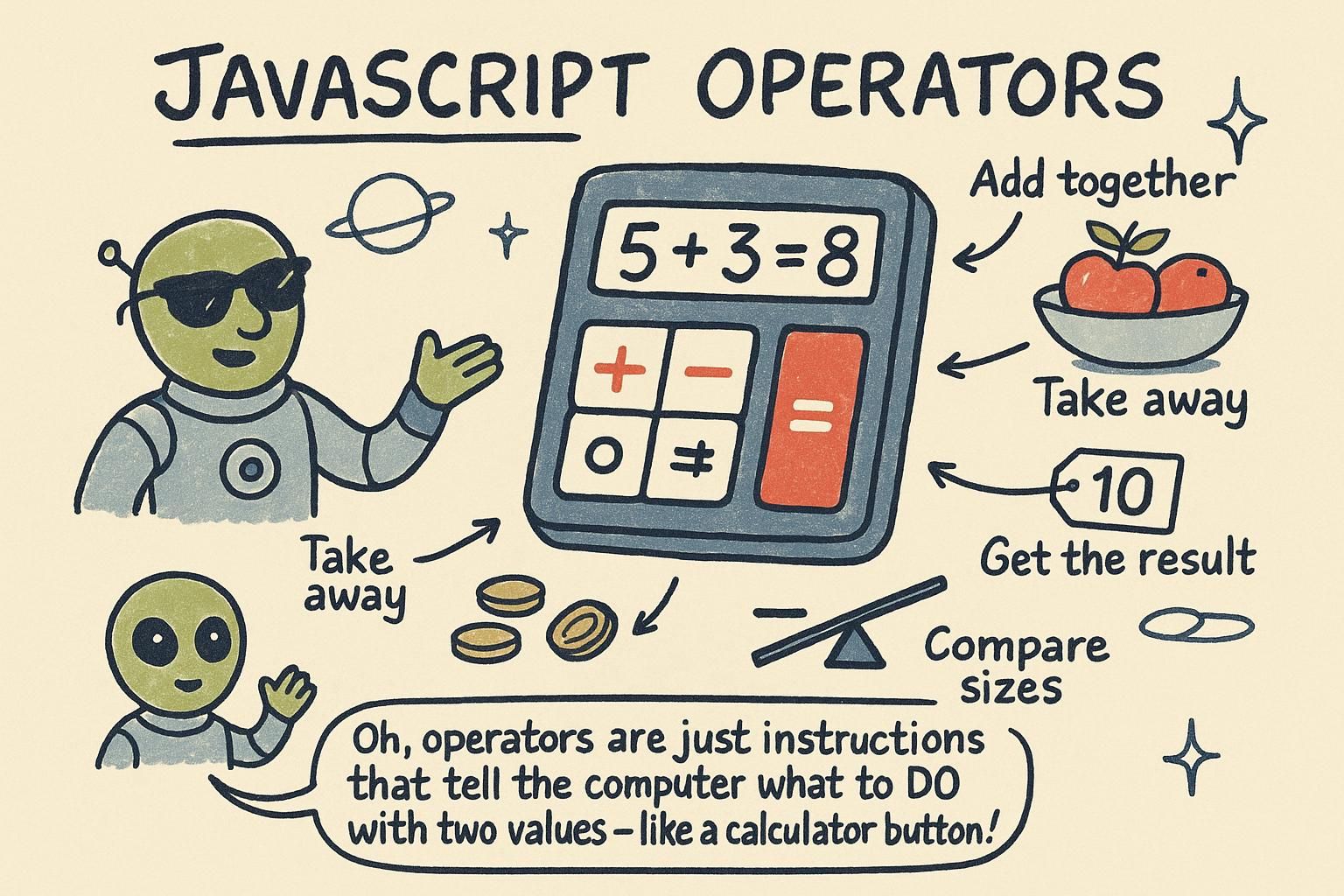
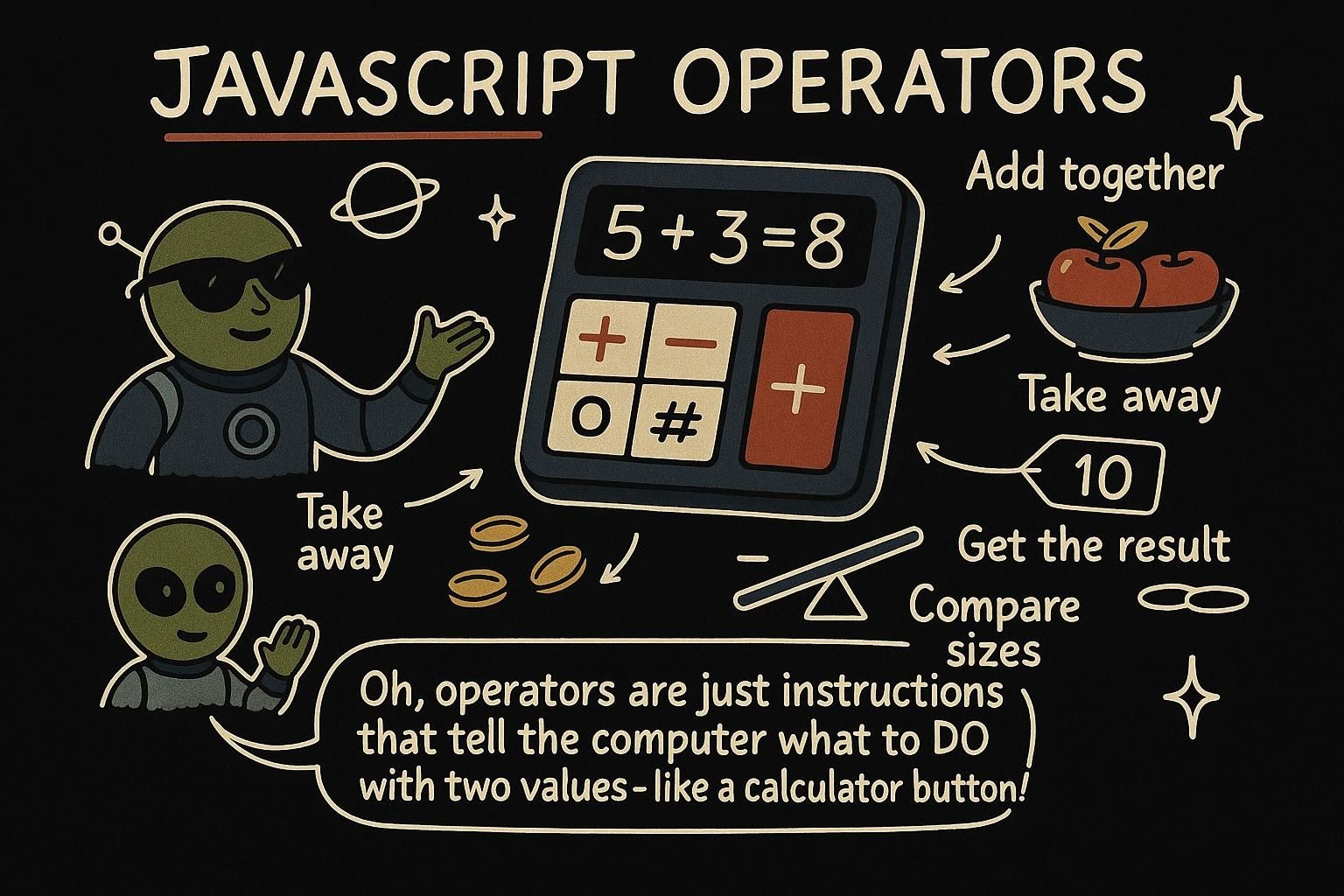
Say you are tracking a shopping cart. You add up prices, apply a discount, check whether the total crosses a free-shipping threshold, and decide whether to show a warning when the cart is empty. Every one of those steps is an operator at work: a symbol that takes one or two values and produces a new one. This chapter covers the operators you reach for constantly, from doing arithmetic on numbers to comparing values and combining true-or-false tests.
Arithmetic and assignment
The arithmetic operators do the maths you already know: + adds, - subtracts, * multiplies, / divides. There is one more you might not have met: %, the remainder operator, which gives you what is left over after a division.
const total = 8 + 5; // 13
const change = 20 - 13; // 7
const leftover = 17 % 5; // 2, because 5 goes into 17 three times with 2 left
console.log(total); // 13
When you want to update a value based on itself, there is a shorthand. Instead of writing score = score + 10, you can write score += 10. It means the same thing: take the current value, add 10, store the result back.
let score = 100;
score += 10; // score is now 110
score -= 30; // score is now 80
console.log(score); // 80
And to move a number up or down by exactly one, ++ and -- do it in a single step. count++ adds one, count-- takes one away.
let lives = 3;
lives--; // lives is now 2
console.log(lives); // 2
% for the remainder after dividing. When you update a value from itself, reach for the shorthand: score += 10 instead of score = score + 10. And ++ or -- nudges a number up or down by one. Took me a while to trust these, but they are the same maths written shorter. Comparisons
A comparison asks a question about two values and answers with true or false. Those true-or-false answers are booleans, and they are what your program uses to make decisions later on.
The comparison you will use most is ===, which asks "are these two exactly equal?"
const answer = 42;
console.log(answer === 42); // true
console.log(answer === 7); // false
Its opposite is !==, which asks "are these two different?" And for order there are <, >, <=, and >=, which work as they do in maths: less than, greater than, less than or equal, greater than or equal.
const age = 18;
console.log(age >= 18); // true
console.log(age !== 21); // true
Always compare with ===, never ==. The double-equals version has a quirk that surprises people, and the triple-equals version does what you expect every time.
true or false. Use === to check equality, !== for "different", and <, >, <=, >= for order. Keep to === and skip ==, because the double version has a surprise in it and the triple version behaves. Logical operators and truthiness
Often you need to combine more than one comparison. The logical operators let you do that: && (and), || (or), and ! (not).
&& is true only when both sides are true. || is true when at least one side is true. ! flips a boolean to its opposite.
const age = 20;
const hasTicket = true;
console.log(age >= 18 && hasTicket); // true, both are true
console.log(age < 13 || hasTicket); // true, one side is enough
console.log(!hasTicket); // false, flipped
There is a related idea called truthy and falsy. In a true-or-false setting, JavaScript treats some non-boolean values as if they were false. The falsy values are false, 0, "" (an empty string), null, undefined, and NaN. Everything else counts as truthy.
const name = "";
console.log(!name); // true, an empty string is falsy&& is "both", || is "either", and ! flips a boolean. On top of that, JavaScript treats some values as false-ish: false, 0, "", null, undefined, and NaN are the falsy ones, and everything else is truthy. That is what lets !name stand for "no name was given". Where operators go from here
Operators are the verbs of the language: they take the values you store and turn them into results and decisions. Arithmetic produces new numbers, comparisons produce booleans, and logical operators combine those booleans into the yes-or-no answers your program acts on.
Those booleans do not do much on their own. The next step is using them to steer your code, running one branch when a check passes and another when it fails, which is what the conditionals chapter is about. If any of the values here felt fuzzy, the data types chapter is where numbers, strings, and booleans get their full treatment.