

 Learn JavaScript
Variables and values
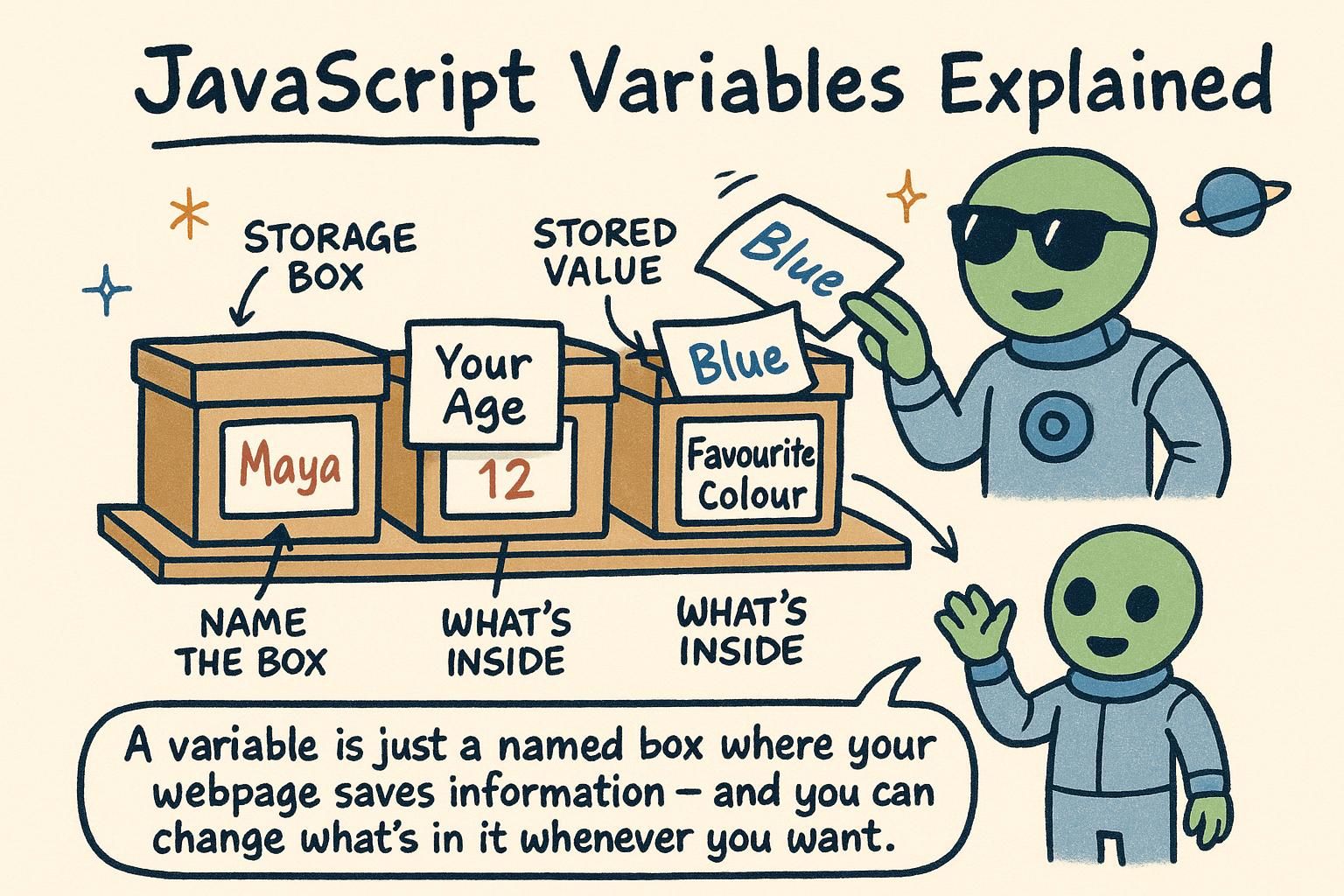
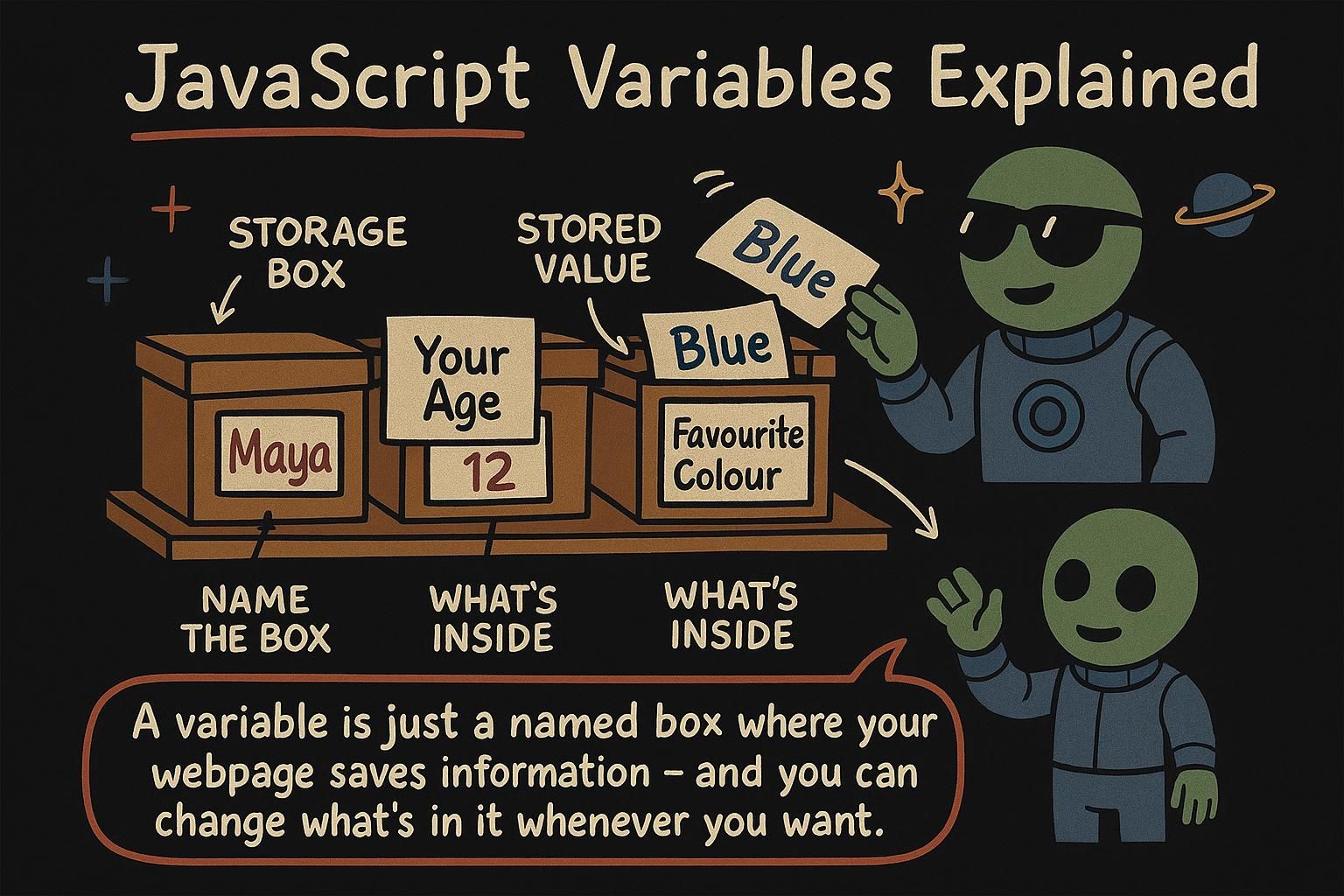
Say you are building a checkout page and the price of an item shows up in three places: the product line, the running total, and the confirmation. Type 19.99 into all three by hand and a sale becomes an afternoon of find-and-replace. Store it once under a name and change it in one place, and every spot that uses it updates with you. That name is a variable, and this chapter is about how to make one, when to lock it, and what to call it.
Storing a value
A variable is a name you give to a value so you can use it again later. You create one with the word let, then a name, then =, then the value you want to store:
let userName = "Sam";
console.log(userName); // Sam
That line says: take the text "Sam" and remember it under the name userName. From then on, wherever you write userName, JavaScript hands back what you stored.
Read the = as "put this value under this name". It is not the equals sign from maths class, where both sides are already the same. It is an instruction: take the value on the right, and stash it under the name on the left.
Because it is a store-this instruction, you can change your mind later. Write the name and = again with a new value, and JavaScript keeps the newest one:
let score = 0;
score = 10;
console.log(score); // 10
The first line makes score and puts 0 in it. The second gives it a new value. There is no second let, because score already exists; you are updating it, not making it again.

let name = value. Read the = as "put this value under this name", not as maths-class equals. To change it later, write the name and = again with no second let, and JavaScript keeps the newest value. let vs const
There are two words for making a variable: let and const. You have seen let. Use const when the value should never change after you set it:
const taxRate = 0.2;
console.log(taxRate); // 0.2
A tax rate is fixed, so const fits: it says "this is set, and I do not want it changing by accident". If you try to reassign a const, JavaScript stops you with an error, which is a helpful guardrail.
Reach for const first. Use let only when you know the value will change, like a score that goes up or a total you add to. If a value stays the same for its whole life, const says so and protects it.
const currency = "USD";
let itemsInCart = 0;
itemsInCart = 3;
console.log(itemsInCart); // 3
The currency will not change, so it is const. The cart count will, so it is let.
const for a value that should never change, and let for one that will. Reach for const first, and switch to let only when you know the value needs to change. Reassigning a const gives you an error, which is the guardrail doing its job. Naming variables
A variable name has a few rules. It can use letters, digits, _, and $, but it cannot start with a digit, and it cannot contain spaces:
let firstName = "Sam";
let item2 = "book";
Names are case-sensitive, which means firstName and firstname are two different variables. Getting the capitals wrong is a common early mistake, so it helps to keep names consistent.
The style JavaScript developers use is called camelCase: start lowercase, and capitalise the first letter of each later word, with no spaces. So firstName, itemPrice, isLoggedIn.
let itemPrice = 19.99;
let isLoggedIn = true;
Beyond the rules, aim for names that say what they hold. price beats p, and userName beats x. You will read your code far more than you write it, and clear names are what make it readable.
_, and $, but cannot start with a digit or contain spaces. Names are case-sensitive, so firstName and firstname are different. Use camelCase like itemPrice, and pick names that say what they hold, so price over p. Where variables go from here
Variables are the foundation everything else sits on: a value is not useful until it has a name you can reach it by. You now have the three moves that matter, storing a value with let, locking one with const, and naming it well, and you will use all three in every program you write from here.
Next you will look at the values themselves in data types: the text, numbers, and booleans you have been storing, and what makes each one behave the way it does. After that, operators show you how to combine those values, and functions let you name a piece of work the way a variable names a value.