

 Learn JavaScript
Objects
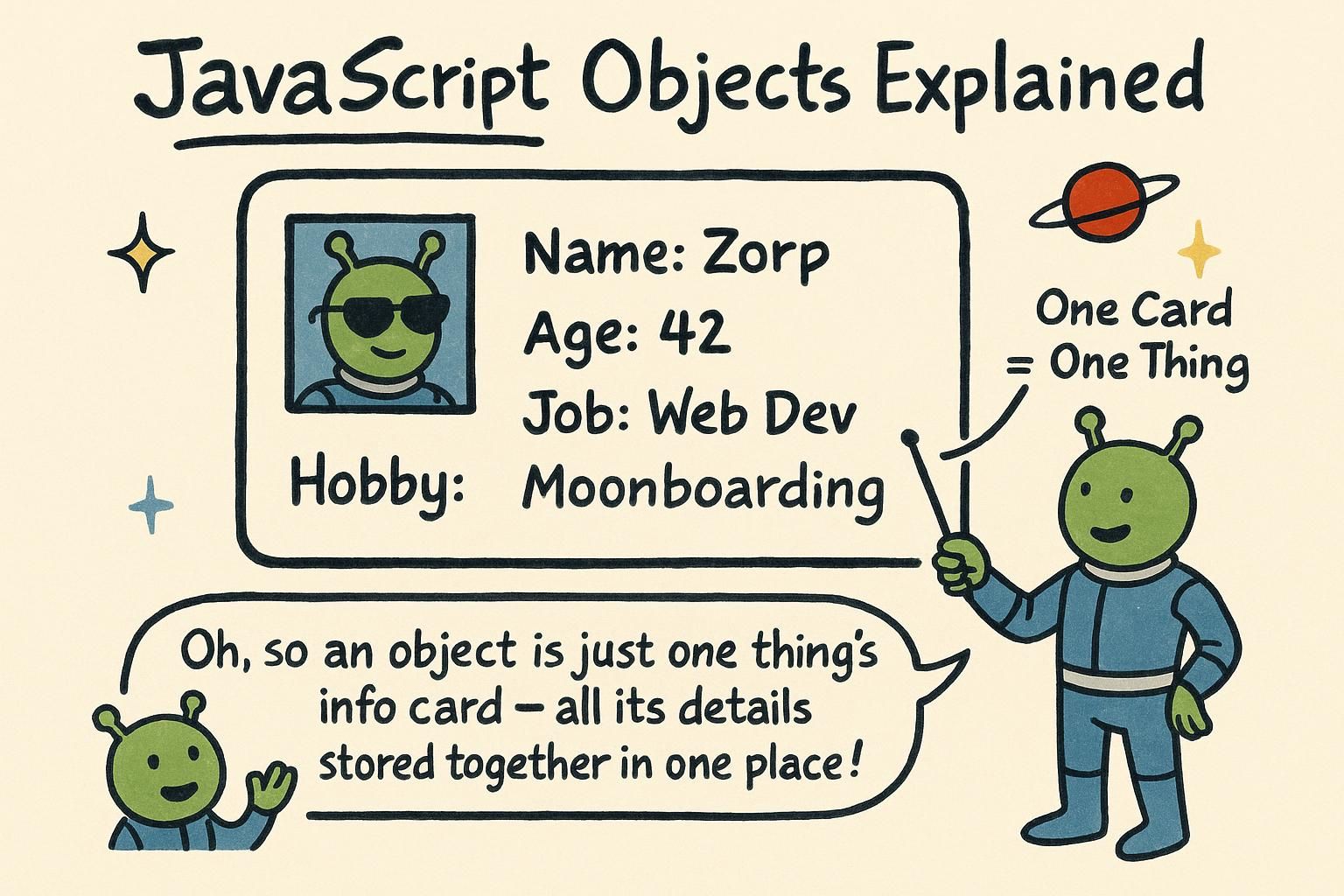
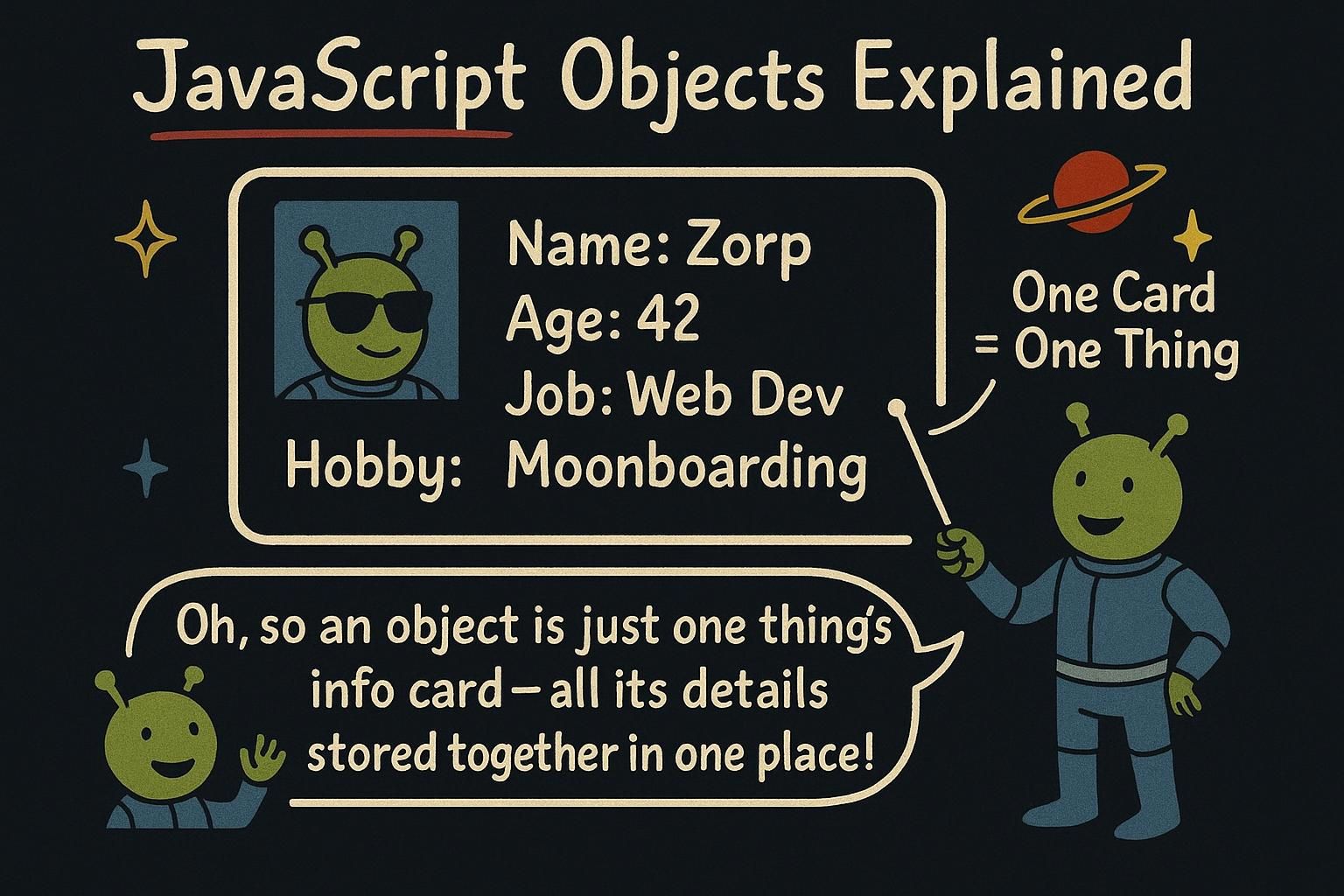
Say you are describing a single user: a name, an email, an age, whether they are signed in. You could scatter those into four separate variables, but they belong together, and keeping them apart means passing four things around every time you mean "the user". An object lets you gather all of it into one value, where each piece has a name you can look up. Most of the data you will handle, a user, a product, a cart, arrives shaped exactly like this.
Making an object
An object is a collection of named values, written with curly braces. Inside, you list key: value pairs, separated by commas. The key is the name; the value is what it holds:
const user = {
  name: "Priya",
  age: 27,
};

console.log(user.name); // Priya
You read a value back with a dot and the key: user.name. This is called dot notation, and it is what you will reach for most. The key on the left, the value it stored on the right.
There is a second way to read a value, using square brackets with the key as a string:
console.log(user["name"]); // PriyaMost of the time dot notation reads cleaner, so use it. Brackets earn their place when the key is not a plain word (say it has a space in it) or when you do not know the key ahead of time and it is sitting in another variable.
const product = {
  title: "Desk lamp",
  price: 40,
  inStock: true,
};

console.log(`${product.title} costs ${product.price}`); // Desk lamp costs 40
An object is a value like any other. You can store it in a const, put it in an array, pass it to a function, and return it. The keys give its parts names, which is the whole point: product.price says what it is, where a bare 40 sitting in a variable does not.

key: value pairs in curly braces. Read a value with a dot and the key, like user.name. Reach for the square-bracket form only when the key has an odd character in it or lives in a variable. Changing an object
Objects are not fixed once you make them. You can add a new key, change an existing one, or remove one entirely. To add or update, assign to the key:
const user = {
  name: "Priya",
};

user.age = 30; // adds a new key
user.name = "Priya Sharma"; // updates the existing one

console.log(user); // { name: "Priya Sharma", age: 30 }
If the key already exists, assigning to it replaces the value. If it does not, it gets created. To remove a key, use delete:
delete user.age;
console.log(user); // { name: "Priya Sharma" }
Here is the part that surprises people. A const object can still have its properties changed. const means the name user cannot point at a different object, but the object it points at is fair game:
const cart = { total: 0 };
cart.total = 25; // fine, changing what is inside
// cart = { total: 25 }; // this would error, reassigning the namedelete to remove one. The surprise is const: it stops you pointing user at a different object, but you can still change what is inside the one it holds. Took me a while to stop expecting const to lock everything. Methods and this
A value in an object can be a function. When it is, it is called a method: something the object can do, rather than a fact it stores. You call it with the same dot, plus parentheses:
const user = {
  name: "Priya",
  greet() {
    return `Hi, I am ${this.name}`;
  },
};

console.log(user.greet()); // Hi, I am Priya
The new word inside is this. When you call user.greet(), this means "the object this method was called on", which here is user. So this.name reads the name key from the same object. That is how a method reaches its own object's values without you passing them in.
user.greet(). Inside it, this means the object the method was called on, so this.name reads that object's own name. That is how a method gets at its own object's values. Objects and arrays together
Most real data is a list of objects: many users, many products, each object one record with the same keys. You put objects inside an array:
const products = [
  { title: "Desk lamp", price: 40 },
  { title: "Notebook", price: 6 },
  { title: "Pen", price: 3 },
];

console.log(products[0].title); // Desk lamp
You reach one object by its position (products[0]), then one of its fields with a dot (.title). Chained together, products[0].title reads the title of the first product.
To read a field from every object, loop over the array:
for (const product of products) {
  console.log(product.title);
}
// Desk lamp
// Notebook
// Pen
Each turn of the loop, product is one object from the list, and product.title reads its title. This shape, an array of objects you loop over, is most of the data work you will do.
products[0], then a field with products[0].title. Loop over the array to touch every record, and you have the pattern behind most of the data work you will do. Where objects go next
Objects and arrays are the two structures you will reach for constantly, and most data you handle is some nesting of the two: objects with array fields, arrays of objects, and combinations of both. Pair them with array methods and you can shape almost any data into the form you need.
The next step is putting objects to work in a page. When you reach the DOM, the elements you read and change are objects too, with keys you set and methods you call, so everything here carries straight over.