Skip to content

Array methods

docs.scrimba.com

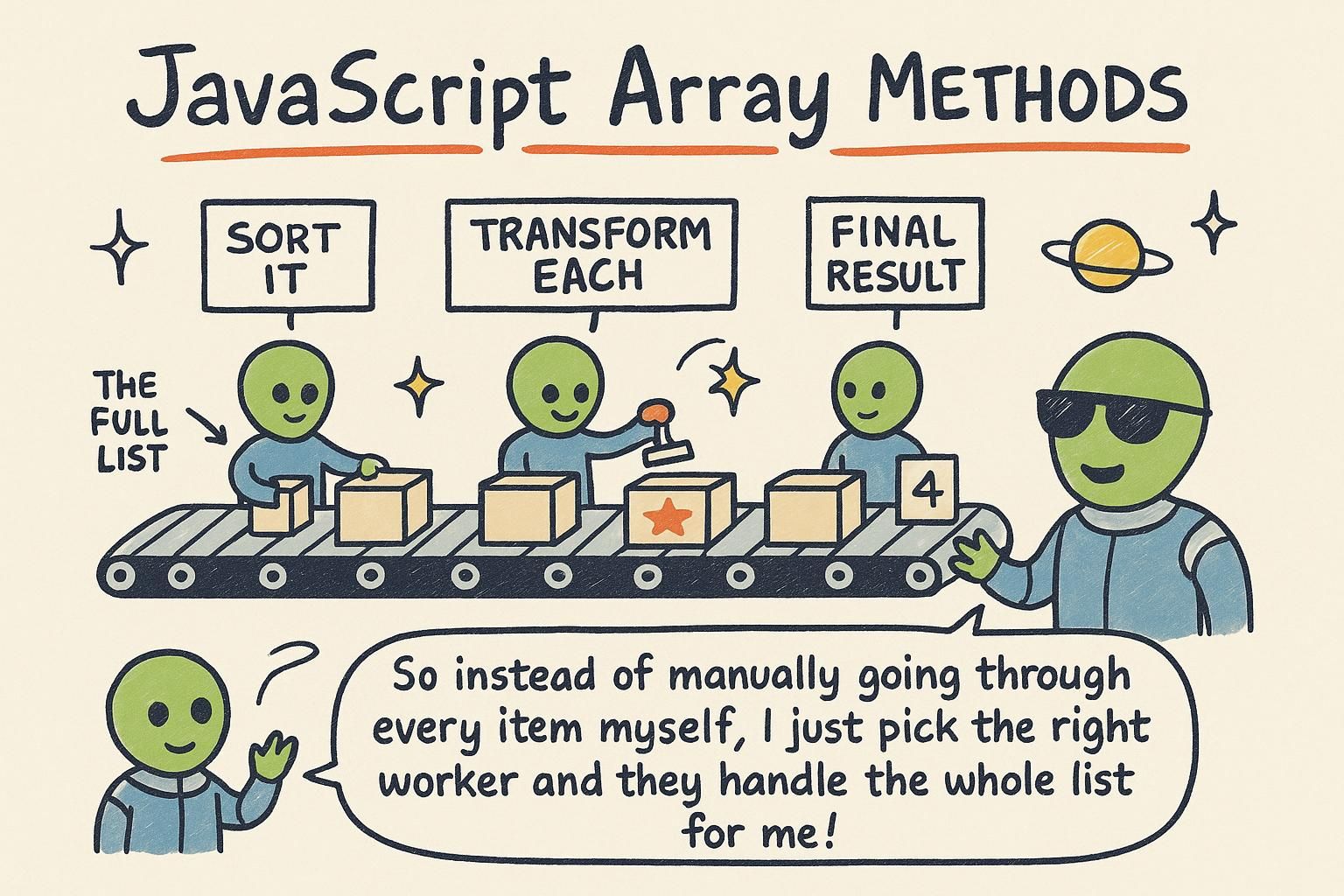
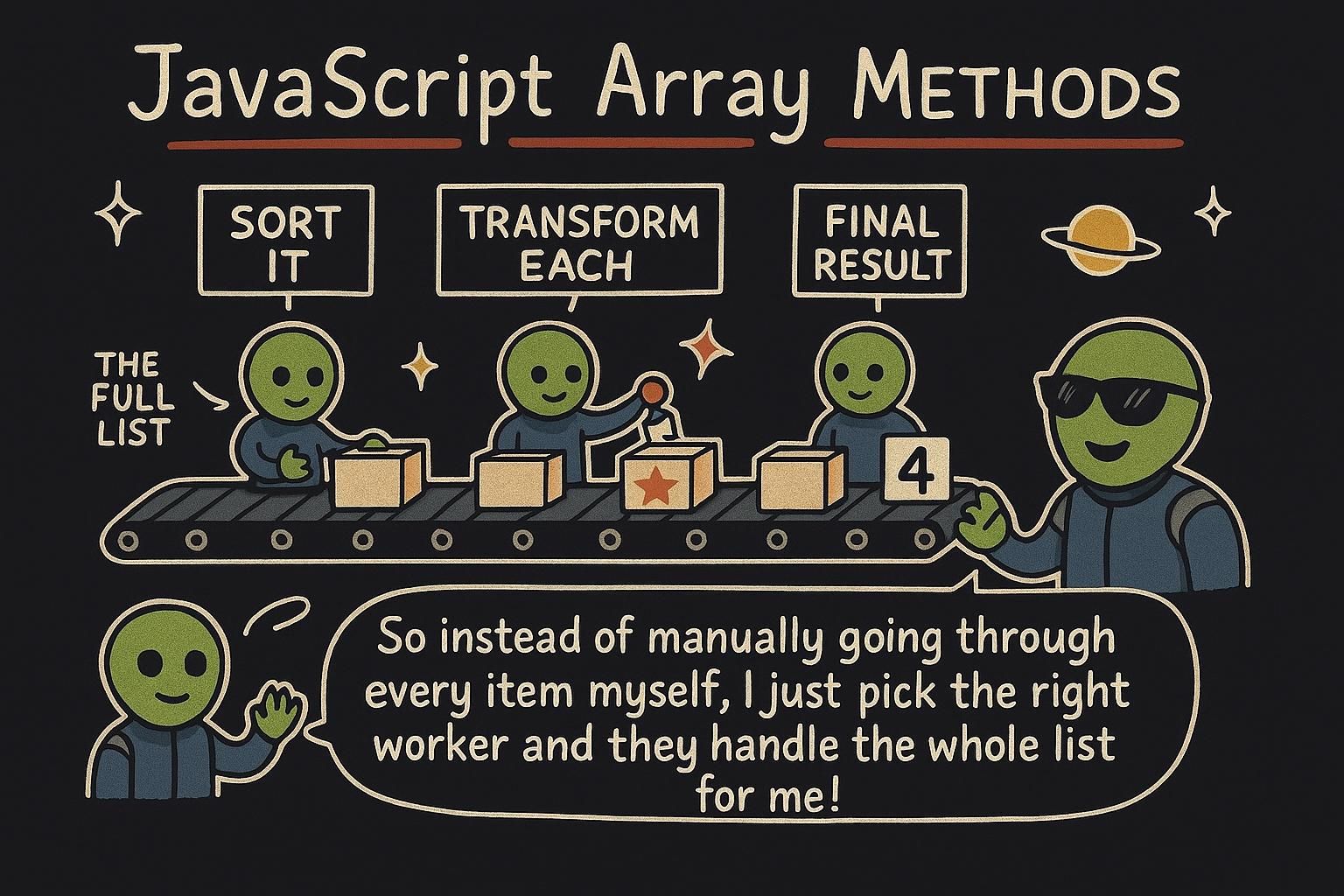
You have a list of prices and you want a second list with tax added to each one. You could write a for loop that walks the array, does the sum, and pushes each result into a new array. That works, but it is a lot of wiring for a small idea: take every item and change it. Array methods are the built-in tools for exactly this kind of work. They let you say what you want done to a list without spelling out the loop that does it, and this chapter covers the ones you will reach for daily. They build directly on arrays and functions, so keep both close.

map: change every item

map is a method: a function that belongs to an array and does a job on it. map builds a new array by running each item through a small function you give it, and collecting the results. You pass it that function, and it hands each item over one at a time.

Say you have some prices and want each one doubled:

js
const prices = [2, 4, 6];
const doubled = prices.map((price) => price * 2);
console.log(doubled); // [4, 8, 12]

The (price) => price * 2 part is an arrow function: a short function that takes one item (price) and returns what it should become (price * 2). map calls it once per item and puts each answer in the new array, in the same order.

map is an array method that transforms a list into a new list of the same length. You give it a callback, a function map runs once per item, and whatever that callback returns becomes the item in the same position of the result.

js
const prices = [2, 4, 6];
const doubled = prices.map((price) => price * 2);
console.log(doubled); // [4, 8, 12]

Compare that to the manual version, which does the same thing with more moving parts:

js
const prices = [2, 4, 6];
const doubled = [];
for (let i = 0; i < prices.length; i += 1) {
  doubled.push(prices[i] * 2);
}
console.log(doubled); // [4, 8, 12]

The loop makes you manage an index, a fresh array, and a push. map states the intent, "turn each price into price times two", and handles the bookkeeping for you.

map transforms an array into a new array of the same length by applying a callback (the function you pass in for it to call) to each element. The return value of the callback at index i becomes the element at index i of the result. Nothing is skipped and nothing is added, so the shape is preserved and only the values change.

js
const prices = [2, 4, 6];
const withTax = prices.map((price) => price * 1.2);
console.log(withTax); // [2.4, 4.8, 7.2]

The callback also receives the index and the whole array as second and third arguments, so array.map((value, index) => ...) is available when position matters. The value it holds for you is intent: map says "same length, each item transformed" at a glance, where a loop makes the reader reconstruct that from an index, a counter, and a push.

Junomapmap takes a list and gives you a new one the same length, with every item run through your little function. The arrow function says what each item turns into, and map does it to all of them in order. Reach for it any time you catch yourself writing a loop only to build a second list.
Junomapmap is "transform every item into a new array the same length". The callback runs once per item and its return value lands in the same position. Once you see it as a replacement for the loop-plus-push pattern, half your loops turn into a single readable line.
Junomapmap preserves length and position: the callback's return at index i becomes the result's index i. The callback gets the index and the array too, for when position matters. It reads as intent where a loop makes you reassemble that intent from a counter and a push.

filter: keep the items that pass

Where map changes every item, filter keeps only some of them. You give it a function that answers yes or no for each item, and filter builds a new array from only the items that got a yes.

js
const scores = [40, 75, 90, 55, 88];
const passing = scores.filter((score) => score >= 60);
console.log(passing); // [75, 90, 88]

The function (score) => score >= 60 returns true or false for each score. filter keeps the ones where it is true and drops the rest. The new array can be shorter than the original, and it never changes the order.

filter returns a new array holding only the items whose callback returns true. The callback is a predicate: a function whose job is to answer a yes-or-no question about each item.

js
const scores = [40, 75, 90, 55, 88];
const passing = scores.filter((score) => score >= 60);
console.log(passing); // [75, 90, 88]

The result is often shorter than the input, and it keeps the original order. Compared to a loop with an if inside it, filter puts the test front and centre and drops the ceremony around it. If the callback returns true for everything you get a full copy back; if it returns false for everything you get an empty array.

filter returns a new array of the elements for which the predicate (the callback whose job is to return a truthy or falsy answer) holds. Length is not preserved: the result runs from empty up to a full copy, and order is kept.

js
const scores = [40, 75, 90, 55, 88];
const passing = scores.filter((score) => score >= 60);
console.log(passing); // [75, 90, 88]

Two things are worth keeping straight. First, filter decides whether an item survives; it never changes the item, so combine it with map when you need to both select and transform. Second, the callback's return is coerced to a boolean, so a predicate that accidentally returns 0 or undefined drops items you meant to keep. Return an explicit comparison and that class of bug disappears.

Junofilterfilter keeps the items that pass a test and drops the rest, so the new array is often shorter. Your function answers yes or no for each item, and only the yeses come through. It never reorders anything, so what survives stays in the order it started.
Junofilterfilter keeps items whose callback returns true, giving you a new array that is the same length or shorter. The callback is a predicate: a yes-or-no test, not a transformer. All true gives a full copy, all false gives an empty array, and order is always preserved.
Junofilterfilter selects, map transforms, and keeping that split clean is why they chain so well. The callback's return is coerced to a boolean, so a predicate that slips out a 0 or undefined quietly drops items you wanted. Return an explicit comparison and that whole class of bug goes away.

reduce: boil it down to one value

map and filter both hand you back an array. reduce is the one that collapses an array down to a single value: a total, a maximum, a joined string. It trips people up more than the others, so it is worth going slow.

reduce walks the array while carrying a running result along with it. On each item it asks: given the result so far, and this item, what is the new result?

js
const prices = [10, 20, 30];
const total = prices.reduce((sum, price) => sum + price, 0);
console.log(total); // 60

The function gets two things: sum, the running total so far, and price, the current item. It returns sum + price, which becomes the new running total for the next item. The 0 at the end is where the total starts. So it goes 0 + 10, then 10 + 20, then 30 + 30, landing on 60.

reduce turns a whole array into one value by carrying an accumulator: a running result that each step updates and passes on. The callback receives the accumulator and the current item, and returns the accumulator for the next step.

js
const prices = [10, 20, 30];
const total = prices.reduce((sum, price) => sum + price, 0);
console.log(total); // 60

Two arguments to keep clear: sum is the accumulator (the value built up so far), price is the current item. The second argument to reduce, the 0, is the starting value of the accumulator. Step by step: start at 0, add 10 to get 10, add 20 to get 30, add 30 to get 60. The name sum is only a label here; the accumulator can be any type, including a string you keep appending to or a running maximum.

reduce folds an array into a single value by threading an accumulator (the running result) through the array. The callback is (accumulator, currentItem) => nextAccumulator, and its return becomes the accumulator handed to the next step. The second argument to reduce is the initial accumulator.

js
const prices = [10, 20, 30];
const total = prices.reduce((sum, price) => sum + price, 0);
console.log(total); // 60

Two practical rules save most reduce bugs. Always pass the initial value: without it, reduce uses the first element as the seed and starts on the second, which throws on an empty array and quietly changes behaviour when your accumulator type differs from the element type. And every path through the callback must return the accumulator; forgetting the return in a multi-line body leaves undefined as the accumulator for the next step. reduce is the most general of these methods, map and filter can both be written as a reduce, which is exactly why it is also the easiest to make unreadable. Use it when you are collapsing to one value, and reach for something plainer when you are not.

Junoreducereduce carries a running result through the list and updates it at each item. The callback gets the result so far plus the current item, and returns the new result. The last argument is where you start, usually 0 for a total, and this one clicked for me the moment I read it out loud step by step.
Junoreducereduce boils an array down to one value using an accumulator: a running result each step updates and passes on. The callback is (accumulator, item) and the last argument seeds the accumulator. It does not have to be a number; the accumulator can be a string you build up or a running maximum.
Junoreduce Always pass the initial value, or reduce seeds from the first element and throws on an empty array. Every path through the callback must return the accumulator, or the next step gets undefined. It is the most general of these methods and the easiest to make unreadable, so use it for collapsing to one value and reach for something plainer when you are not.

find, some, and every

These three are close relatives of filter: they run a test over the array, but instead of a new array they answer a narrower question.

find gives you the first item that passes the test, not a list of all of them. some and every answer true-or-false questions about the whole array.

js
const scores = [40, 75, 90, 55];

const firstPass = scores.find((score) => score >= 60);
console.log(firstPass); // 75

const anyPass = scores.some((score) => score >= 60);
console.log(anyPass); // true

const allPass = scores.every((score) => score >= 60);
console.log(allPass); // false

find returns the first matching item (75). some asks "did any item pass?" and returns true because at least one did. every asks "did they all pass?" and returns false because 40 and 55 did not.

Same predicate style as filter, three different answers. find returns the first matching item (or undefined if none match). some returns true if at least one item passes. every returns true only if all of them pass.

js
const scores = [40, 75, 90, 55];

console.log(scores.find((score) => score >= 60)); // 75
console.log(scores.some((score) => score >= 60)); // true
console.log(scores.every((score) => score >= 60)); // false

Reach for find when you want one item rather than a filtered list, and some or every when you only need a yes-or-no answer about the collection. Using filter(...).length > 0 where some would do works, but it checks every item and builds a throwaway array to answer a question some answers directly.

Three predicate-driven queries that stop early rather than building a new array. find returns the first matching element or undefined. some returns true on the first passing element. every returns false on the first failing one.

js
const scores = [40, 75, 90, 55];

console.log(scores.find((score) => score >= 60)); // 75
console.log(scores.some((score) => score >= 60)); // true
console.log(scores.every((score) => score >= 60)); // false

The short-circuiting is the point: some and every stop the moment the answer is decided, so they are cheaper than a filter over the whole array when you only need a boolean. Two edge cases to know: find returning undefined is indistinguishable from finding an actual undefined, so test the predicate you care about rather than the return value when that is possible. And on an empty array some is always false and every is always true (vacuously, since there is no item to fail), which is correct but surprises people the first time.

Junofind, some, and everyfind gives you the first item that passes, not a whole list. some asks "did any pass?" and every asks "did they all pass?", and both answer with true or false. Use these when you want one item or a yes-or-no answer, not a filtered array.
Junofind, some, and every Same predicate as filter, three narrower answers: find gives the first match or undefined, some is true if any pass, every is true only if all pass. Reach for these instead of filter(...).length when you want one item or a boolean, since they say the intent and skip building a throwaway array.
Junofind, some, and everysome and every short-circuit, stopping the moment the answer is decided, so they beat filtering the whole array for a boolean. Watch two edges: find returning undefined looks the same as finding an actual undefined, and on an empty array some is always false while every is always true. Both are correct, both surprise people once.

Chaining and staying readable

The methods above share a design that pays off once you combine them: each one returns a new value and leaves the original array untouched.

map, filter, and the rest never change the array you started with. They give you a new array (or a value) and leave the original alone.

js
const prices = [10, 20, 30];
const doubled = prices.map((price) => price * 2);
console.log(doubled); // [20, 40, 60]
console.log(prices); // [10, 20, 30]

Because map and filter both hand back an array, you can line them up: filter first, then map the survivors.

js
const prices = [10, 20, 30, 40];
const bigDoubled = prices.filter((price) => price >= 20).map((price) => price * 2);
console.log(bigDoubled); // [40, 60, 80]

These methods return new arrays and values without changing the original, a property called immutability: your source data stays as it was. That is what makes chaining safe. Because filter returns an array, you can call map straight on its result:

js
const prices = [10, 20, 30, 40];
const bigDoubled = prices.filter((price) => price >= 20).map((price) => price * 2);
console.log(bigDoubled); // [40, 60, 80]

Read a chain top to bottom as a pipeline: keep prices of 20 or more, then double each survivor. Order matters, since filter first means map runs over fewer items. Chaining reads well up to two or three steps; past that, a named intermediate variable or a plain loop is often clearer than one long chain.

These methods are non-mutating: they return new arrays and values, leaving the source untouched. That immutability is what makes a filter(...).map(...) chain safe to read as a pipeline, since no step reaches back and edits a shared array under you.

js
const prices = [10, 20, 30, 40];
const bigDoubled = prices.filter((price) => price >= 20).map((price) => price * 2);
console.log(bigDoubled); // [40, 60, 80]

Two judgement calls decide whether a chain helps or hurts. First, cost: each step walks the array and allocates a new one, so a three-step chain makes three passes and two intermediate arrays. On the sizes you meet day to day that is irrelevant and the readability wins; on a hot path over a large array it can matter, and a single loop or reduce that does the work in one pass is the answer. Second, clarity: a chain earns its place when each step is one clear idea. The moment a callback grows a body with branches, or the chain runs past three steps, a plain for loop with a well-named variable usually reads better. Prefer the version a teammate understands fastest, not the one that fits on one line.

JunoChaining and staying readable These methods never change the array you start with, they give you a new one, so the original is always safe. Because filter and map both return arrays, you can chain them: filter first, then map what is left. Read the chain from top to bottom, one step at a time.
JunoChaining and staying readable Immutability, leaving the original array alone, is what makes chaining safe. Read filter(...).map(...) as a pipeline top to bottom, and remember order matters since filtering first means mapping fewer items. Past two or three steps, a named variable or a plain loop usually reads clearer than one long chain.
JunoChaining and staying readable Each step is a pass and an allocation, so a chain is fine on everyday sizes and worth collapsing into one loop or a reduce on a hot path over big data. Clarity is the other call: a chain earns its place when each step is one clear idea, and a plain loop wins once a callback grows branches. Write the version a teammate reads fastest, not the shortest one.

Where to go from here

map, filter, and reduce cover most of what you will do with a list: transform it, narrow it, or collapse it. find, some, and every answer the narrower questions. Once these feel natural, most of your for loops over an array turn into a line or two that says what you meant.

The natural next step is objects, where arrays start holding richer items than plain numbers and strings, and these same methods keep working on them. If any of the callback syntax here felt shaky, a pass back through functions makes the rest click into place.