

 Learn JavaScript
Loops
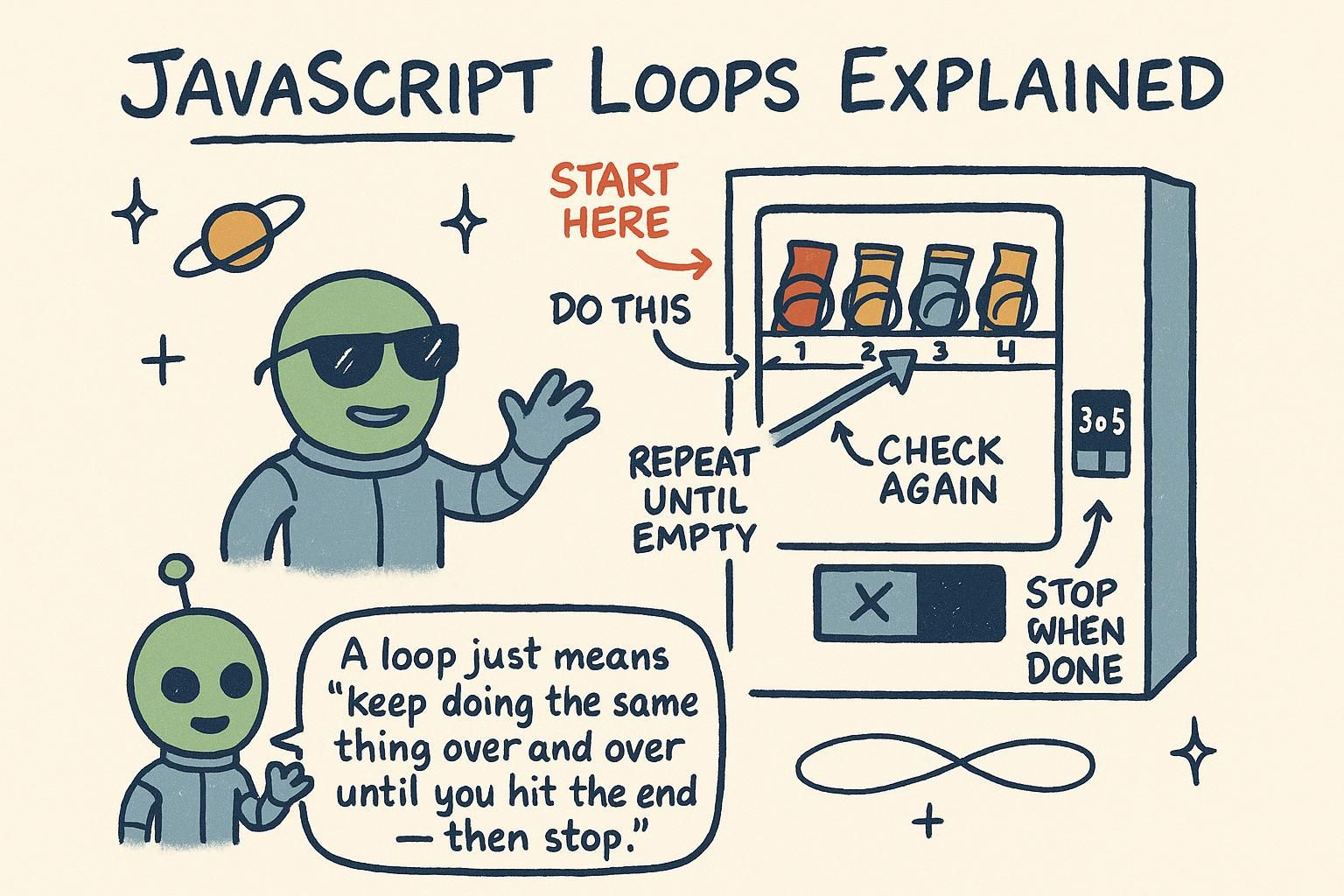
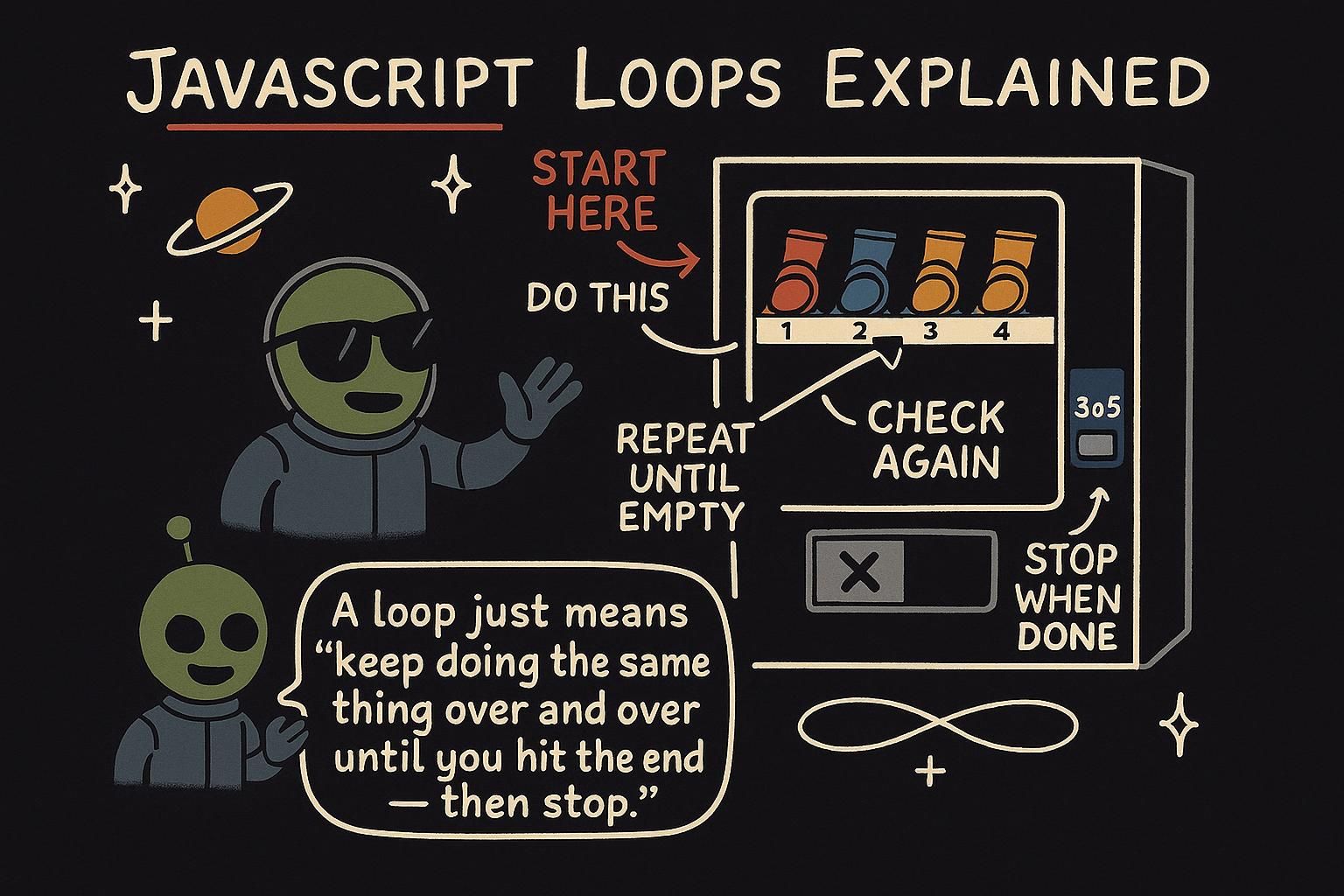
Say you want to print the numbers 1 to 100, or greet every character in a word, or keep asking a question until the answer is right. You could write the same line a hundred times, but that is tedious to type and worse to change. A loop is how you tell JavaScript to run a piece of code again and again, so you write the work once and let the language do the repeating. This chapter covers the three loops you reach for most: for, while, and for...of.
The for loop
The for loop is the one you use when you know how many times to repeat. It counts for you. Here it is printing the numbers 0 to 4:
for (let i = 0; i < 5; i++) {
  console.log(i);
}
// 0
// 1
// 2
// 3
// 4
The part in the parentheses has three pieces, separated by semicolons:
let i = 0is the start: it creates a counter namediand sets it to 0.i < 5is the condition: the loop keeps going as long as this is true.i++is the step: after each pass, it adds 1 toi(i++is short fori = i + 1).
So the loop starts i at 0, checks that i < 5, runs the code in the braces, then adds 1 and checks again. When i reaches 5 the condition is false and the loop stops.

for loop repeats a fixed number of times and counts for you. Its header has three parts: a start like let i = 0, a condition like i < 5 that keeps it going, and a step like i++ that moves it along. When the condition turns false, the loop stops. The while loop
Sometimes you do not know how many times to repeat, you only know a condition that should stay true. That is what the while loop is for. It keeps running as long as its condition holds:
let count = 3;
while (count > 0) {
  console.log(count);
  count = count - 1;
}
console.log("Go");
// 3
// 2
// 1
// Go
The loop checks count > 0, runs the code, then checks again. Notice that something inside the loop changes count, so the condition eventually becomes false and the loop stops. If nothing inside ever makes the condition false, the loop runs forever. That is an infinite loop, and it will freeze your program, so always make sure the condition can change.
while loop repeats as long as its condition is true, with no built-in counter. Use it when you do not know the number of repeats ahead of time. Always change something inside the loop so the condition can turn false, or you get an infinite loop that freezes the program. Looping over a string with for...of
The for and while loops count with a number, but often you want to visit each item in something directly. for...of does that. Here it walks through each character of a word:
for (const char of "hello") {
  console.log(char);
}
// h
// e
// l
// l
// o
Read it as "for each character of the word". On each pass, char holds the next character, and you never touch a counter or a condition. It is cleaner than a for loop when all you want is to look at every item in turn.
You will mostly use for...of on arrays, which are lists of values you meet in the next chapters. A string is a good first thing to loop over because it is already a sequence of characters, and for...of treats it exactly like that.
for...of visits each item directly, no counter and no condition to manage. On a string, each pass gives you the next character. You will use it most on arrays later, but a string is a clean first thing to loop over because it is already a sequence of characters. Where loops go from here
Loops are how you stop repeating yourself and let the language do the repeating. The for loop counts a known number of times, while repeats as long as a condition holds, and for...of walks the items of a sequence directly. The one habit to carry out of here: make sure every loop can end, and prefer for...of when you only need each item.
The real reason loops matter is that most of the data you work with comes in collections. The next chapters introduce arrays, the lists you will loop over constantly, and later the array methods that often replace a hand-written loop when you are transforming data. If you want to sharpen the conditions your loops depend on, conditionals covers the comparisons that decide when a loop keeps going and when it stops.