Skip to content

What is CSS

docs.scrimba.com

Open any well-made website, strip out its CSS, and you are left with a tall column of black text on a white background: every heading, every paragraph, every link, stacked in order and completely unstyled. That plain column is your HTML. Everything that makes the page look designed, the colours, the spacing, the fonts, the columns and cards and navigation bars, is CSS. This chapter is about what that second language is and how it works alongside the first.

A page before and after CSS

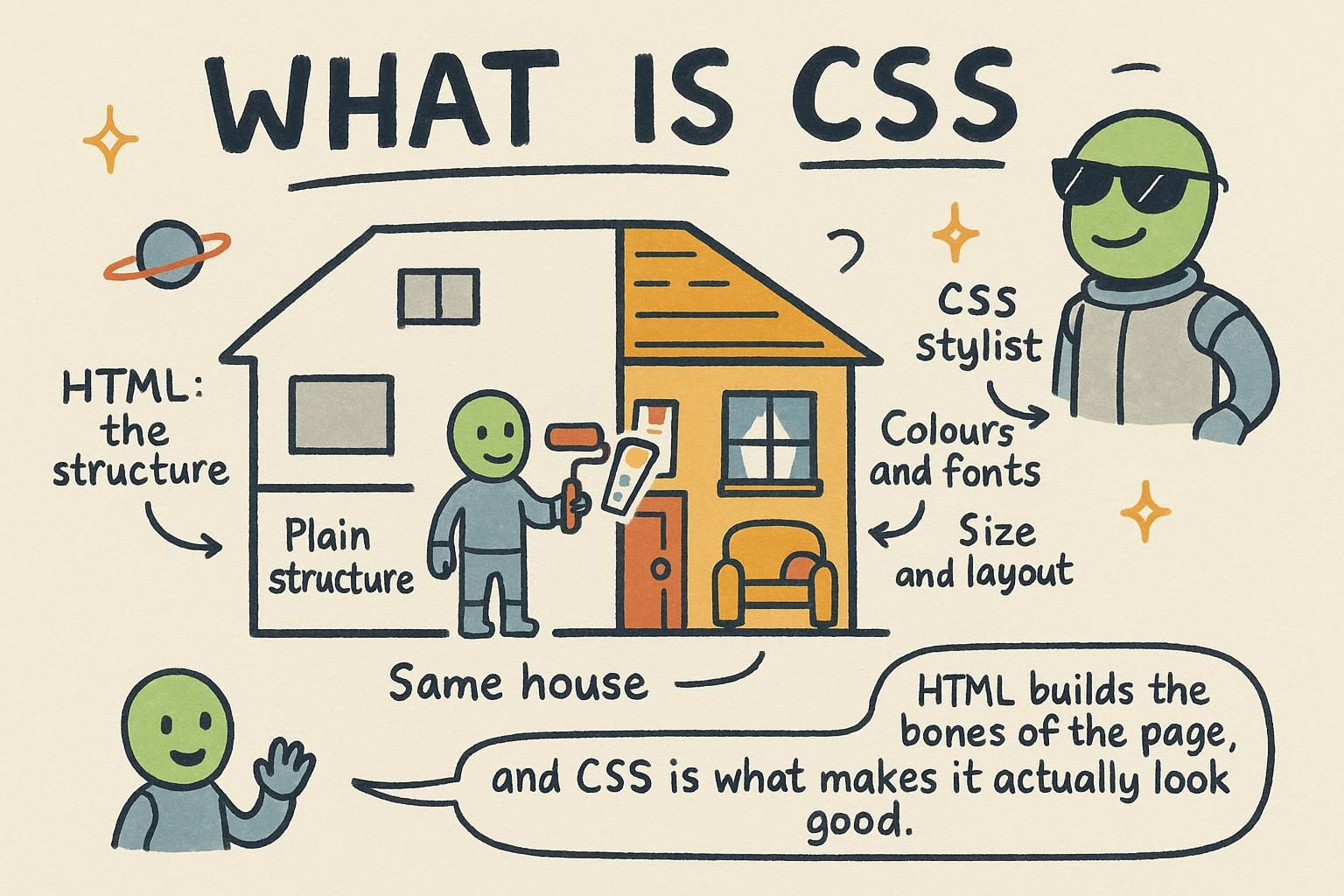
CSS stands for Cascading Style Sheets. The part to hold onto is style: CSS is how you describe the appearance of a page. Your HTML says "this is a heading, this is a paragraph, this is a button". CSS then says "make the heading large and dark blue, give the button some padding and a rounded corner".

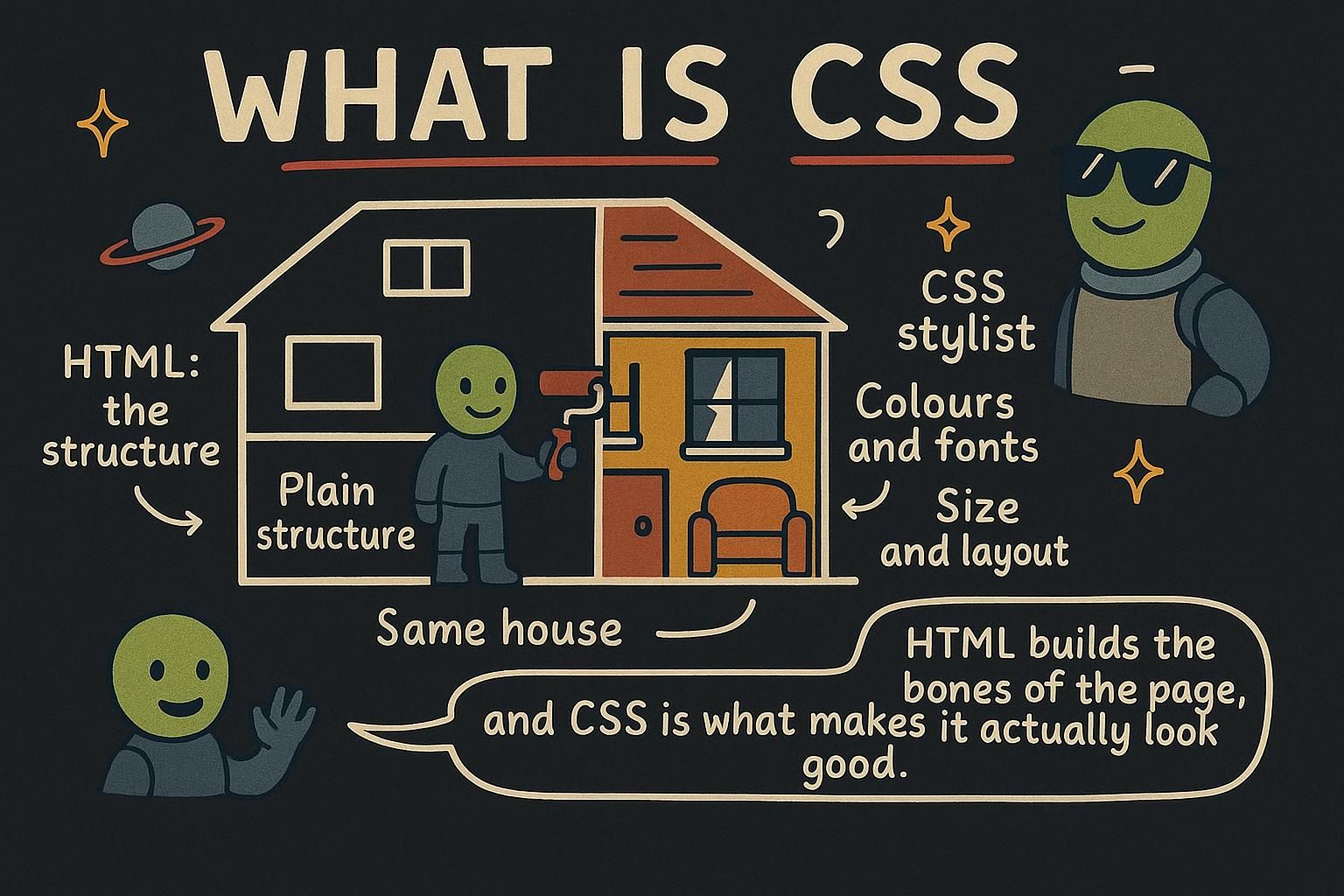
Think of HTML as the content of a room, the furniture and where it sits, and CSS as the paint, the lighting, and the arrangement. Same room, but one is bare and one is somewhere you'd want to be. You write CSS in separate rules that point at parts of your HTML and change how they look.

CSS is the presentation layer of a web page. HTML provides structure and meaning; CSS reads that structure and describes how it should be rendered: colour, typography, spacing, size, and layout. The two are designed to be written separately, so the same HTML can be restyled completely by swapping the CSS, and a single stylesheet can style a thousand pages at once.

That separation is the point. When your content lives in HTML and your presentation lives in CSS, you can redesign a site without touching its markup, and you can change one shared stylesheet instead of editing every page. Keeping the two apart is a habit worth building from your first rule.

CSS is the presentation layer, and the browser applies it as a distinct stage of rendering: it parses your HTML into the DOM (the Document Object Model, the live tree of elements the browser builds from your markup), parses your CSS into a set of rules, then matches rules to elements to compute a final style for each one. Your CSS never changes the DOM tree; it decorates it.

That staged model is why the separation of concerns holds up in practice, not only in principle. A page whose meaning lives entirely in its HTML degrades gracefully: if the CSS fails to load, the content is still there and still ordered, because structure and presentation were never entangled. It is also why the same markup can carry a light theme and a dark theme, or a print layout and a screen layout, with no change to the HTML at all. Presentation is a layer you attach, not a property baked into the content.

css
h1 {
  color: navy;
  font-size: 2rem;
}

That is a single CSS rule. It finds every <h1> heading on the page and makes it navy and larger. The HTML stays exactly as it was; only its appearance changes.

JunoA page before and after CSS HTML is the content, CSS is the look. You write rules that point at parts of your page and change how they appear, like making a heading big and blue. The page underneath does not change, only the way it is shown. That split is the whole idea.
JunoA page before and after CSS CSS is presentation, HTML is structure, and they are kept apart on purpose. Restyle the CSS and the same markup looks completely different; share one stylesheet and it styles every page. Build the habit of keeping content and appearance separate from your very first rule.
JunoA page before and after CSS The browser parses HTML into the DOM, parses CSS into rules, then computes a style for each element: your CSS decorates the tree, it never rewrites it. That staged model is why a page with its meaning in the HTML still works when the CSS fails to load. Presentation is a layer you attach, not something baked into the content.

How CSS points at your HTML

CSS only becomes useful when it can find the right parts of your page. It does that with a selector: the bit at the start of a rule that names what to style. In the rule above, h1 is the selector, and it means "every h1 heading".

You will usually target elements by giving them a class in your HTML and pointing at that class from CSS. A class is a label you choose:

html
<button class="buy-button">Buy now</button>
css
.buy-button {
  background-color: teal;
  color: white;
}

The .buy-button selector finds the element with that class and styles it. You will meet many kinds of selector later; classes are the ones you'll reach for most.

A CSS rule has two parts: a selector that says which elements to match, and a block of declarations that say how to style them. Selectors are how CSS reaches into the DOM and picks elements to apply styles to. You can select by element type (h1), by class (.buy-button), by id, by relationship, and more.

html
<button class="buy-button">Buy now</button>
css
.buy-button {
  background-color: teal;
  color: white;
}

In practice you style with classes far more than with element types or ids, because a class is reusable and carries no built-in specificity baggage. The selectors chapter covers the full range and when each one is the right tool.

Selectors are the query language of CSS: each one is a pattern the browser tests every element against to decide which rules apply. That matching is not free, and it interacts with specificity (the weight the browser assigns a selector to break ties when several rules set the same property on the same element). A class weighs more than an element type; an id weighs more than a class; inline styles weigh more still.

css
.buy-button {
  background-color: teal;
  color: white;
}

The practical consequence is that how you select is a design decision, not only a targeting one. Selecting everything with ids and deeply nested selectors builds up specificity that later rules struggle to override, which is how stylesheets calcify. Flat, class-based selectors keep specificity low and predictable, which is why nearly every scalable CSS approach is built on classes. The selectors chapter takes specificity apart properly.

JunoHow CSS points at your HTML A selector is the part of a rule that says what to style. The friendliest one to start with is a class: you put class="name" on an element in your HTML, then style .name in your CSS. Do not worry about the other kinds yet, classes will carry you a long way.
JunoHow CSS points at your HTML Every rule starts with a selector that matches elements in the DOM, and you can match by type, class, id, or relationship. Reach for classes by default: they are reusable and keep specificity manageable. The selectors chapter has the full toolkit.
JunoHow CSS points at your HTML Selectors are a query language, and each one carries a specificity weight that decides who wins when rules collide: id over class, class over type, inline over all. How you select is a maintainability decision, so keep it flat and class-based to stop specificity from calcifying your stylesheet. Specificity gets the full treatment in the selectors chapter.

What "cascading" means

The first word in Cascading Style Sheets is the one people skip, but it explains a lot. More than one rule can apply to the same element, and they can disagree. Maybe one rule says paragraphs are grey and another says this particular paragraph is black. The cascade is the set of rules the browser uses to decide which one wins.

Most of the time it comes down to one thing: if two rules are equally specific, the one written later wins. You do not need the full picture yet. Know that when a style does not show up the way you expect, it is usually because another rule beat it, not because CSS is broken.

The cascade is the algorithm that resolves conflicts when multiple rules target the same element and set the same property. It weighs a few things in order: where the rule came from, how specific its selector is, and, as a final tiebreak, source order (later wins). When two rules are equally specific, the last one declared wins.

This is the mechanism behind most "why isn't my CSS working" moments. The style is applied; it is being overridden by a rule that ranks higher. Reading the cascade correctly, rather than piling on more rules to force a change, is one of the habits that separates fighting CSS from directing it. The how CSS works chapter walks the full resolution order.

The cascade is CSS's conflict-resolution algorithm, and knowing its order turns most styling bugs from mysteries into lookups. It resolves competing declarations by, in order: origin and importance (author styles versus browser defaults versus !important), then specificity (the selector's weight), then source order (the later rule wins the final tie).

The reason this matters at production scale is that every override you write is a move in that ranking. Reaching for !important or an id to win a conflict raises the bar for every future rule that needs to touch the same element, and those escalations compound into a stylesheet nobody can safely change. The durable fix is almost always to lower specificity elsewhere, not to raise it here. Modern CSS adds tools that give you cascade control without the specificity arms race, such as cascade layers, which the organising and scaling CSS chapter covers. For the full resolution order, see how CSS works.

JunoWhat cascading means Cascading means more than one rule can hit the same element, and the cascade decides which one wins. The everyday version: when two rules are equally specific, the later one wins. So if a style is not showing up, another rule probably beat it. That took me a while to stop finding mysterious.
JunoWhat cascading means The cascade resolves conflicts by origin, then specificity, then source order, with the later rule winning an equal tie. Most "my CSS isn't working" moments are an override, not a bug. Learn to read why a rule lost instead of stacking more rules to force it, and CSS stops feeling like a fight.
JunoWhat cascading means Conflicts resolve by origin and importance, then specificity, then source order. Every override you write is a move in that ranking, so winning with !important or an id raises the bar for every rule after it. The durable fix is to lower specificity elsewhere, not raise it here. Cascade layers give you control without the arms race.

Where CSS goes from here

CSS is a small language at its core, a selector and some property-value pairs, but it reaches a long way. Once you can target elements and set properties, the rest of this handbook is about the properties worth knowing and the systems built on top of them: the box model that controls spacing and size, then colour and type, and then the layout tools, flexbox and grid, that arrange a whole page.

The next chapter, how CSS works, gets concrete about the mechanics this one introduced: the three ways to attach CSS to a page, the exact anatomy of a rule, and how the cascade and inheritance decide what every element finally looks like.