

 Learn HTML & CSS
How CSS works
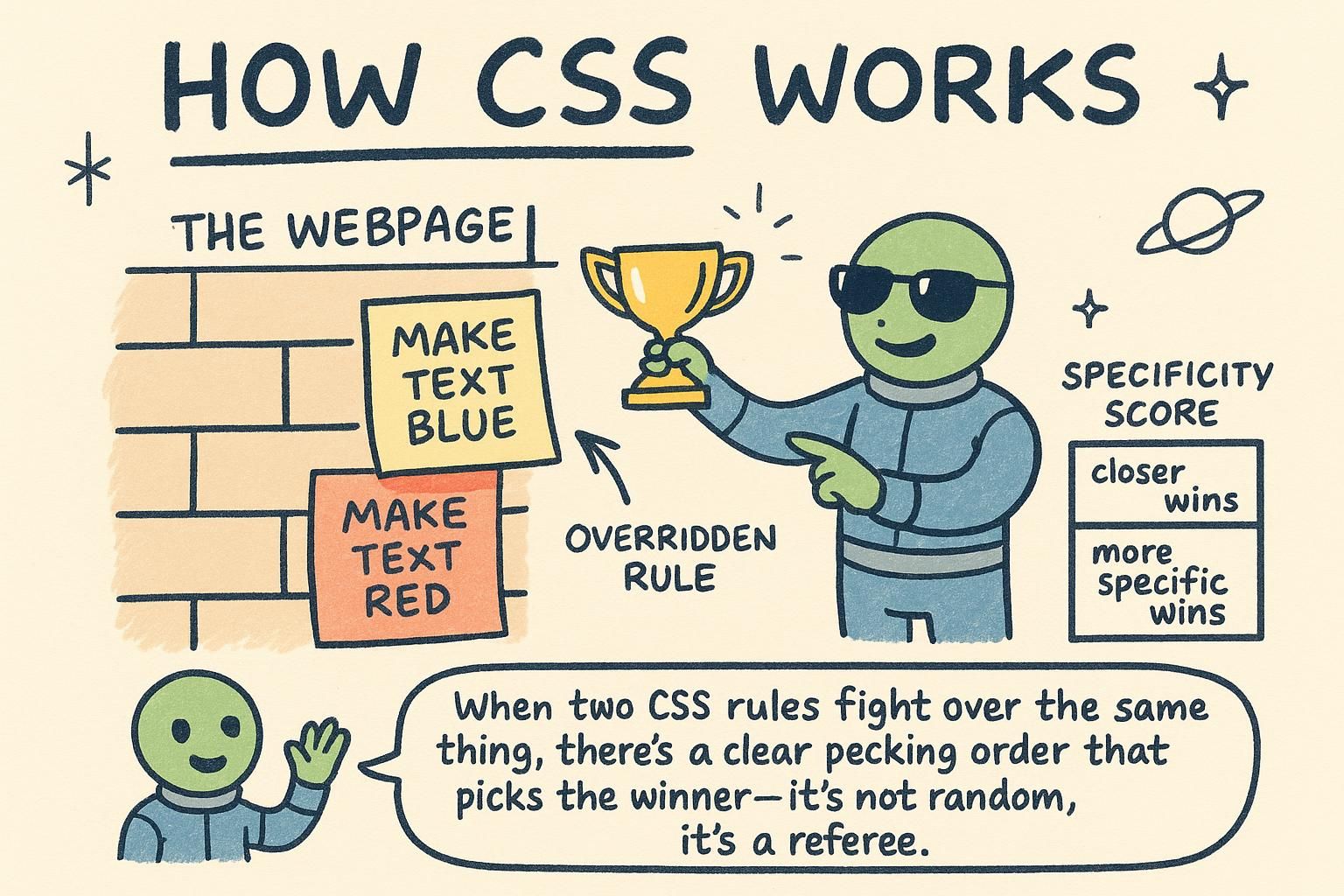
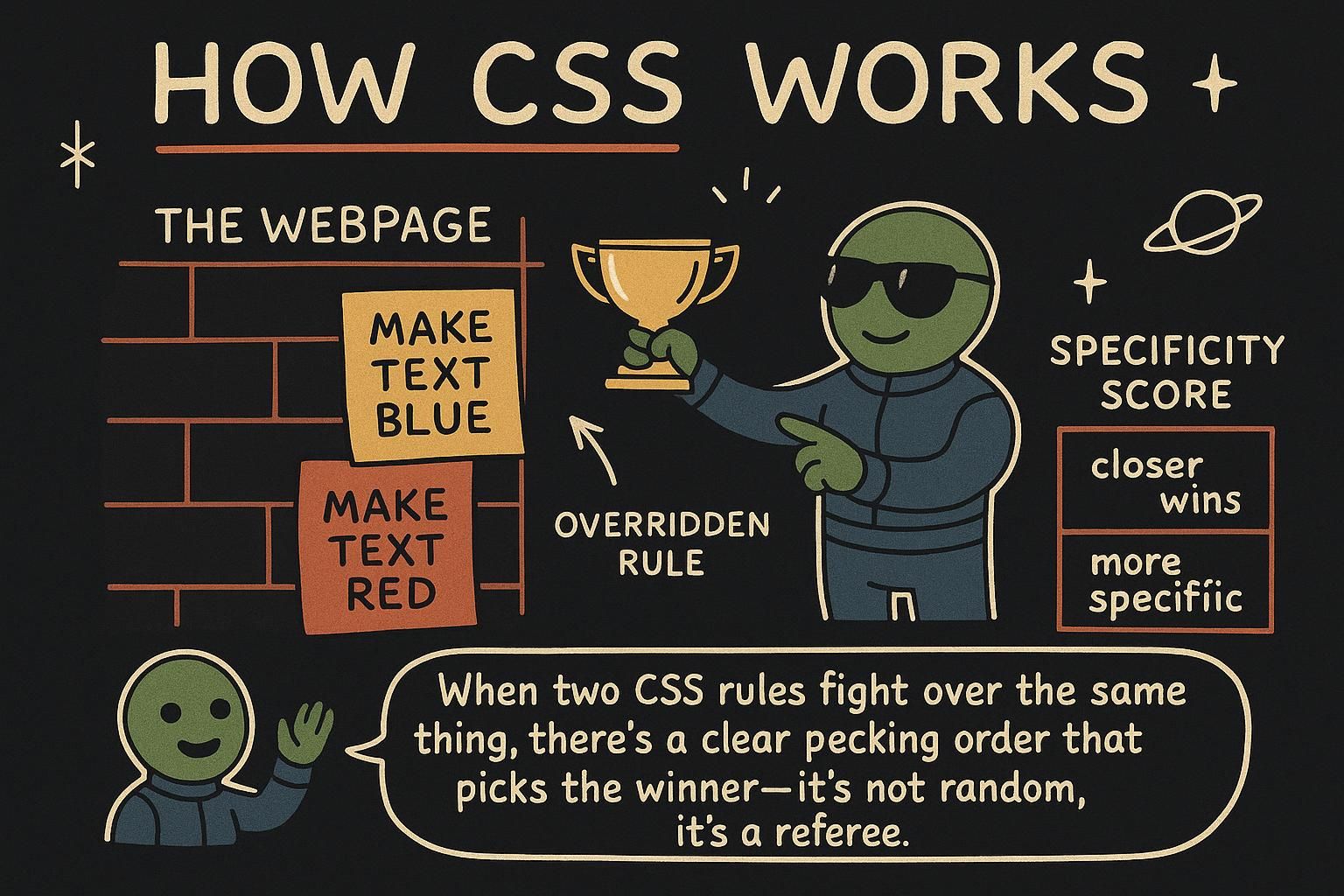
A plain HTML page arrives with the browser's own opinions already applied: blue underlined links, black serif-free text, headings that step down in size. CSS is how you take that raw structure and decide how it should look instead. Before you can change a single colour or move a single box, though, you need to know how your styles reach the page in the first place, and what happens when two of your rules disagree about the same element.
Attaching CSS to a page
There are three ways to add CSS to a page, and the difference is mostly about where you write the styles.
The first is an inline style, written straight on the element with a style attribute:
<p style="color: teal;">A single teal paragraph.</p>That styles one paragraph and nothing else. The second way is an internal <style> block in the page's <head>, which can style many elements at once. The third, and the one you should reach for, is a separate file of CSS linked to the page. You write your styles once in that file, and every page that links to it picks them up. Think of it like a wardrobe: instead of describing an outfit on each person one by one, you write the dress code down once and everyone follows it.
Here is the external approach in full: an HTML file that links a stylesheet, and the stylesheet itself.
<!-- index.html -->
<head>
  <link rel="stylesheet" href="styles.css">
</head>
<body>
  <p class="intro">Welcome to the site.</p>
</body>/* styles.css */
.intro {
color: teal;
font-size: 1.25rem;
}
style, in a <style> block, or in a separate file you link with <link>. Use the separate file. You write your styles once and every page that links to it looks the same. The anatomy of a rule
A piece of CSS is written as a rule, and every rule has the same shape. Here is one that styles a card:
.card {
  color: navy;
  padding: 16px;
}
The .card at the front is the selector: it picks which elements the rule applies to, in this case anything with the class card. Everything inside the curly braces is the declaration block. Each line inside, like color: navy;, is one declaration: a property (color) and the value you want it to have (navy), separated by a colon and ended with a semicolon. Read the whole rule as a sentence: "for every card, make the colour navy and the padding 16 pixels."
.card picks the elements, and each declaration like color: navy; is a property and a value with a colon between them and a semicolon at the end. Once you can name those parts, every rule you read looks the same. The cascade
Sometimes two rules try to style the same element, and CSS needs a way to decide which one wins. That decision is the cascade, and it is where the C in CSS comes from.
.card {
  color: navy;
}

.card {
  color: teal;
}
Both rules target the card and both set the colour. The card ends up teal, because when two rules have the same strength, the one written later wins. Order matters, and it flows down the file like water, which is where the name cascade comes from. There is a second tie-breaker too: a more specific selector beats a more general one, so a rule aimed precisely at your card can override a broader rule even if the broader one comes later. You will meet that specificity in detail in the selectors chapter.
Inheritance
Set a colour on a box and the text inside it often turns that colour too, even though you never styled that text directly. That passing-down is called inheritance.
.site-header {
  color: white;
  font-family: Georgia, serif;
}
Every piece of text inside the header, a heading, a link, a tagline, picks up that white colour and that font without a rule of its own, because color and font-family are inherited properties. Not everything passes down, though. Spacing properties like padding do not inherit: padding you put on the header stays on the header and does not appear on the elements inside it. As a rough guide, text-related styles flow down to children, and box-related styles like spacing and borders stay put.
color or font-family on a header and the text inside picks it up for free. Spacing like padding does not pass down, it stays where you put it. Rough rule: text styles travel to children, box styles stay put.