

 Learn HTML & CSS
Semantic HTML
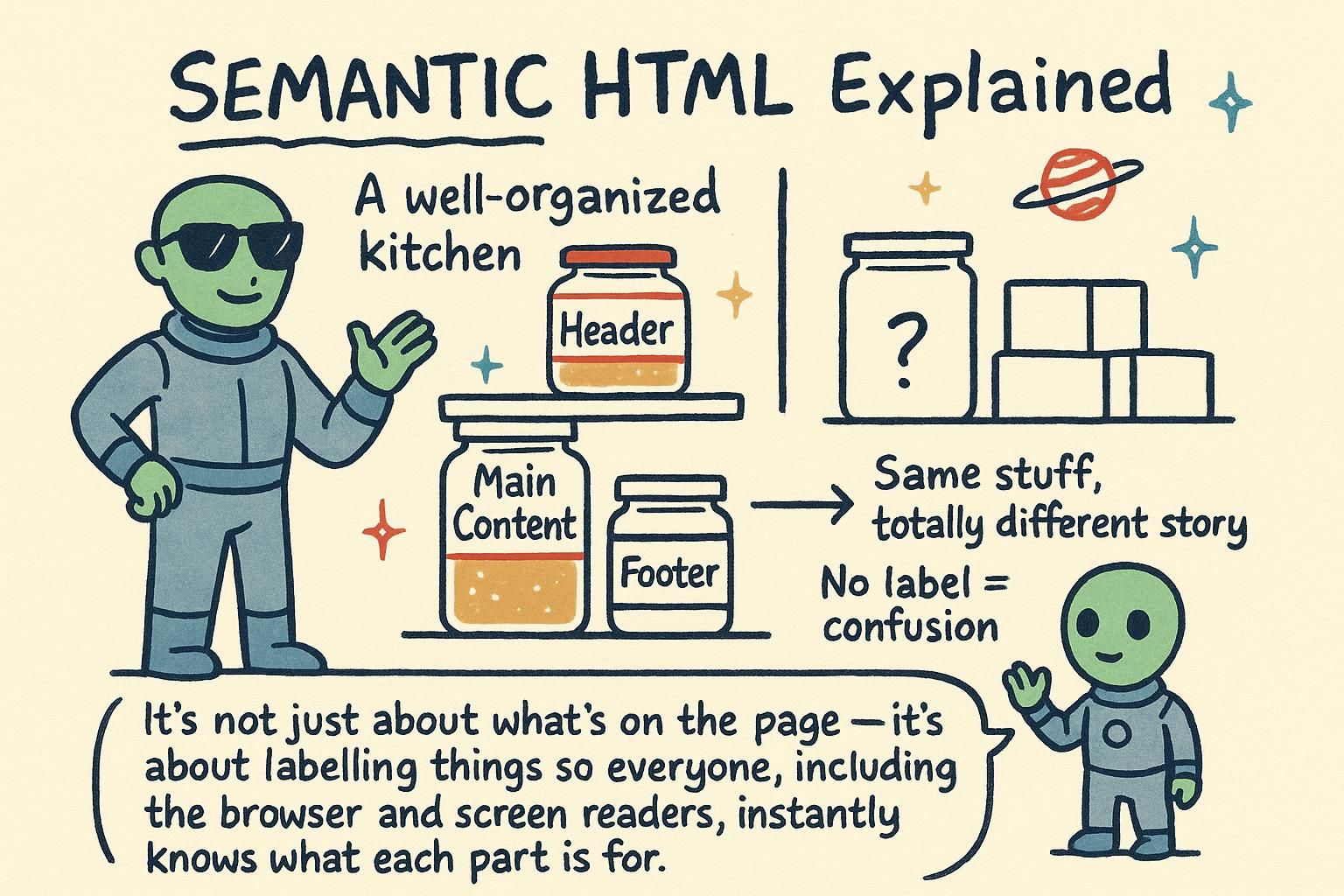
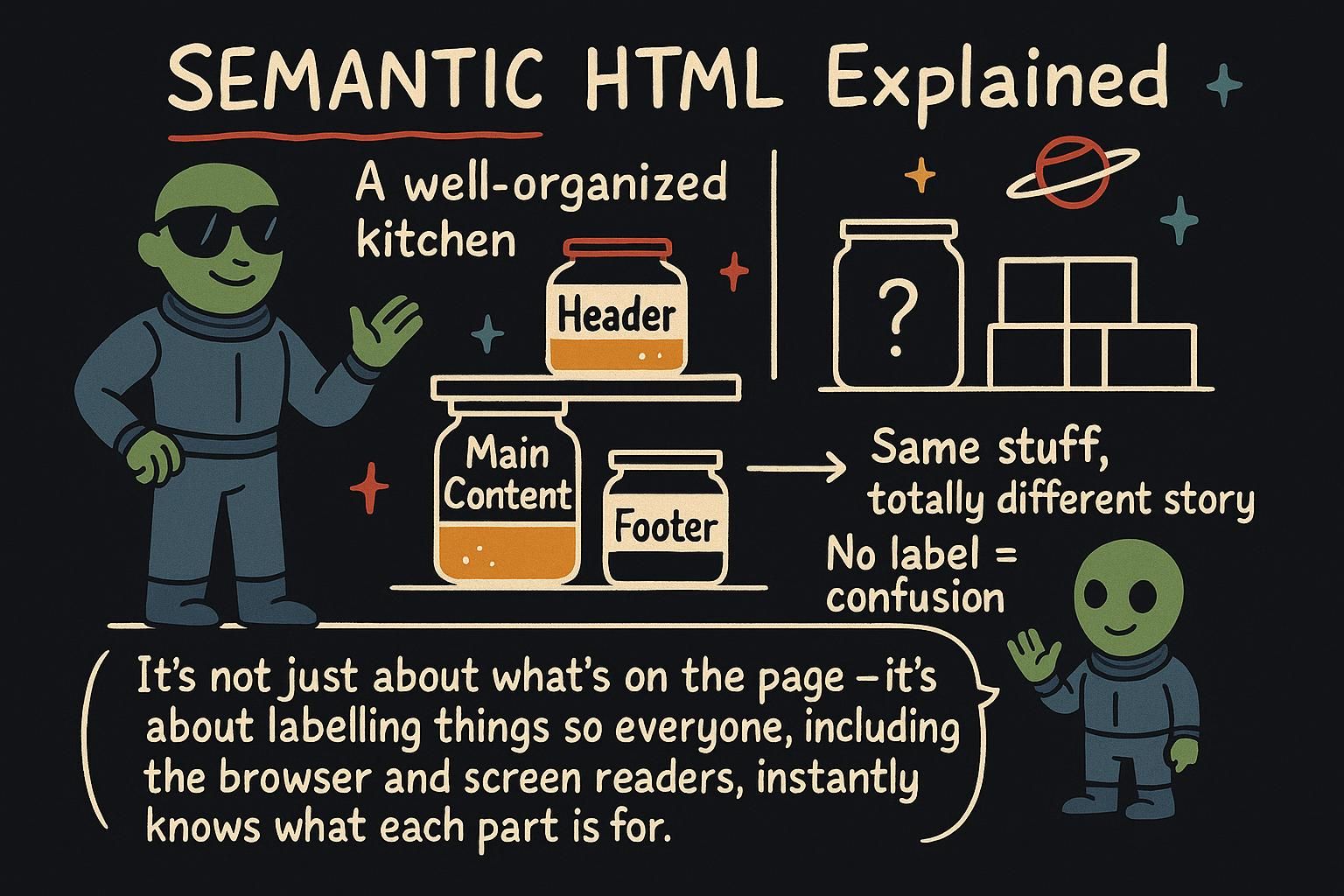
Two pages can look identical and be built very differently underneath. One uses elements named after what they hold: a header, a navigation, a main area. The other wraps everything in the same anonymous box and leans on class names to tell them apart. On screen you cannot tell them apart. In every other respect they are not the same page at all. Choosing elements by their meaning is what semantic HTML is about.
What semantic means
Semantic means "to do with meaning". A semantic element is one whose name says what its content is. A paragraph goes in a <p> because it is a paragraph. A navigation menu goes in a <nav> because it is navigation. The tag names the thing.
You could build almost any page out of one all-purpose box and make it look right with styling. But then nothing on the page would say what it is. Picking the element that names the content is like labelling the boxes when you move house. Everything would still fit in plain unlabelled boxes, but the labels are what let anyone else, or a browser, understand what is inside without opening every one.

<p>, a menu in a <nav>. You could put everything in plain boxes and style it to look the same, but then nothing says what it is. Think of it as labelling your moving boxes so anyone can tell what is inside. The landmark elements
A handful of elements exist to mark out the big regions of a page. These are the ones you reach for first:
<header>is the top of a page or a section: a logo, a title, an introduction.<nav>is a set of navigation links, like the main menu.<main>is the main content, the reason the page exists.<section>is a grouped chunk of related content, usually with its own heading.<article>is a self-contained piece that would still make sense on its own, like a blog post or a news story.<aside>is content off to the side: related links, a note, an advert.<footer>is the bottom of a page or section: copyright, contact details, small print.
The rule is the same every time. If a region is navigation, it goes in a <nav>, not a <div>. If it is the footer, it goes in a <footer>. You name the region with the element that matches it.
<header>
  <h1>Mara's Kitchen</h1>
  <nav>
    <a href="/recipes">Recipes</a>
    <a href="/about">About</a>
  </nav>
</header>
<main>
  <h2>Weeknight dinners</h2>
  <p>Quick meals you can make after work.</p>
</main>
<footer>
  <p>Made in Lisbon.</p>
</footer><header>, <nav>, <main>, <section>, <article>, <aside>, and <footer>. Each one names a part of the page, and you pick the one that matches the region you are building. You do not have to memorise them today, they come up again and again until they stick. div and span, the non-semantic fallback
Not every part of a page has a meaning worth naming. Sometimes you only need a box to group things so you can style them, or wrap a few words to colour them. For that there are two plain elements with no meaning of their own.
<div> is a generic block: an empty container you use when no other element fits. <span> is the same idea for a small run of text inside a line. Neither says anything about its content. They exist purely as hooks for styling and grouping.
<p>Today's total is <span class="price">£42.00</span>.</p>

<div class="card">
  <h2>Special offer</h2>
  <p>Two for one on all pasta.</p>
</div>
The <span> wraps a price so you can colour it. The <div> groups a card so you can put a border around it. Reach for these only when nothing more meaningful fits, because they tell the browser nothing about what is inside.
<div> is a plain box and <span> is a plain wrapper for a few words, and neither one means anything. Use them when you only need to group or style something and no named element fits. If the thing does have a meaning, like a menu or a button, use the element for that instead. Choosing the right element
When you are not sure which element to use, ask one plain question: what is this thing? Not what does it look like, but what is it. The answer usually names the element for you. A row of links across the top is navigation, so it is a <nav>. A block of small print at the bottom is a footer, so it is a <footer>. A price you want to colour is not really anything, so it is a <span>.
Start from the meaning, and only fall back to a <div> or <span> when the real answer is "it is only a box". Getting into this habit early means your pages describe themselves, and that pays off the moment you or anyone else has to read the markup again.
<nav>, small print is a <footer>, a plain box you want to style is a <div>. Start from the meaning every time, and your pages end up describing themselves.