

 Learn HTML & CSS
Links and navigation
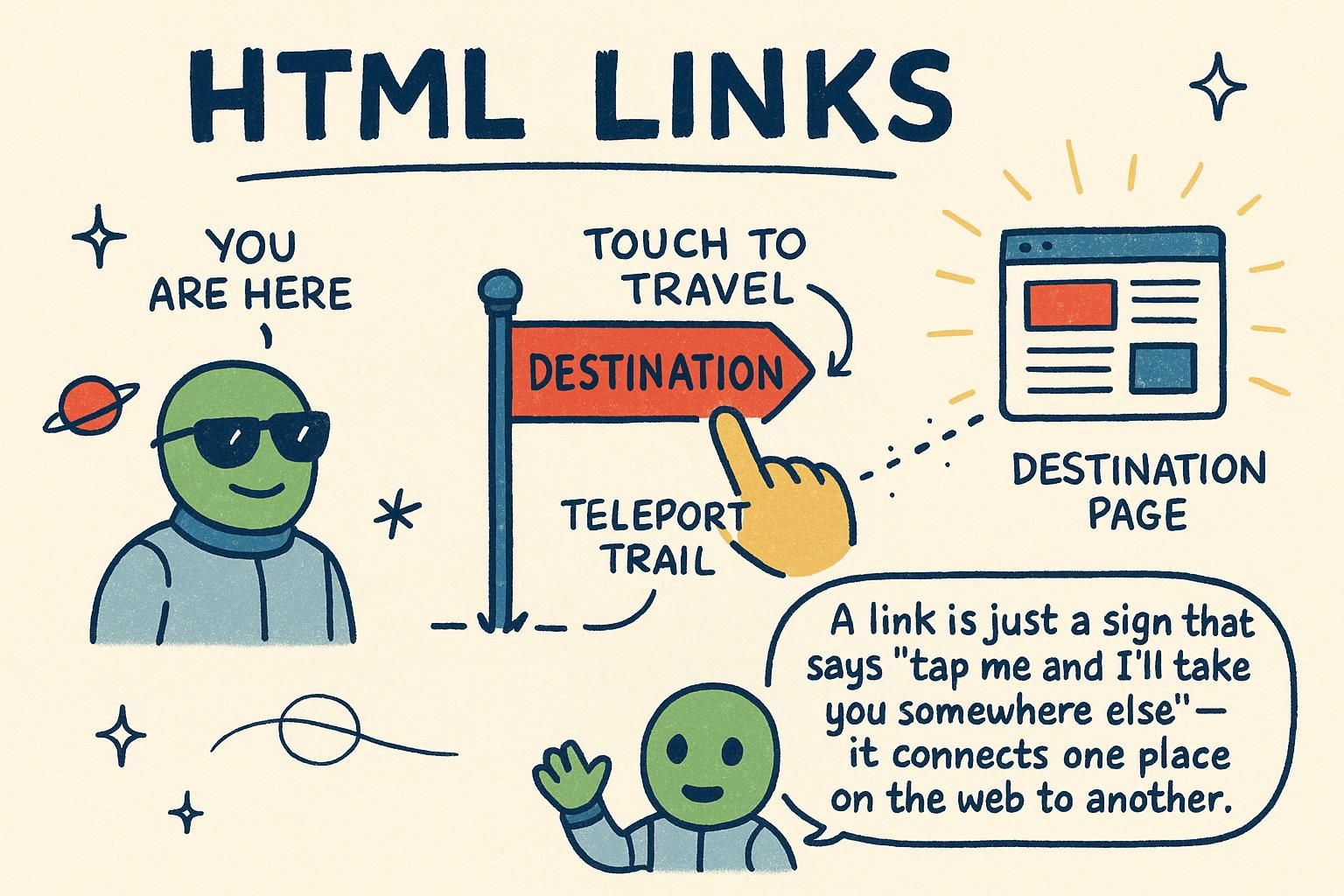
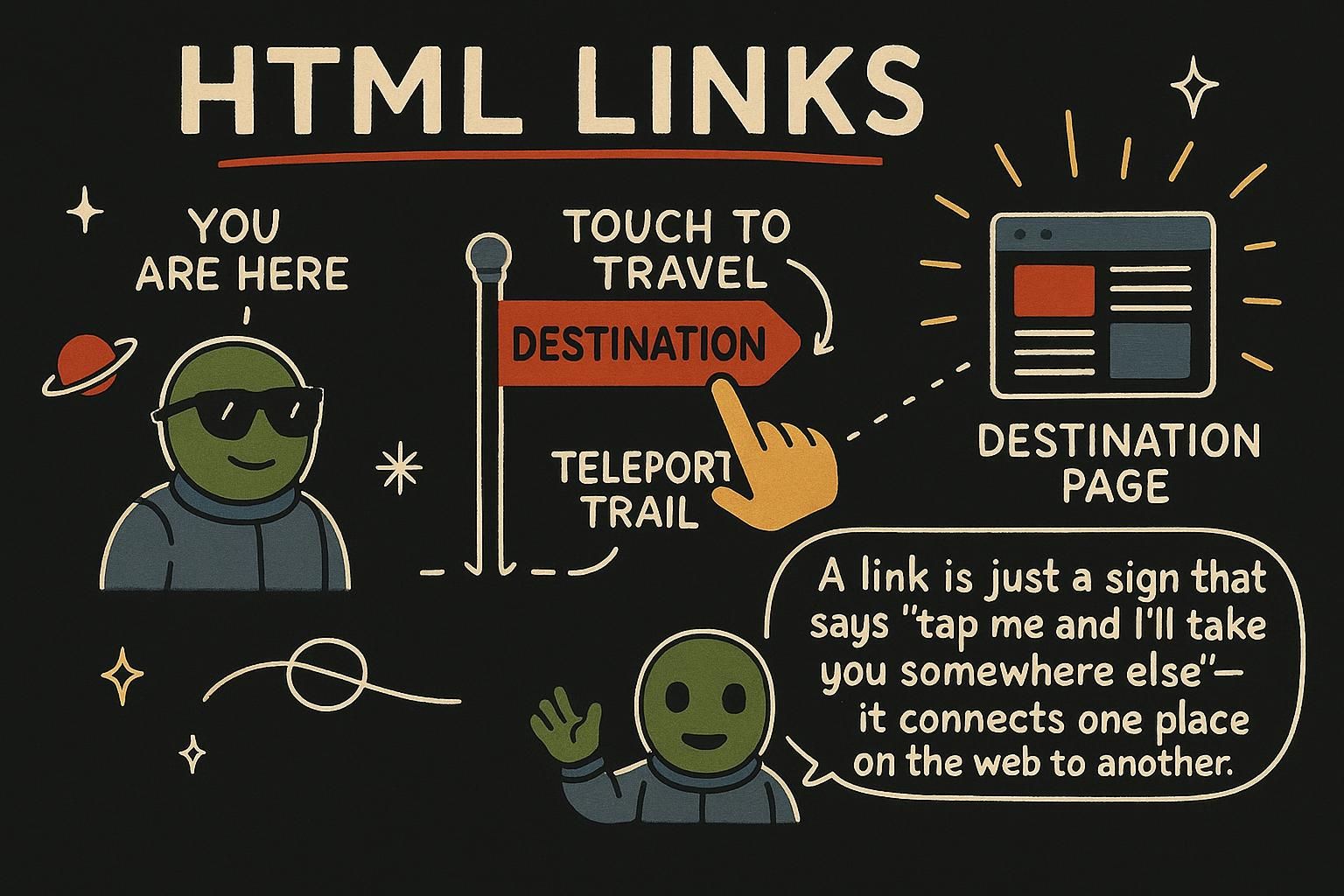
A single page on its own is an island. Links are what join pages into a web: they let a visitor move to another page, jump to a section further down, or open an email app to write to you. The element behind all of it is the anchor, <a>, and it works with an attribute called href. If the words element and attribute are new, the What is HTML chapter introduces them.
The anchor element
A link is made with the anchor element, written <a>. You give it an href attribute, which is where the link goes, and the text between the opening and closing tags is what the visitor sees and clicks.
<a href="https://scrimba.com">Visit Scrimba</a>The words "Visit Scrimba" show up as a clickable link. Click them and the browser loads the address in the href.
Think of href as the destination written on a signpost, and the link text as the label painted on the sign. The label is what people read; the destination is where the arrow points.

<a href="...">: the href is where it goes, the text between the tags is what people click. That is the whole element. Get those two parts and you can link anywhere on the web. Absolute and relative URLs
Every link needs an address to point at, and there are two kinds. An absolute URL is the full address, starting with https://, the same one you would type into the address bar. Use it to link to another website:
<a href="https://scrimba.com">Scrimba's home page</a>A relative URL is a shortcut to another page on your own site. Instead of the full address, you give the path from where you are now:
<a href="about.html">About us</a>That link looks for an about.html file in the same folder as the current page. An absolute URL is a full postal address with the country and city; a relative URL is "two doors down from here".
https://... for other sites, a relative one like about.html is a shortcut to a page on your own. Full postal address versus "two doors down". Start with relative links for your own pages and you will type a lot less. Link targets, rel, and opening in new tabs
By default, clicking a link loads the new page in the same tab, replacing the page you were on. Sometimes you want it to open in a new tab instead, so the visitor keeps your page open. You do that with the target attribute set to _blank:
<a href="https://scrimba.com" target="_blank">Open Scrimba in a new tab</a>_blank means "a fresh, blank tab". Opening a link normally is walking through a doorway into the next room; target="_blank" opens a second door so the first room stays where it was.
target="_blank" opens a link in a fresh tab so your page stays put. Leave it off and the link opens in the same tab, which is what people expect most of the time. Save the new tab for links heading off to other sites. In-page links with fragment IDs
Links do not only go to other pages. They can also jump to a spot further down the current page, the way a table of contents does. First, give the spot you want to reach, for example a heading, a unique id attribute:
<h2 id="pricing">Pricing</h2>Then link to it by putting a # in front of that name:
<a href="#pricing">Jump to pricing</a>Clicking the link scrolls the page down to the pricing heading. The #name part is called a fragment. The id is a bookmark you slip into the page, and the # link is you flipping straight to it.
id, then link to it with # and that same name, like <a href="#pricing">. The page scrolls straight there. Picture the id as a bookmark and the # link as flipping to it. Building a navigation
Most sites have a row of links at the top: Home, About, Contact. That is a navigation, and it is a set of anchors grouped together. HTML has an element made for it, <nav>, which marks a block as the page's navigation:
<nav>
  <a href="/">Home</a>
  <a href="/about">About</a>
  <a href="/contact">Contact</a>
</nav>
Each link is an ordinary anchor. Wrapping them in <nav> tells the browser and other tools "this group is how you get around the site".
<nav>, like Home, About, Contact. The <nav> tells everything "this is how you get around". The links inside are plain anchors, nothing new to learn.