Embedding and iframes

Sometimes the thing you want on your page already lives somewhere else: a video on YouTube, a location on a map, a payment form run by another company. Rather than rebuild it, you can place that whole page inside yours. The element that does this is the <iframe>, and it comes with a set of controls for keeping the borrowed content sized, accessible, and safe.
The iframe element
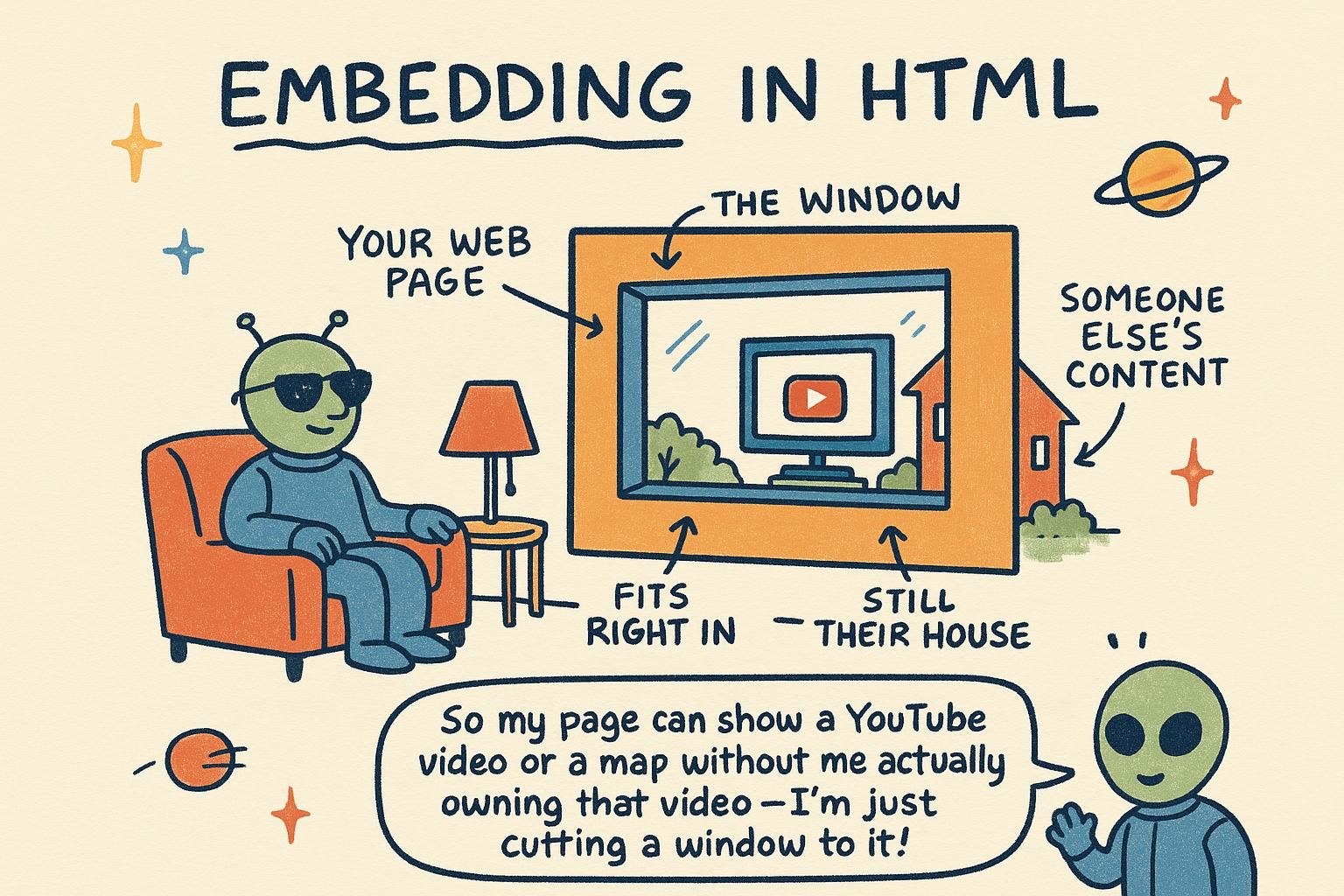
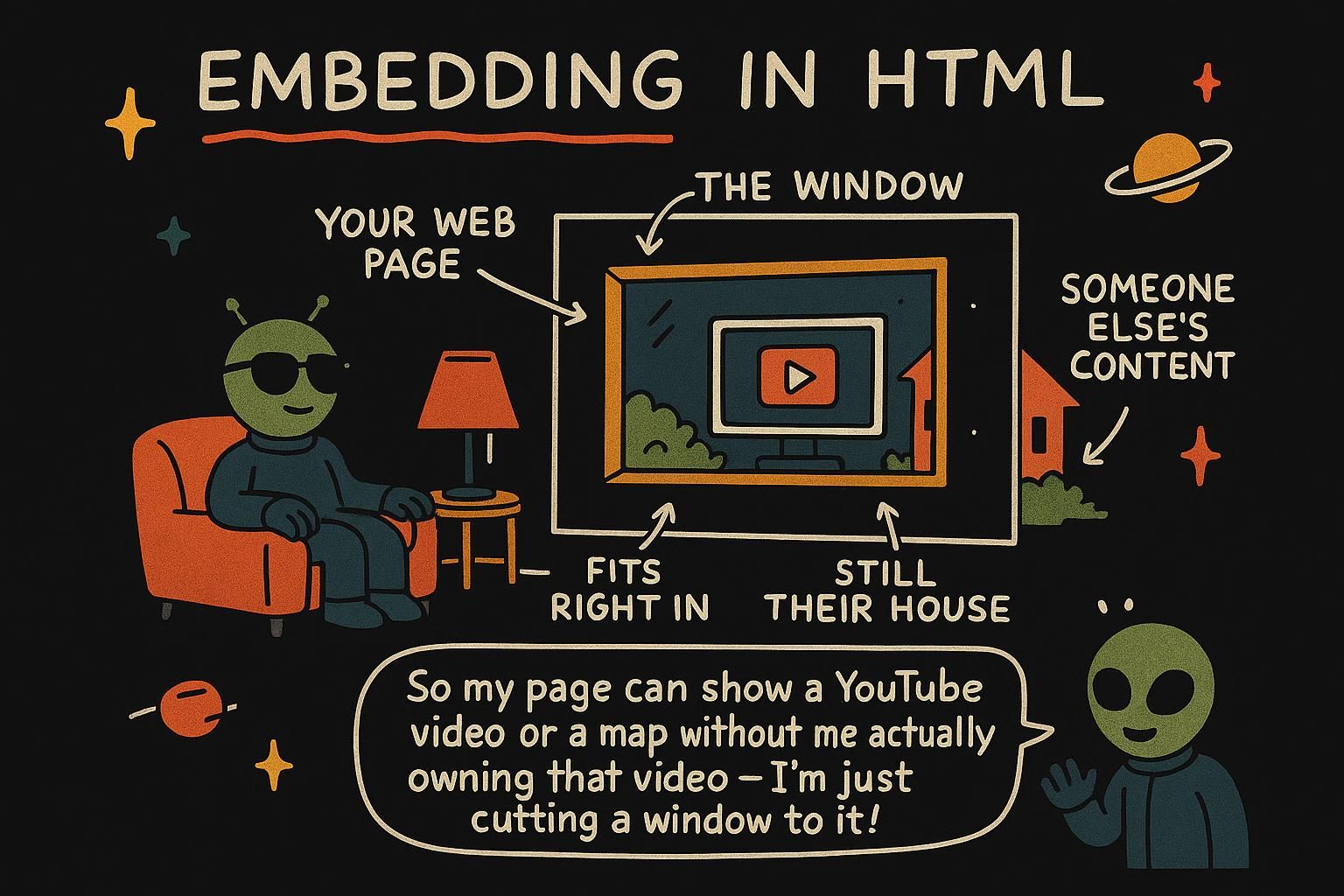
An iframe drops another web page inside your own. The name is short for "inline frame", and that is a good picture of it: a small framed window on your page, with a completely separate page showing through it. A YouTube video on a blog post is almost always an iframe.
You point it at the page you want to show with the src attribute, the same attribute an image uses for its file:
<iframe src="https://www.youtube.com/embed/aqz-KE-bpKQ"></iframe>That single tag pulls the YouTube player onto your page. Think of it like hanging a window on a wall: the wall is your page, and through the window you see a whole other room.

An <iframe> loads a separate, complete web page and displays it as a rectangle inside yours. The src attribute holds the address of that page, and everything inside the frame, its own HTML, CSS, and JavaScript, runs on its own, kept apart from your page.
<iframe src="https://www.openstreetmap.org/export/embed.html"></iframe>Anything you write between the opening and closing tags is fallback content, shown only by browsers too old to support frames, which in practice is none of them. The frame is configured entirely through its attributes, and the next section covers the ones you will actually set.
An <iframe> creates a nested browsing context: a full, independent document embedded inside your document (a browsing context is the environment a single page runs in, with its own history, its own global scope, and its own copy of the DOM). The frame is not part of your page's DOM tree in any meaningful way; it is a separate page that happens to be painted inside a box on yours.
That separation is the whole point, and it is enforced by the same-origin policy: your page and the framed page can only read or script each other if they share an origin (an origin is the combination of scheme, host, and port, so https://example.com and https://other.com are different origins). A same-origin frame you can reach into with JavaScript through iframe.contentWindow; a cross-origin frame is a sealed box you can point at but not inspect. Almost every embed you place, a video, a map, a widget, is cross-origin, which is exactly why it is safe to place at all.
<iframe> shows a whole other web page inside yours, like a little window looking into another room. You point it somewhere with src, the same way an image does. That YouTube player on a blog? Almost always one of these. <iframe> loads a separate, self-contained page and shows it in a box on yours. Its own HTML, CSS, and JavaScript stay walled off from your page. You set it up entirely through attributes, starting with src. Embedding video, maps, and widgets
The good news: you rarely write embed code by hand. The site you are embedding from writes it for you. On YouTube you click Share, then Embed, and it hands you a ready-made <iframe> to copy. Maps, music players, and calendars all work the same way. You copy their block and paste it into your HTML.
<iframe src="https://www.youtube.com/embed/aqz-KE-bpKQ" width="560" height="315"></iframe>The width and height set how big the frame is, measured in pixels. Change those two numbers and the video gets bigger or smaller on your page.
Most embed code comes straight from the source. Look for a Share or Embed button, and the service gives you an <iframe> block sized and pointed for you. Three attributes are worth understanding rather than only pasting:
<iframe
src="https://www.youtube.com/embed/aqz-KE-bpKQ"
width="560"
height="315"
title="Big Buck Bunny short film"
loading="lazy"
></iframe>width and height set the frame's size in pixels. The title attribute names the frame for screen readers, which announce it the way they announce a link's text, so a frame without a title is read as an unlabelled "frame" and helps nobody. loading="lazy" tells the browser to hold off downloading the framed page until the reader scrolls near it, which keeps embeds low on the page from slowing the initial load.
For a frame that should stretch to fit its container instead of a fixed pixel size, drop the width and height attributes and size it with CSS, using aspect-ratio to keep a video's proportions correct.
The embed snippet a service hands you is a reasonable default, not a finished decision. A few attributes decide how well it behaves in production.
<iframe
src="https://www.youtube-nocookie.com/embed/aqz-KE-bpKQ"
title="Big Buck Bunny short film"
loading="lazy"
referrerpolicy="strict-origin-when-cross-origin"
allowfullscreen
style="width: 100%; aspect-ratio: 16 / 9; border: 0;"
></iframe>title is not optional in practice: assistive technology (software such as screen readers that reads the page aloud) treats a frame as a landmark and announces its title, so a missing one leaves a blank region in the reading order. loading="lazy" defers the frame's document load until it approaches the viewport (the visible area of the page), which matters a great deal here because each frame is a full page load, not a single asset. referrerpolicy controls how much of your page's URL is sent to the embedded service in the Referer header (the field a browser attaches to tell a server where a request came from), and tightening it leaks less about your users. Size responsively with aspect-ratio rather than fixed pixels so the frame reflows on small screens. The one habit worth keeping: read the snippet before you paste it, because you are inheriting whatever defaults the provider chose.
<iframe> to paste in. Change width and height to resize it. That is most of the job. title so screen readers can name the frame, and loading="lazy" so a frame down the page does not slow the first paint. For flexible sizing, drop the pixel width and height and use CSS aspect-ratio. title for the reading order, loading="lazy" because a frame is a whole page load and not one asset, a tight referrerpolicy so you leak less about your users, and aspect-ratio for responsive sizing. Read what you paste, since you inherit every default they picked. Sandboxing and permissions
Because a frame runs a whole other page, you may want to limit what that page is allowed to do. The sandbox attribute does exactly that: it puts the frame behind a safety fence.
<iframe src="widget.html" sandbox></iframe>With sandbox on its own, the framed page is held to the strictest setting: it cannot run its own scripts, submit forms, or pop open new windows. You then hand back specific permissions one at a time, only the ones the embed actually needs. Think of it like lending someone a room but locking the cabinets you do not want opened.
Two attributes control what a frame is permitted to do. sandbox restricts the frame, and allow grants access to device and browser features.
Adding sandbox with no value blocks nearly everything the framed page could do: scripts, forms, popups, and treating itself as same-origin. You loosen it by listing space-separated permission tokens:
<iframe
src="https://example.com/widget"
sandbox="allow-scripts allow-forms"
></iframe>allow-scripts lets the frame run JavaScript, allow-forms lets it submit forms, allow-popups lets it open new windows. Grant only what the embed needs. The separate allow attribute governs sensitive browser features like fullscreen, camera, and microphone:
<iframe src="https://example.com/call" allow="camera; microphone; fullscreen"></iframe>If a feature is not listed in allow, the framed page cannot use it, even if its own code asks.
Two distinct models sit here, and it is worth keeping them apart. sandbox removes capabilities from the frame; allow grants access to gated features. They are not two spellings of the same thing.
sandbox with no value applies every restriction at once: no scripts, no form submission, no popups, no auto-playing media, and, importantly, the frame is forced into a unique opaque origin (an origin that matches nothing else, so the frame cannot claim to be same-origin with anyone, including the site it was loaded from). You add capabilities back with tokens:
<iframe
src="https://example.com/widget"
sandbox="allow-scripts allow-popups allow-popups-to-escape-sandbox"
></iframe>There is one combination to avoid. Granting both allow-scripts and allow-same-origin to a frame that loads from your own origin lets the framed page run code that can reach back out and remove its own sandbox, which defeats the point. Only pair those two when the frame's content is fully trusted.
The allow attribute is a Permissions Policy (a browser mechanism for deciding which pages may use sensitive features such as the camera, microphone, geolocation, or fullscreen). Its default is deny: a feature not named in allow is unavailable to the frame no matter what its script requests. This is how you place a video-call widget that needs the camera without also handing that camera to every other frame on the page.
sandbox to a frame and it locks the embedded page down: no scripts, no popups, no mischief. Then you hand back only the permissions it actually needs. It is like lending a room but keeping some cabinets locked. sandbox restricts a frame and you loosen it token by token, like allow-scripts and allow-forms. The separate allow attribute is what grants camera, microphone, or fullscreen. Give each one only what the embed actually asks for. sandbox takes capabilities away, allow grants gated features and defaults to deny. The trap is pairing allow-scripts with allow-same-origin on a same-origin frame, since that lets the page unlock its own sandbox. Only do that when you fully trust what is inside. Security and performance cautions
Embeds are handy, but each frame loads an entire extra page, so a stack of them can make yours feel slow. Two habits keep you out of trouble: only embed from sites you trust, since you are inviting their page onto yours, and do not add more frames than you need.
The loading="lazy" attribute from earlier helps here too, holding back frames until the reader scrolls to them. Reach for an embed when it saves you real work, like a video or a map, and skip it when a plain link would do the same job.
Every frame you add is a full page load: its own HTML, its own CSS, and often its own pile of JavaScript, all fetched from another server. A page with three third-party embeds is really four pages loading at once, which is why embed-heavy pages feel heavy. loading="lazy" on offscreen frames is the cheapest win, and preferring one embed over three is the next.
There is a second concern beyond speed. You can protect your own page from being placed inside someone else's frame, which stops a trick where an attacker frames your site and tricks users into clicking things they cannot see. That protection is set on the server, and the advanced level covers the two headers that do it.
Two costs deserve a clear-eyed look: what a frame does to your performance, and what framing can do to your security.
On performance, a third-party frame is not a single request; it is a nested document load that runs the provider's full stack (their markup, styles, fonts, analytics, and scripts) inside your page. It competes for the same network and main thread, and its scripts run in their own context but on the same device, so a heavy embed can delay your own content from becoming interactive. loading="lazy" defers offscreen frames, and consolidating embeds beats tuning any single one. Measure the real cost before assuming an embed is free.
On security, the risk is clickjacking: an attacker loads your page in a frame on their own site, makes it invisible or overlays it, and lures a signed-in user into clicking a real control on your page without realising it. The defence is to declare who, if anyone, may frame your pages, and it is set with a response header on your server, not in the HTML:
X-Frame-Options: DENYrefuses to let your page load in any frame at all.SAMEORIGINallows only your own site to frame it. This is the older, coarser control.Content-Security-Policy: frame-ancestors 'self'is the modern replacement. frame-ancestors lists exactly which origins may frame your page (a Content-Security-Policy, or CSP, is a header that tells the browser which sources of content and behaviour to permit). It supersedesX-Frame-Options, allows a specific allowlist rather than one blanket rule, and is the one to set on anything with a login or a form.
Note the direction: sandbox and allow control pages you embed, while frame-ancestors and X-Frame-Options control who may embed you. Both directions matter, and they are configured in different places.
loading="lazy". If a plain link would do the same job, use the link. loading="lazy" on offscreen frames is the cheap win, and fewer embeds beats tuning one. There is also a framing risk worth guarding against, which the deep dive covers with two server headers. frame-ancestors in a CSP is the modern control, X-Frame-Options the older one. Remember the direction, since sandbox guards pages you embed and frame-ancestors guards who embeds you.