

 Learn Git and GitHub
What is Git?
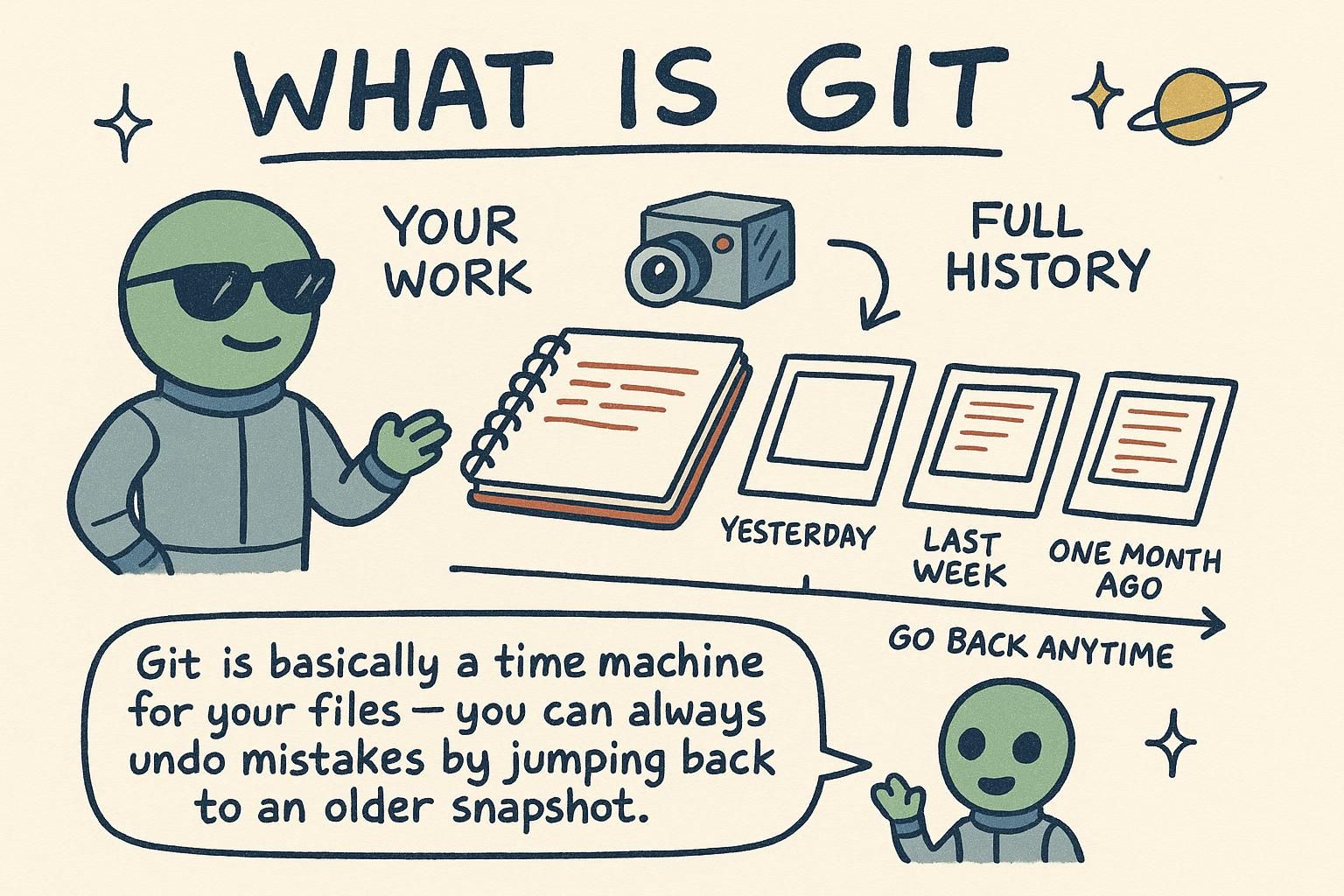
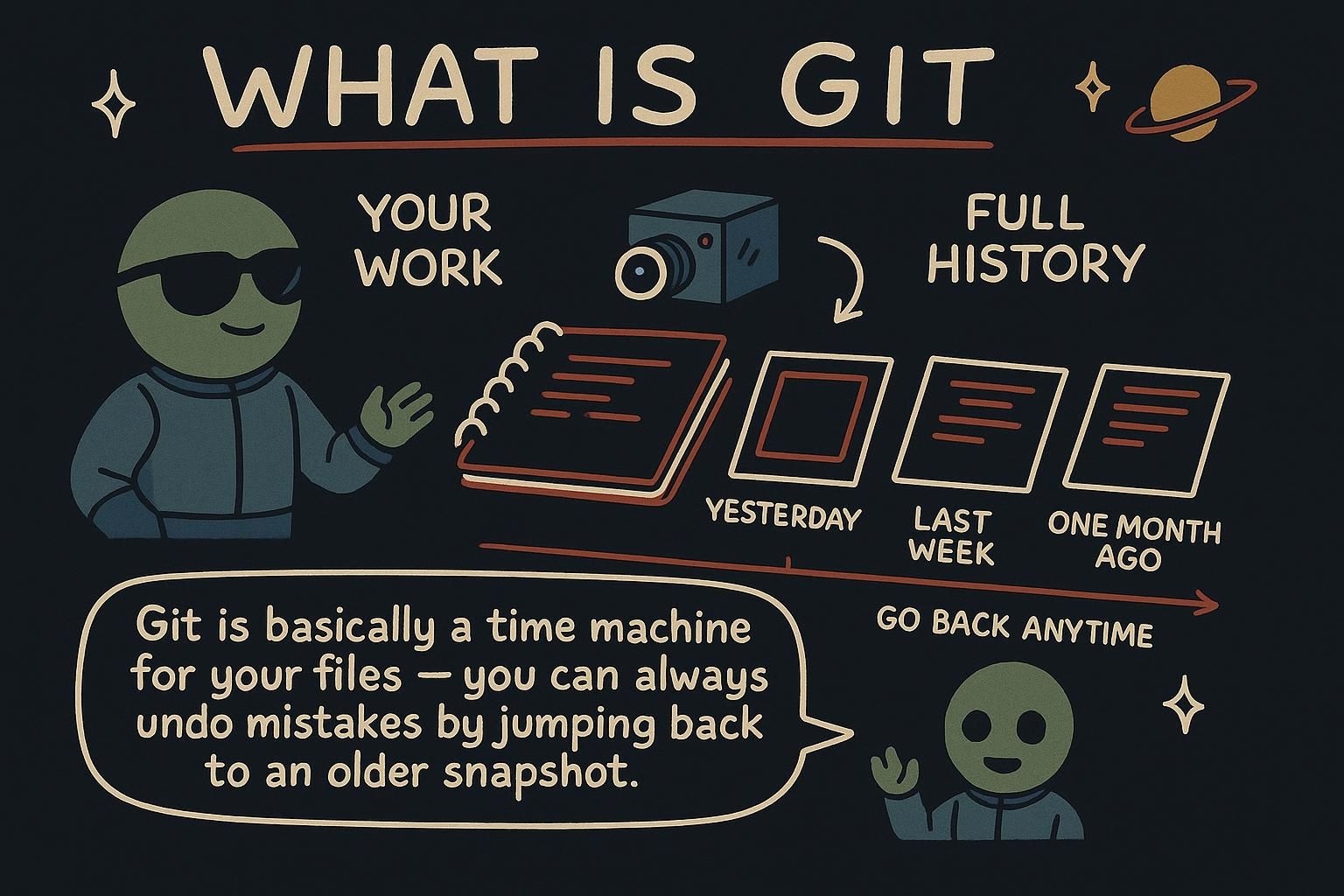
You have almost certainly done version control by hand. A folder with report.docx, report_final.docx, report_final_v2.docx, and report_final_ACTUAL.docx is version control, of the worst possible kind. You cannot tell what changed between two of those files, you cannot merge edits two people made at the same time, and you definitely cannot get back the good paragraph you deleted three copies ago.
Git solves that problem properly. It is a tool that records snapshots of your project over time, so your whole history lives in one place instead of a pile of copies. The tool itself is a small program that lives on your own computer: you type commands that start with git into a terminal, and it answers in text.
What Git does for you
At its core, Git keeps a timeline of your project. Each time you reach a point worth saving, you record a commit: a snapshot of every file, plus a short message describing what changed and why. Later you can look back over that timeline and see exactly how the project got to where it is. Here is a real timeline, printed by git log, the command that lists a project's commits (the --oneline flag shortens each one to a single line):
$ git log --oneline
a1b2c3d Add password strength meter
9f8e7d6 Fix signup form validation
5c4b3a2 Set up project structure
That is three saved points in a project's history, newest at the top, each with a short ID and the message its author wrote. (In every example like this, the line starting with $ is a command typed into a terminal, without the $ itself, and the lines below it are Git's reply.) You will learn every command that produces and reads this history over the next few chapters. For now the idea to hold onto is that Git is recording your work as a series of snapshots you can always return to.
Once your project has a history like this, a lot becomes possible. You can see what changed and who changed it. You can try a risky idea on the side and throw it away cleanly if it does not work out. You can hand the whole project, with its full history, to someone else. And when two people edit the same code, Git can combine their work and flag the spots where they disagree so a human can settle them. Those four abilities, history, safe experiments, sharing, and combining work, are the whole reason Git runs under almost every professional codebase.

final_v2_ACTUAL copies is the problem Git was built to end, and I promise it feels great the first time you delete one. Git and GitHub are different things
This one trips up nearly everyone at the start, so here it is in plain terms. Git is the version-control tool. It runs on your own computer, it records your commits, and it needs no internet connection and no account to work. GitHub is a website that stores Git repositories online and adds things around them: a place to share your code, review each other's changes, report issues, and collaborate.
The clearest way to feel the difference: you can use Git every day, committing and branching on your laptop, without ever creating a GitHub account. GitHub only enters the picture when you want to put your repository somewhere shared so other people, or other machines, can reach it. Git is the engine; GitHub is one place to host what it produces. Others exist, such as GitLab and Bitbucket, and they all host the same Git repositories underneath.
Where Git came from
Git's history explains a lot about why it works the way it does. It was written in 2005 by Linus Torvalds, the same person who started Linux. The Linux kernel is built by thousands of volunteers scattered around the world, and for a few years they had coordinated all that work using a commercial tool called BitKeeper, which the company behind it let open-source projects use for free.
In 2005 that free arrangement fell apart, and the kernel community suddenly had no tool to manage its enormous, fast-moving codebase. Nothing else available at the time could keep up. So Torvalds stepped back from kernel work for a couple of weeks and wrote his own version-control tool, with a few firm goals shaped by exactly that problem.
He wanted it to be distributed, so that every contributor would have the complete project history on their own machine and could work without checking in with a central server. He wanted it to be fast, quick enough to handle a project the size of the kernel without making people wait. And he wanted it to guarantee integrity, so that nobody could quietly alter history and no disk error could corrupt a project without it being noticed.
Those goals are why Git behaves as it does today. When you clone a project you get its entire history to work with, which is the distributed goal in action: you can commit, branch, and browse history on a plane with no wifi. And every commit is stamped with a fingerprint calculated from its exact contents, so if a single byte ever changes the fingerprint stops matching and Git notices. The design decisions Torvalds made in a hurry in 2005 are the ones you rely on every time you use Git now.
clone gives you the full history to work with offline, and why every commit gets a fingerprint. Handy context for a tool you will use for years. Where this handbook goes next
With the mental model in place, the rest of the track is about doing the work. Your first repository starts from zero: opening a terminal, installing Git if your machine does not have it, and turning a folder into a repository you can commit to. From there you will learn the everyday loop of saving changes, then branches, merging, and the collaboration flow on GitHub. If a term ever loses you, the Glossary has a short definition for every piece of Git vocabulary in these docs.