

 Learn Git and GitHub
The pull request flow
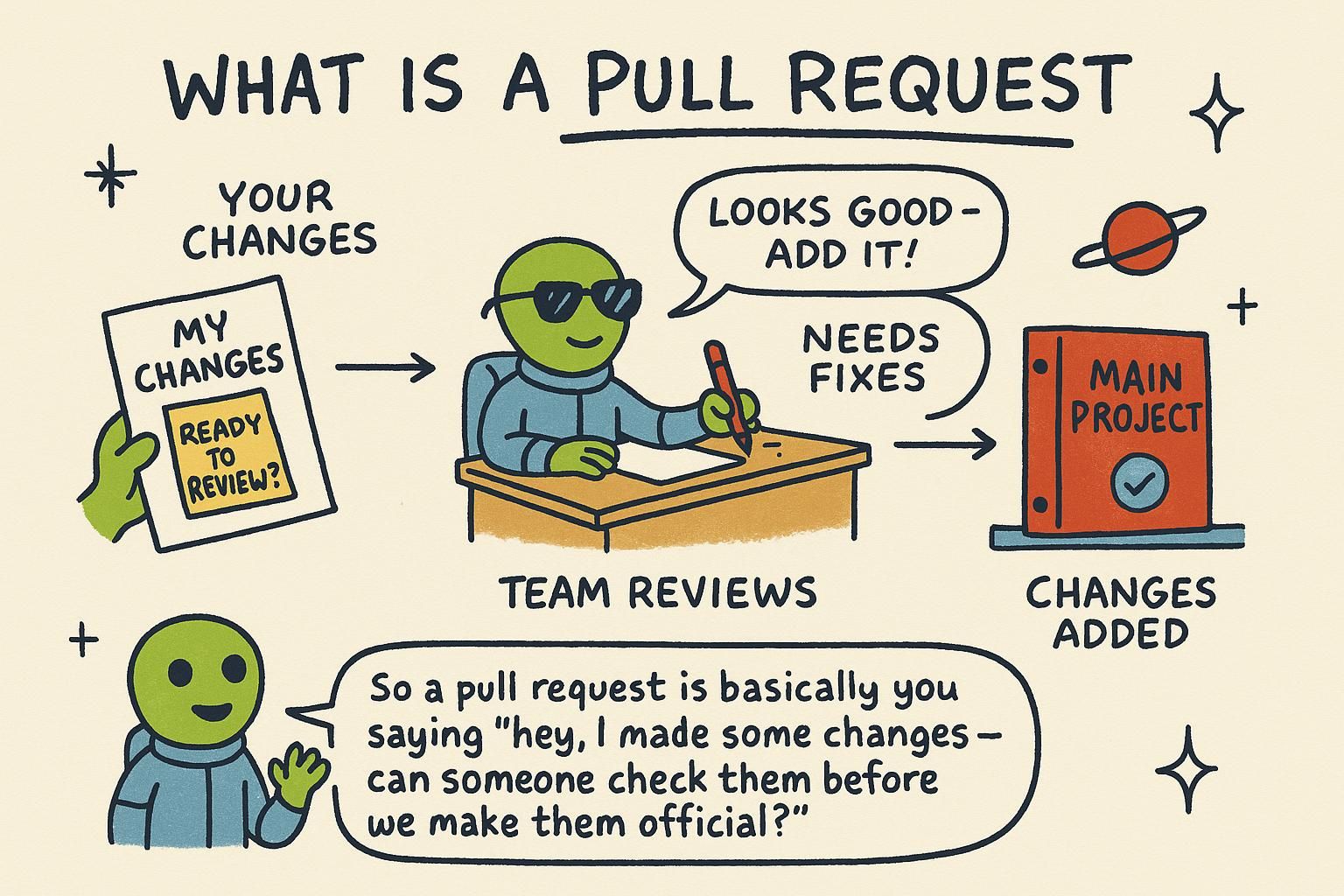
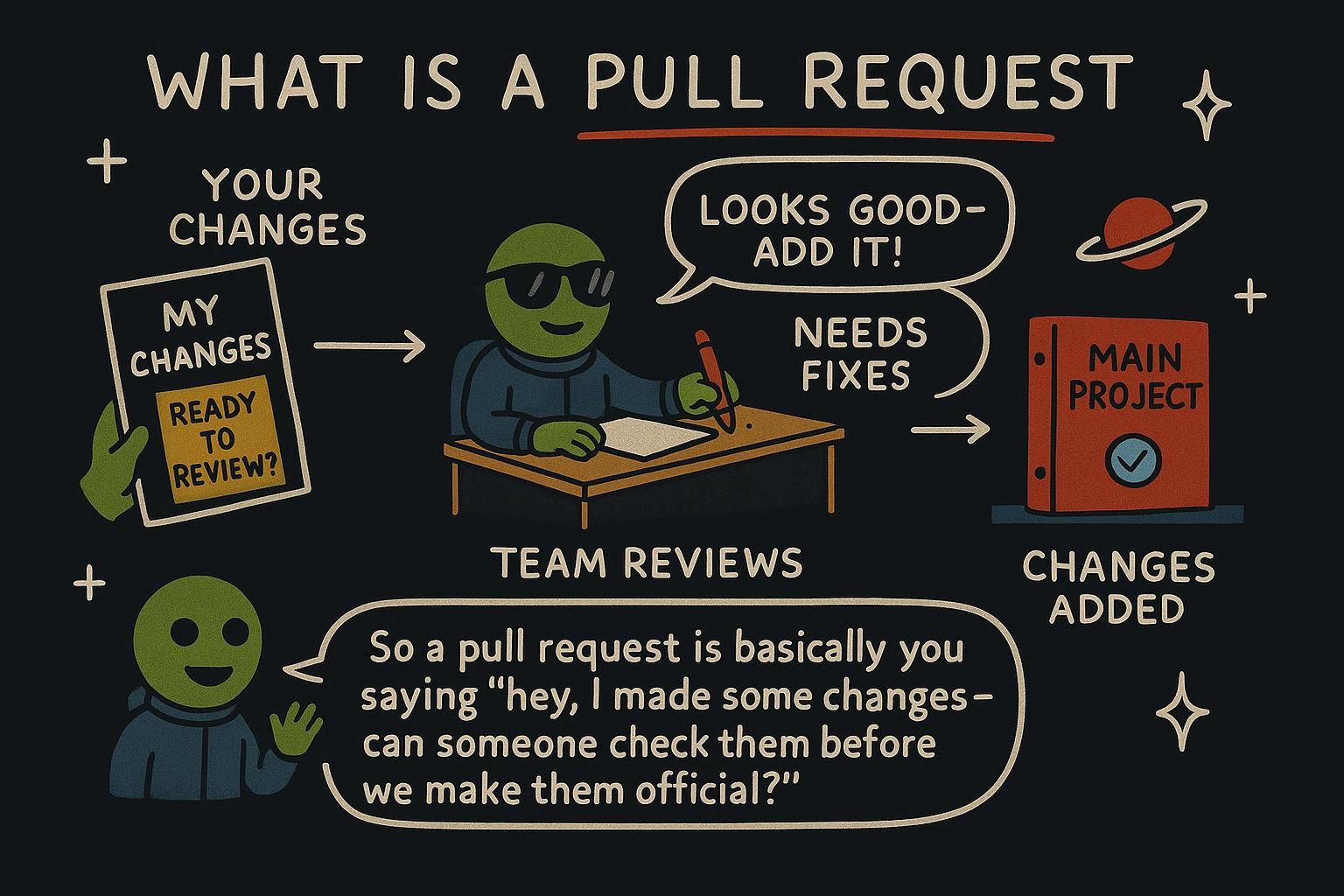
You have been working on a feature on your own branch, and it is ready. The project is shared: other people commit to it too, so you do not push straight to main and hope for the best. You want the change reviewed, discussed if needed, and merged in a way the rest of the team can see. That whole path, from a branch on your machine to code landing in main, is the pull request flow, and it is how almost every team on GitHub gets changes in. The Git side of it uses only commands from earlier chapters, a branch, a commit, and a push:
$ git switch -c add-five-day-forecast
Switched to a new branch 'add-five-day-forecast'
$ git add src/forecast.js
$ git commit -m "Add five-day forecast panel"
$ git push -u origin add-five-day-forecast
Branch 'add-five-day-forecast' set up to track 'origin/add-five-day-forecast'.
That push sends your branch to GitHub. Nothing has merged yet, and nothing has even been proposed for review. The next step, opening the pull request, happens on GitHub's website.
What happens when you open a pull request
On GitHub, after a push like the one above, you will usually see a banner offering to compare your new branch against main. Click it, write a title and a short description of what changed and why, and open the page it creates. That page is a pull request, often shortened to PR: a request to merge one branch into another, with a running conversation attached to it.
A pull request proposes a merge and waits for approval. Someone, maybe you, maybe a teammate, reads the change, leaves comments, and only merges it once it looks right. Until that happens, your branch and main stay exactly as they were before you opened the page.

Fork vs branch
Opening a pull request from a branch works when you have write access to the repository, which is the normal case on your own team's projects. Contributing to a project you do not have write access to needs one extra step: a fork, your own copy of the repository under your own GitHub account.
You branch and commit inside your fork exactly as you would in a project you own, push to your fork, and then open the pull request from your fork's branch back to the original repository. GitHub compares across the two repositories the same way it compares two branches inside one repository, so the review and merge flow looks identical either way.
Getting your pull request through review
Once a PR is open, it becomes a running conversation about the diff. A reviewer reads the change, leaves comments on specific lines, and either approves it or requests changes. When changes are requested, keep committing and pushing to the same branch: every push updates the same PR instead of creating a new one. Once a reviewer approves and any required checks pass, the PR is ready to merge.
Why a pull request won't merge
Sometimes the merge button on a PR is greyed out, and GitHub shows a message in its place: "This branch has conflicts that must be resolved" or "This branch is out of date with the base branch." Both messages describe a normal, fixable state: main has moved since you branched, usually because someone else's PR merged in the meantime, and your branch needs to catch up before GitHub can combine the two cleanly. This happens on any project with more than one contributor, so expect it rather than fear it.
Fix it locally the same way you would bring any two branches together:
$ git switch add-five-day-forecast
$ git fetch origin
From github.com:mara-chen/weather-app
   9f8e7d6..b7c9e21  main       -> origin/main
$ git merge origin/main
If nothing overlaps, the merge completes on its own and you push, and the PR updates and the button unlocks. If the same lines changed on both sides, Git marks the conflict in the file for you to resolve exactly as covered in Merging and conflicts: open the file, edit out the conflict markers to the result you want, then git add and git commit to finish the merge, and push again.
A stuck pull request needs catching up or its conflict resolved.
main or has a conflict with it. Nothing is broken. Switch to your branch, fetch, and merge main in, resolving any conflict the same way you would anywhere else, then push again. What a pull request is, under the hood
A pull request is not a Git object, and there is no git command that creates one. Git and GitHub are not the same thing: Git only knows about commits, branches, and other refs (a ref is a name pointing at a commit). GitHub builds the whole PR page, the comments, and the merge button on top of two refs it compares: your branch (the head) and the branch you are merging into (the base, usually main). That comparison is why you open a pull request on GitHub's website (or through GitHub's own command-line tool or API), and never with a plain git command.