Skip to content

Ignoring files and good habits

docs.scrimba.com

You clone a project called weather-app, run npm install, and check the status of your new repo.

bash
$ git status
Untracked files:
  (use "git add <file>..." to include in what will be committed)
	node_modules/
	dist/
	.env

Three folders and files show up as untracked, and none of them belong in a commit. node_modules/ is thousands of files that npm install regenerates from package.json in seconds. dist/ is build output that gets rebuilt from your source every time. And .env holds an API key. None of that should ever land in your project's history, and typing git add . without thinking about it is how it happens anyway.

Telling Git what to ignore

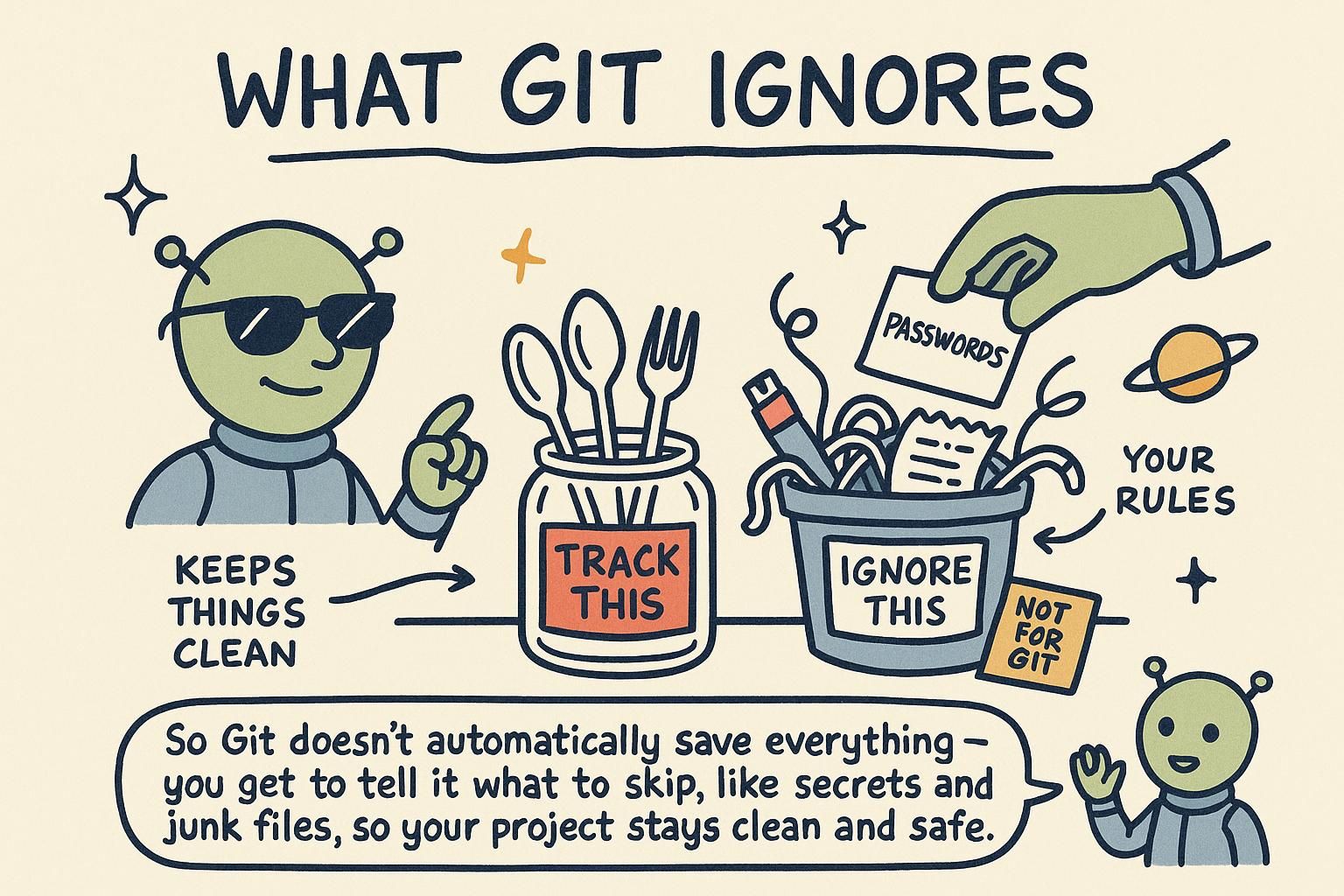
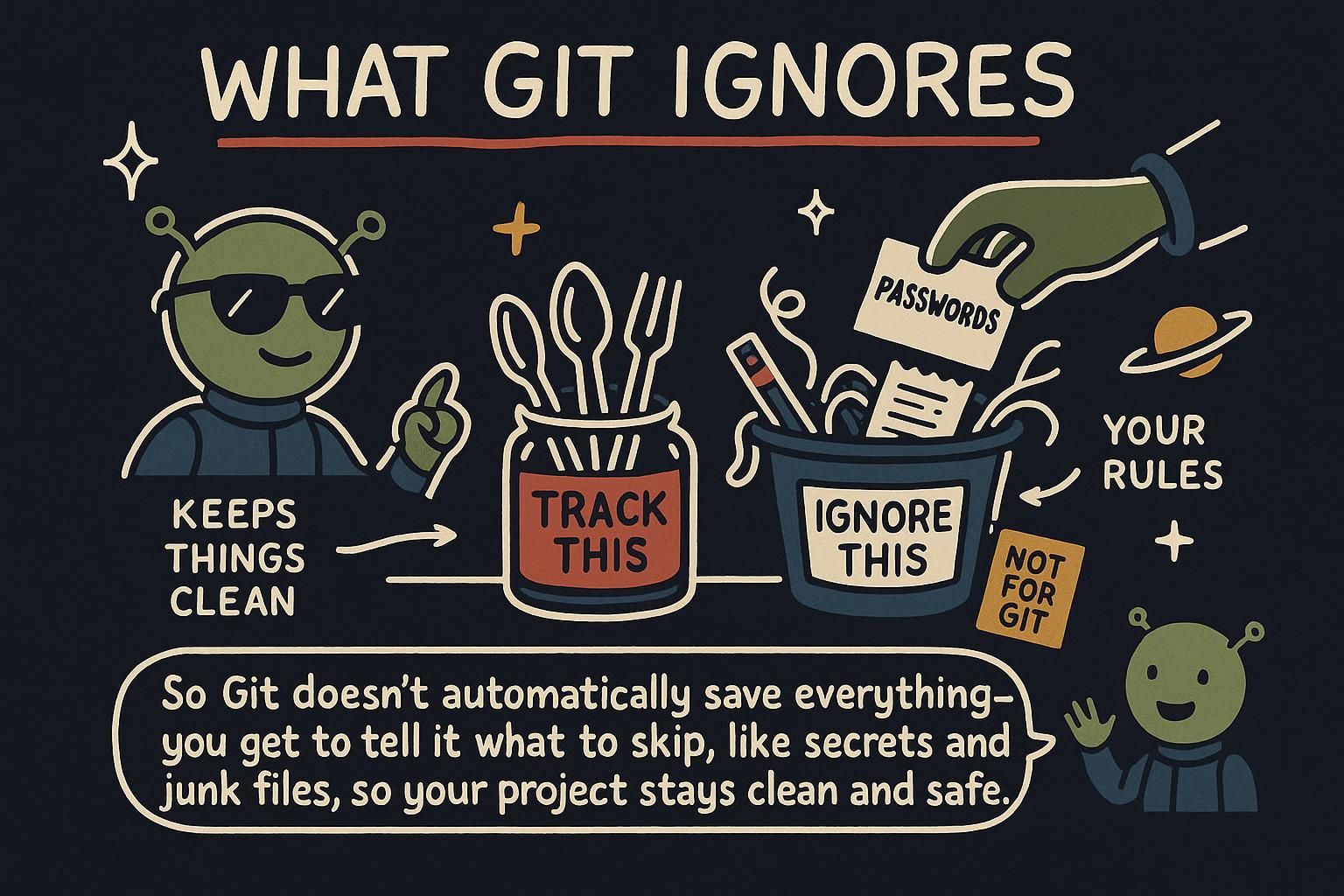
A .gitignore file lists patterns for files and folders Git should never track. You create it once at the root of your project, the same place you ran git init when you set the repository up in Your first repository, and from then on, git status and git add . quietly skip anything that matches.

bash
# .gitignore
node_modules/
dist/
.env

Every line is a pattern: a plain folder name like dist/ ignores that whole folder, anywhere it appears in the project. Commit the .gitignore file itself. It is small, it is useful to everyone who clones the project, and it belongs in history the same way your source code does.

bash
$ git status
On branch main
nothing to commit, working tree clean

With the patterns in place, git status goes quiet. That is exactly the point: the folders and files you never want to commit stop showing up as noise, so the things that do show up are the ones that actually matter.

The patterns support globs, so *.log ignores every file ending in .log, no matter its name. A trailing slash restricts a pattern to directories, so dist/ matches only a folder named dist and leaves any file that happens to share the name alone. Start a line with ! to un-ignore something that a broader pattern would otherwise catch, useful when one file inside an ignored folder needs to be tracked:

bash
# .gitignore
logs/
!logs/keep-this.log

Git also reads a global ignore file, one per machine, for patterns you want in every repo regardless of project: editor junk like .DS_Store or *.swp. Set it up once with git config --global core.excludesfile ~/.gitignore_global, and you never have to add those patterns project by project again.

Ignore patterns are matched the same way shell globs are: * for any run of characters, ? for one, ** for matching across directories. A pattern with no slash matches at any depth in the project, while a pattern containing a slash is anchored to that path. Matching those patterns is a purely local behavior: Git only consults .gitignore when deciding what git status and git add show you. It does not stop a file from being tracked once Git already has it, which matters in the next section.

JunoTelling Git what to ignore A .gitignore file lists what Git should never track: node_modules/, dist/, and .env are the usual suspects in almost any project. Commit the .gitignore file itself so everyone who clones the project gets the same clean status. I wasted a whole afternoon once staging thousands of dependency files by accident before I learned this one.
JunoTelling Git what to ignore Patterns support globs like *.log, a trailing slash means "directory only", and a leading ! un-ignores something inside a broader match. A global ignore file, set with core.excludesfile, is where editor and OS junk belongs so you stop adding .DS_Store to every project's .gitignore by hand.
JunoTelling Git what to ignore Ignore rules are shell-style glob matching, applied client-side, and they only ever change what Git shows you as untracked. Keep in mind that a rule can only affect a file Git does not already know about. That distinction is small on paper and expensive in practice.

Never commit secrets

An API key, a database password, or a signing certificate should never appear in a commit. That holds for a private repository as firmly as a public one, and it holds from the very first commit onward. Put secrets in a file like .env, add that file to .gitignore on day one, and load the values into your app from there instead of writing them into your source files.

bash
# .env
WEATHER_API_KEY=sk_live_9f8e7d6c5b4a
bash
# .gitignore
.env

Follow this rule automatically, every time, with no exceptions. A key sitting in a commit is reachable by anyone with access to the repository, and on a public repository, by anyone at all.

In a real project, secrets usually live in more than one place: a .env file for your own machine, and a secret manager or your host's environment-variable settings for anything deployed. Both work the same way in practice: the value lives outside your source files and outside Git, and your code reads it from the environment at runtime. Ship an .env.example file instead, with the variable names but no real values, so teammates know what to set without ever seeing your actual key.

Here is the fact that makes this rule non-negotiable: a commit you delete a secret from does not remove it from history. Every earlier commit that had the key still has it, saved forever in the repository's history, and every clone anyone ever made carries those old commits along with it. Deleting the file in a new commit only means the newest snapshot no longer has it; the object holding the old value is still sitting in .git, reachable by anyone who checks out an earlier commit or digs through the log.

"Delete the file and commit again" never fixes an already-leaked secret. If a real secret ever lands in a commit, rotate or revoke it at the provider (issue a new key, invalidate the old one) so the leaked value stops being useful, regardless of what you do to the repository afterward. Rewriting history to strip a secret out is possible, but it does not undo any use the key already had while it was exposed. Treat rotation as the fix that matters and history cleanup as an optional extra on top.

JunoNever commit secrets Never put a real API key, password, or certificate in a commit. Keep secrets in a file like .env and add .env to your .gitignore before you ever run git add. This is the one rule in this whole chapter worth treating as absolute.
JunoNever commit secrets Local secrets go in .env, deployed secrets go in your host's environment variables or a secret manager, and neither ever gets committed. Ship an .env.example with the variable names only, so teammates know what to set without seeing a real value.
JunoNever commit secrets Deleting a secret in a new commit does not remove it from history. Every earlier commit and every existing clone still has it. Rotate the key at the provider the moment one leaks: that rotation is the fix that actually matters.

Adding a file to .gitignore after it's tracked

This is the trip-up that catches almost everyone at least once. You commit a file by accident, realize your mistake, add it to .gitignore (the echo line below appends the path to that file), and expect Git to forget about it. It doesn't.

bash
$ git add config/settings.json
$ git commit -m "Add app settings"

# later, you realize this was a mistake
$ echo "config/settings.json" >> .gitignore
$ git status
On branch main
nothing to commit, working tree clean

git status shows a clean tree, but config/settings.json is still tracked and still shows up in every future git log and every clone. Ignore rules only apply to files Git does not already know about. Once a file has been added and committed, it is part of your history, and .gitignore has no opinion on files already in that history.

To actually stop tracking it going forward, tell Git to drop the file from what it follows while leaving the file on your disk:

bash
$ git rm --cached config/settings.json
$ git commit -m "Stop tracking config/settings.json"

git rm --cached <file> removes the file from Git's tracking without deleting it from your working directory. Commit that removal, and from that point on your .gitignore pattern does the job you wanted it to do from the start.

The same fix works on a whole folder with git rm -r --cached <folder>, which is the usual move after realizing node_modules/ or dist/ got committed early in a project's life, before anyone added a .gitignore at all. Run it once, commit the removal, and the folder disappears from future commits while every teammate's local copy of the files stays untouched on disk.

This behavior follows directly from what the staging area actually is. Git tracks files through the index, the record of exactly what will go into the next commit. Adding and committing a file writes an entry for it into the index and into the commit's snapshot; .gitignore is only ever consulted when Git is deciding what to do with a file that has no index entry yet.

Once an entry exists, ignore patterns are irrelevant to it. git rm --cached drops the index entry while keeping the file on disk, which is why it is the command that actually fixes this, where editing the ignore pattern alone does nothing.

JunoAdding a file to .gitignore after it's tracked Adding a file to .gitignore after Git already tracks it does nothing to that file. Ignore rules only apply to files Git has never added yet. To stop tracking a file that slipped in by accident, run git rm --cached <file> and commit that change.
JunoAdding a file to .gitignore after it's tracked.gitignore only ever affects untracked files. For anything already committed, drop it with git rm --cached <file>, or git rm -r --cached <folder> for a whole directory, then commit. Everyone's local files stay put, only Git's tracking of them changes.
JunoAdding a file to .gitignore after it's tracked The index holds an entry for every tracked file, and .gitignore is only consulted when there is no entry yet. git rm --cached deletes the index entry without touching the file on disk, which is the actual fix here. Add the ignore pattern for good measure so the file cannot slip back in.

Good habits: small commits and a clean repo

A tidy .gitignore is one half of keeping a repository worth working in. The other half is how you shape your commits. Make each commit one focused change: a bug fix, one small feature, a single refactor. If an afternoon of work touches several unrelated things, split it into several commits instead of dropping it all into one at the end of the day.

bash
$ git add src/weather-widget.js
$ git commit -m "Fix temperature rounding in weather widget"

Small commits are easier to review, easier to revert if something breaks, and easier to read back six months later when you are trying to remember why a line of code exists. The commit loop covers what makes a commit message useful; this habit is about keeping the change itself small enough that a good message is even possible to write.

Combine that habit with a clean .gitignore and the payoff compounds: a history made of small, purposeful commits, with no generated folders or stray config files cluttering the diff. Reviewing a change full of dist/ churn alongside the two real lines someone edited is miserable for everyone involved, and it is entirely avoidable with a .gitignore set up on day one.

At scale this pays off in ways beyond readability. A repository free of generated files and dependency folders stays small enough to clone quickly and search through cleanly, and a history of focused commits is what makes git log --oneline and git diff between two points in time actually useful for understanding what happened and why. None of that works well against a history where half the commits are node_modules/ churn and the other half mix five unrelated changes together.

JunoGood habits: small commits and a clean repo Keep each commit to one focused change, and keep your .gitignore covering the folders and secrets that should never be tracked. Those two habits together are most of what makes a repository pleasant to work in. Small habits, formed early, save you a lot of cleanup later.
JunoGood habits: small commits and a clean repo Small, focused commits plus a clean .gitignore make reviews and diffs actually readable instead of buried in generated noise. Set the .gitignore up before your first commit. Waiting until node_modules/ shows up in a pull request for the fifth time costs more cleanup than it saves.
JunoGood habits: small commits and a clean repo A lean repository and a history of focused commits are what keep clones fast and history readable when you go looking through it. Every generated file or dependency folder that sneaks into history is a small tax every future clone and search pays. Set the ignore rules up front and it stops being a problem worth thinking about again.