

 Learn Git and GitHub
Merging branches and resolving conflicts
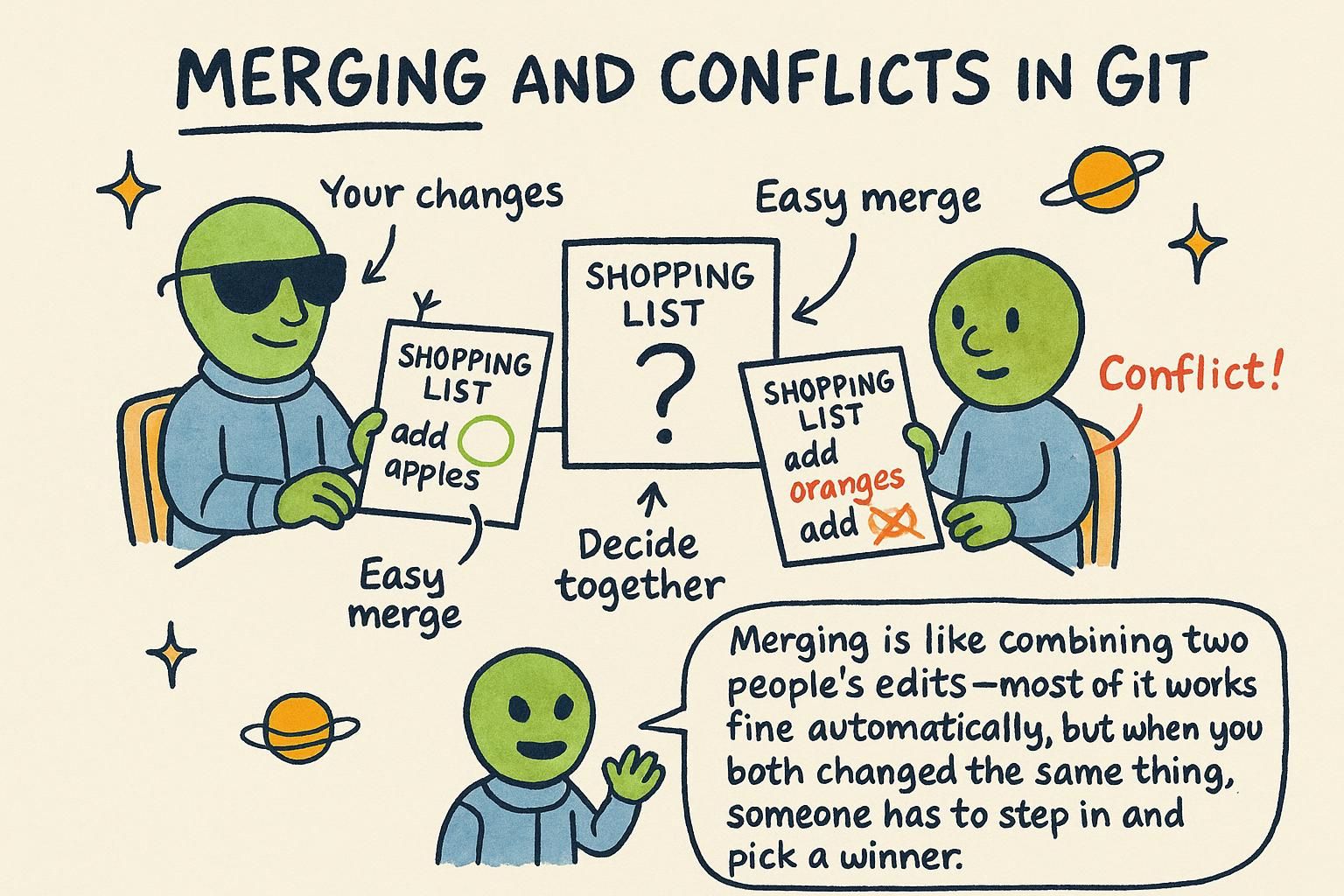
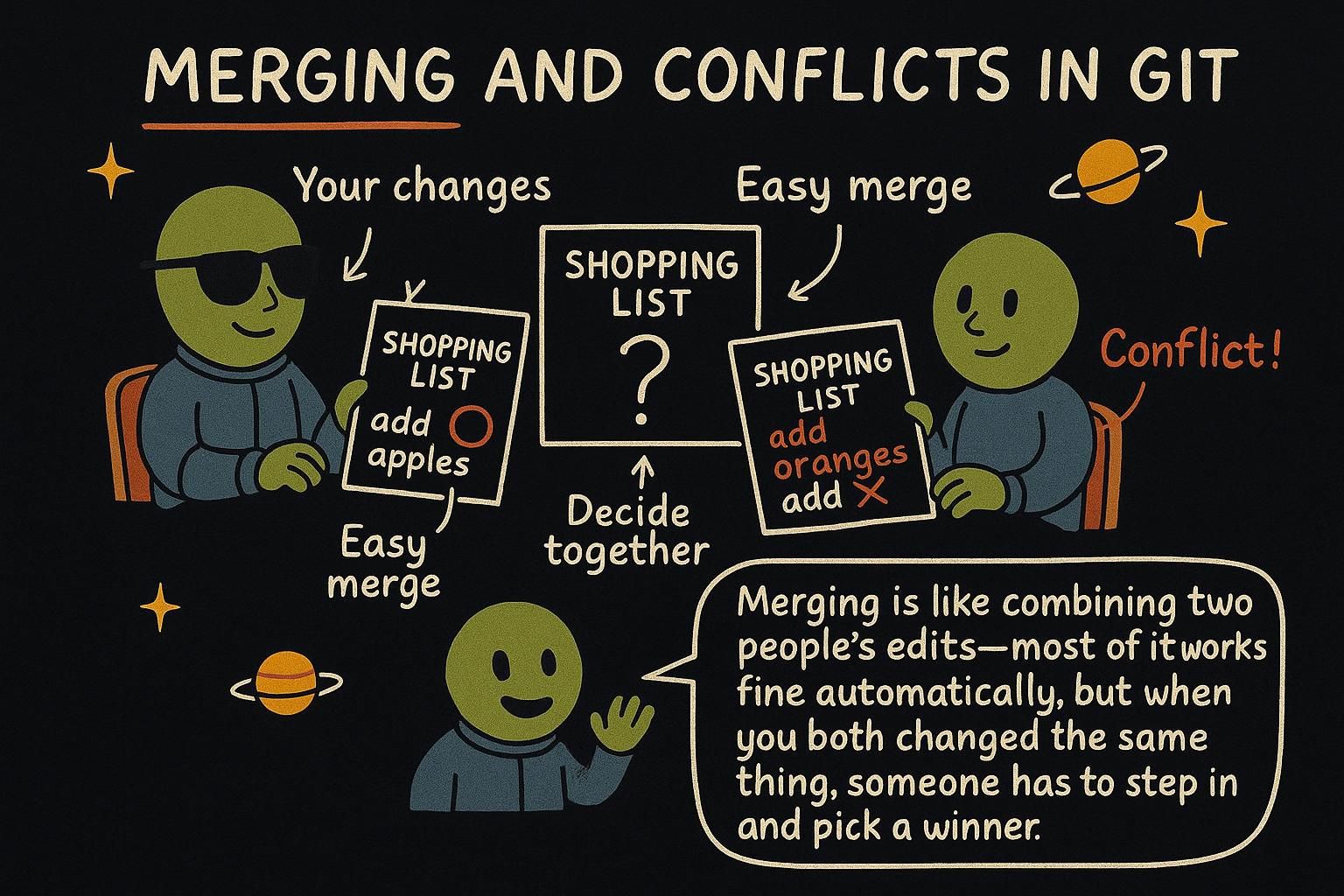
Your feature branch is finished. The toggle works, you have committed the changes, and now you want that work sitting in main where the rest of the team's code lives. Most of the time bringing it in is quick and quiet: Git compares the two branches, finds nothing that overlaps, and folds the work in with no extra steps. Sometimes, though, you and a teammate changed the exact same lines on different branches, and Git cannot guess which version you want kept. That situation shows up in almost every project with more than one person committing to it. It is a normal, everyday part of branching, and it means Git found two ideas about the same lines and wants your call on which one wins.
Bringing a branch back with git merge
Say you built the Fahrenheit toggle on its own branch, add-fahrenheit-toggle, and main has not moved since you branched off it. Switch to main and run git merge with the name of the branch you want to bring in:
$ git switch main
$ git merge add-fahrenheit-toggle
Updating 4f2a891..8c3d1a0
Fast-forward
 src/index.js | 12 +++++++++---
 1 file changed, 9 insertions(+), 3 deletions(-)
git merge <branch> always merges the named branch into whichever branch you are currently standing on, so switching to main first matters. Whichever branch you're standing on is the one that receives the merge. After this runs, main has every commit from add-fahrenheit-toggle. The feature branch itself is untouched: you can keep working on it or delete it now that its work lives on main too.

git merge branch-name brings that branch's commits into whichever branch you're currently on, so switch to main first. Most merges happen quietly in the background and you move on with your day. Nothing about the feature branch itself changes; you can keep using it or delete it once main has the work. What a merge conflict looks like
A conflict happens when the same lines change on both sides of a merge, and Git has no way to tell which version you want. Say a teammate merged a loading spinner into main that changed a function in src/index.js, and your add-fahrenheit-toggle branch changed the same function to add the toggle. Merging now stops partway through instead of finishing:
$ git switch main
$ git merge add-fahrenheit-toggle
Auto-merging src/index.js
CONFLICT (content): Merge conflict in src/index.js
Automatic merge failed; fix conflicts and then commit the result.
That is a merge conflict. Open the file and you will find Git has marked exactly where the two versions disagree:
<<<<<<< HEAD
  showLoadingSpinner(true);
=======
  const tempF = celsiusToFahrenheit(tempC);
>>>>>>> add-fahrenheit-toggle
<<<<<<< HEAD marks the start of what is currently on your branch (main, in this case). ======= divides the two versions. >>>>>>> add-fahrenheit-toggle marks the end of the incoming branch's version. Everything between the markers is the same handful of lines, written two different ways.
A conflict means Git needs your judgment; nothing is broken. Git found two changes to the same lines and has no way to guess which you want, so it pauses and asks you to decide. Edit the file until it reads the way you want, keeping either version, both, or something new that combines them, then delete the marker lines themselves:
  showLoadingSpinner(true);
  const tempF = celsiusToFahrenheit(tempC);
Once the file looks right, stage and commit it exactly like any other change:
$ git add src/index.js
$ git commit
Running git commit with no message here opens your editor with a message Git already prepared, describing the merge. Save and close it, and the merge is complete.
<<<<<<<, =======, and >>>>>>>, edit until it reads how you want, then delete those marker lines. Finish with git add and git commit. My first conflict felt like an emergency; it turned out to be Git asking me a fairly ordinary question. Bringing it back together
Merging is what makes branching worth doing: you experiment safely on your own line of history, covered in Branches, then fold that work back into main once it is ready, conflicts and all. On GitHub, the same operation usually happens through a pull request instead of a local git merge on your machine; the pull request flow chapter covers proposing, reviewing, and merging a change on a shared project. If a merge ever lands somewhere you did not intend after you have already committed it, undoing things covers how to back out safely.