

 Learn Git and GitHub
Viewing Git history with log, show, and diff
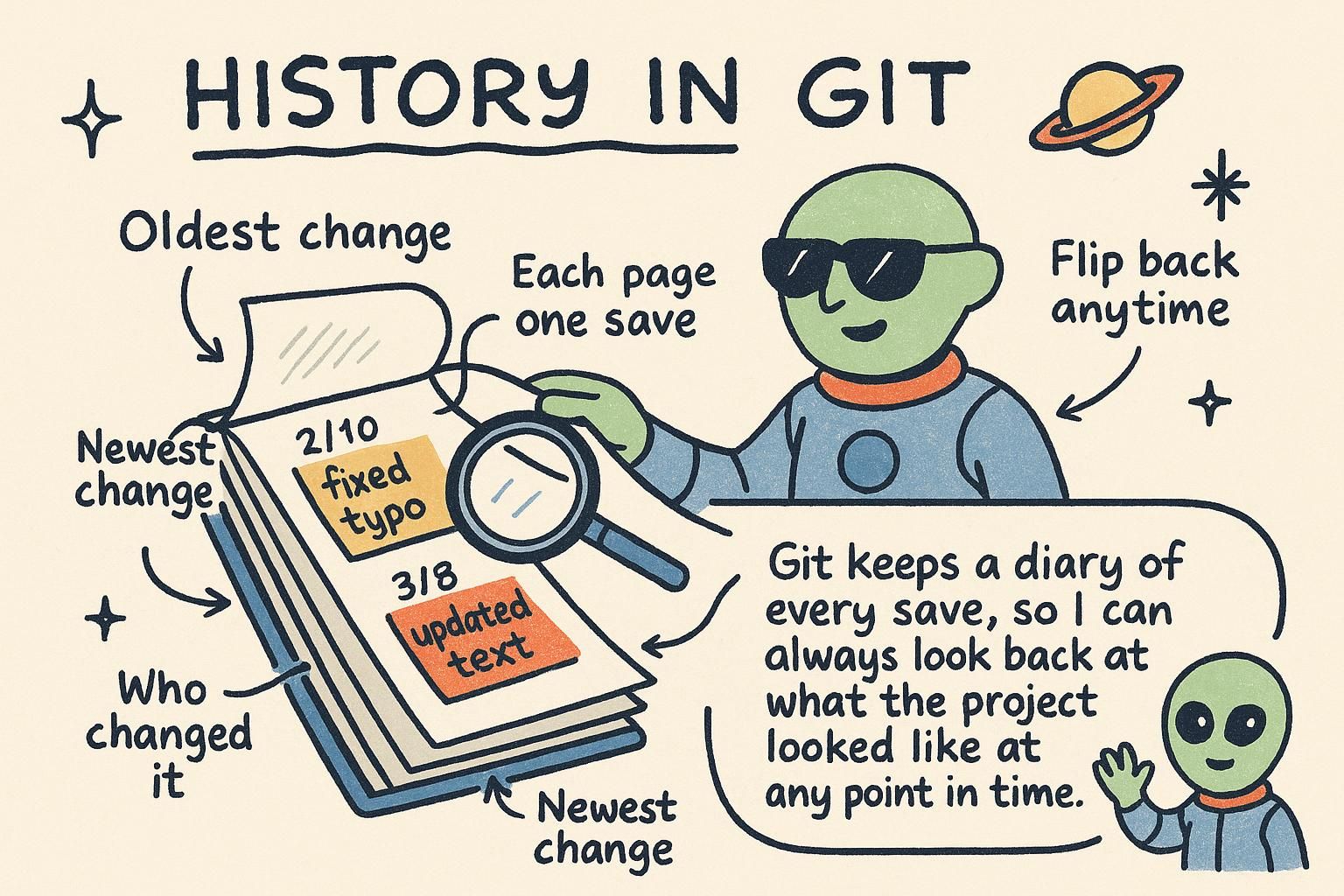
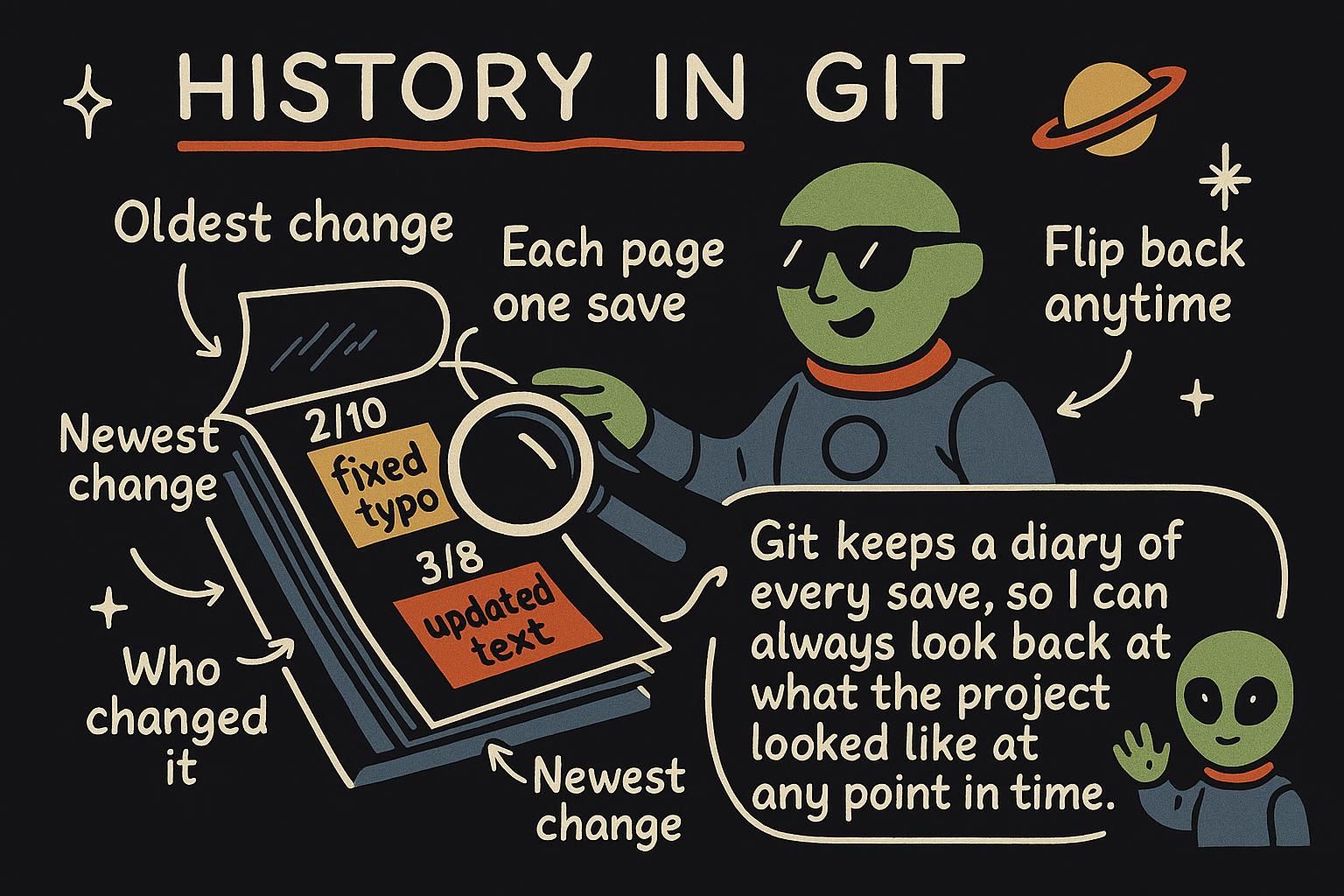
Say you open weather-app on a Monday morning and cannot remember exactly what you shipped on Friday. Or a teammate asks why the temperature conversion changed last week, and you want the real answer instead of a guess. The commit loop covers how a commit gets saved. This chapter covers reading that history back: what happened, who did it, and when. The command for that is git log, and here is everything it prints for a small project:
$ git log
commit 4f2a1c9d8e7b6a5c4d3e2f1a0b9c8d7e6f5a4b3c
Author: Priya Nair <[email protected]m>
Date:   Tue Jul 14 09:12:03 2026 +0100

    Fix temperature conversion in Celsius-to-Fahrenheit formula

commit 5f3d8b21a90e7c6d5b4a3f2e1d0c9b8a7f6e5d4c
Author: Kwame Boateng <[email protected]m>
Date:   Mon Jul 13 16:45:22 2026 +0100

    Add five-day forecast to the dashboard

commit 1a2b3c4d5e6f7a8b9c0d1e2f3a4b5c6d7e8f9a0b
Author: Kwame Boateng <[email protected]m>
Date:   Mon Jul 13 11:03:47 2026 +0100

    Set up project structure
One command, and the whole story of the project is right there: three commits, newest first, each with who wrote it, when, and why.
Reading the log with git log
git log walks back through every commit reachable from where you are, most recent first. Each entry shows four things: a hash (the long string of letters and numbers identifying that exact commit), the author, the date, and the message its author wrote.
A commit is all four of those things bundled together: a snapshot of every tracked file at that moment, the message describing the change, who made it, and a link to the commit that came right before it, its parent commit. That parent link is what turns a pile of separate snapshots into an actual timeline. Read git log from top to bottom and you are reading that timeline backward, from now to the beginning.
The hash looks intimidating at first, but you rarely need the whole thing. 4f2a1c9d8e7b6a5c4d3e2f1a0b9c8d7e6f5a4b3c and 4f2a1c9 point at the same commit. Git only needs enough of the hash to tell it apart from every other commit in the repository, and the first seven or so characters are almost always enough. You will see the short form everywhere, including the commands in the rest of this chapter.

git log lists every commit, newest first, with its hash, author, date, and message. A commit is that snapshot plus its message plus a link to the commit before it. You almost never need the full hash, the first several characters are enough for Git to know exactly which commit you mean. Inspecting one commit with git show
git log tells you a commit happened. git show <hash> tells you exactly what it did:
$ git show 4f2a1c9
commit 4f2a1c9d8e7b6a5c4d3e2f1a0b9c8d7e6f5a4b3c
Author: Priya Nair <[email protected]m>
Date:   Tue Jul 14 09:12:03 2026 +0100

    Fix temperature conversion in Celsius-to-Fahrenheit formula

diff --git a/src/index.js b/src/index.js
index 3f2c1a9..7b8e2d4 100644
--- a/src/index.js
+++ b/src/index.js
@@ -12,7 +12,7 @@ function celsiusToFahrenheit(celsius) {
-  return celsius * (9 / 5 + 32)
+  return (celsius * 9) / 5 + 32
The top half is the same metadata git log shows. Below it is the actual change: a line starting with - is a line the commit removed, a line starting with + is a line it added, and unmarked lines are context that stayed the same. Here that reads clearly: the old line grouped 32 inside the parentheses, so it got added before the multiplication ever happened. The fix regroups the parentheses around celsius * 9 so 32 is added last, the operator-precedence bug Priya's message describes.
git show <hash> shows one commit in full: who made it, when, and the actual lines it changed. Removed lines start with a minus sign, added lines start with a plus sign. It is the fastest way to answer "what did this commit actually do". What git diff shows, and the trip-up almost everyone hits
git log and git show read committed history. git diff reads what has not been committed yet: the changes sitting in your working directory right now, compared against your last commit.
$ git diff
diff --git a/README.md b/README.md
index 1c2d3e4..9f8a7b6 100644
--- a/README.md
+++ b/README.md
@@ -1,3 +1,4 @@
 # weather-app
+A five-day weather dashboard built with vanilla JavaScript.
That is the edit you made to README.md, shown before you have staged or committed anything. Here is the part that catches nearly everyone in their first week: run git add . to stage that same change, then run git diff again, and it shows nothing at all.
$ git add .
$ git diff
Nothing printed. The edit did not disappear, and nothing went wrong. Plain git diff compares your working directory against the staging area, and once you have staged everything, those two now match, so there is no difference left to show there. To see changes waiting in the staging area, use git diff --staged instead.
$ git diff --staged
diff --git a/README.md b/README.md
index 1c2d3e4..9f8a7b6 100644
--- a/README.md
+++ b/README.md
@@ -1,3 +1,4 @@
 # weather-app
+A five-day weather dashboard built with vanilla JavaScript.
Same change, now visible, because --staged compares the staging area against your last commit instead.
git diff shows edits in your working directory that are not staged yet. Once you stage everything with git add, plain git diff goes quiet. That is expected, your changes are still there. Use git diff --staged to see what is waiting to be committed. Why Git history forms a graph
Every commit you have seen so far points at exactly one parent, and reading git log top to bottom has felt like reading a straight line. That holds for a solo project working on one line of work. It stops holding the moment branches and merges enter the picture, covered next in Branches, because a project's real history can split into separate lines and come back together.