

 The AI Engineer Path
RAG
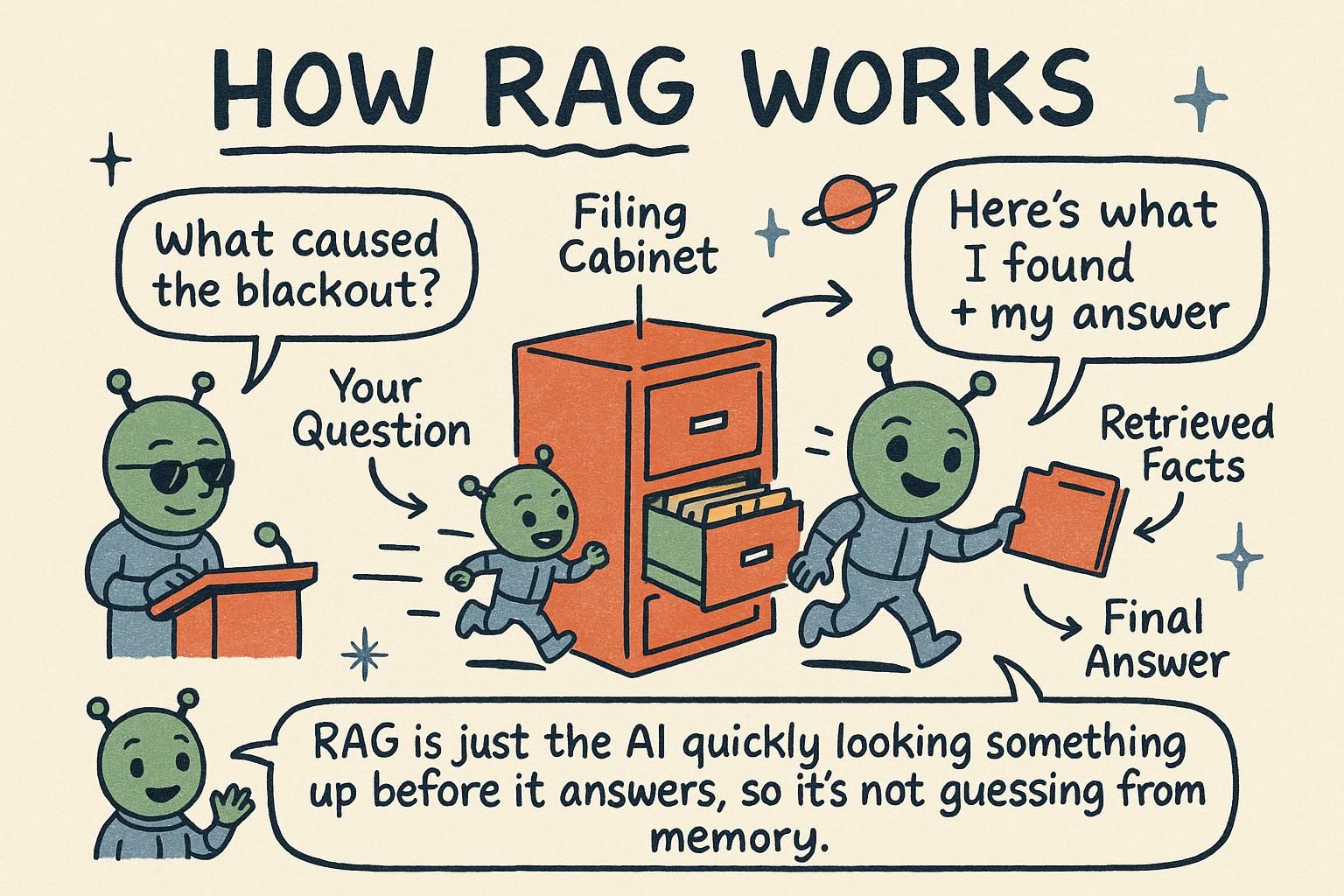
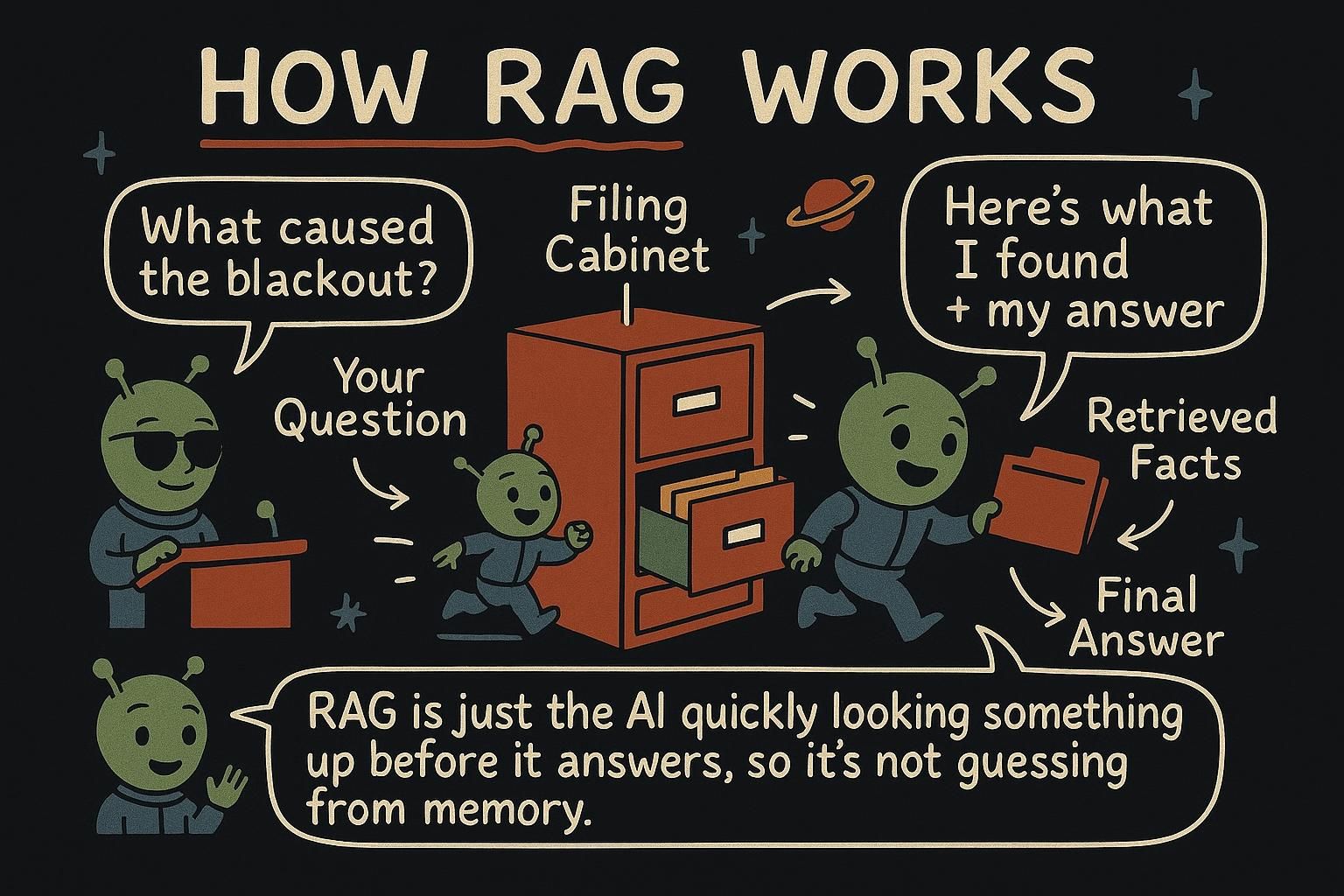
First, the name. RAG is short for retrieval-augmented generation: you fetch the relevant text yourself and hand it to the model at the moment of the question, so it answers from facts you supplied instead of from frozen memory. This chapter is how that fetch-then-answer loop works and where it goes wrong.
The retrieve-then-generate pattern
A model does not know your company's help docs, your product details, or anything that happened after it was trained. Ask it about them and it will either admit it cannot help or, worse, make something up that sounds right. RAG fixes this by handing the model the relevant text at the moment of the question.
The idea comes together once you have embeddings, the trick that turns text into vectors you can compare by closeness (cosine similarity measures how close two vectors point). Retrieval-augmented generation is two steps bolted onto a normal model call:
- Retrieve. Take the user's question, search your documents for the most relevant pieces, and collect the top matches.
- Generate. Put those pieces into the prompt as context, then ask the model to answer the question using only that context.
The model's general language ability does the writing; your retrieved text supplies the facts. You get fluent answers that are grounded in your content and can stay current, because you control what goes in.
It helps to see why this works so well, in terms of the prediction loop. Without RAG, you are asking the model to recall a fact from the patterns frozen into its parameters, which it may not have, leading to a confident guess. With RAG, the fact is sitting right there in the context, so the model's job changes from "remember this" to "read what is in front of you and answer from it". Retrieval moves the work from memory to reading. The clean picture is an exam: a closed-book exam invites guessing, while RAG turns it into an open-book exam where the relevant page is open on the desk.

Chunking
You do not embed whole documents. You split them into smaller chunks first, a paragraph or a few sentences each, and embed those. Two reasons. First, retrieval gets more precise: you pull the one relevant paragraph instead of a whole 40-page manual. Second, chunks fit the context window, where a giant document might not.
# a small chunker: split on paragraphs
def chunk(text):
    return [c.strip() for c in text.split("\n\n") if c.strip()]
Chunk size is a balance, and the reason traces back to embeddings. Each chunk is turned into a single vector that summarises its whole meaning. Make a chunk too large and it covers several topics, so its one vector is a muddy average of all of them that matches no specific question well. Make it too small and it loses the surrounding meaning it needed to make sense, so the vector points at a fragment. Paragraph-sized chunks each hold one coherent idea. You adjust from there based on how your retrieval performs.
Where vectors live
For a handful of chunks, you can keep the vectors in memory and compare them with the cosine-similarity function from the embeddings chapter, which is what the example later does. For thousands or millions of chunks, that gets slow, and you reach for a vector store: a database built to find the nearest vectors quickly at scale.
You do not need one to learn RAG, and you do not need to pick one now. Several exist as hosted services and libraries; the concept is what matters: somewhere to store embeddings and search them fast. Start in memory, move to a store when the collection outgrows it.
Grounding and citing
The generate step is a prompt, and how you write it decides whether RAG actually reduces made-up answers. Two instructions do the heavy lifting: tell the model to answer only from the provided context, and tell it to say so when the context does not contain the answer.
context_text = "\n\n".join(retrieved_chunks)

system_prompt = f'''Answer the question using ONLY the context below.
If the context does not contain the answer, say "I don't have that information."
Quote the relevant part of the context in your answer.

Context:
"""
{context_text}
"""'''
This pulls together two earlier lessons. The delimiters and the explicit "answer only from this" come from prompting. The permission to say "I don't have that information" is the hallucination defense: a grounded model with an escape hatch invents far less than one left to guess. Grounding plus an escape hatch is what cuts invented answers. Asking it to quote the source also gives users something to verify.
Beyond nearest-neighbor: hybrid search and re-ranking
Pure vector search matches on meaning, which is what you want most of the time. But it has a blind spot: it can miss an exact word that matters. Search for an error code like E_4021 or a specific product name, and a meaning-based search may hand back chunks that are about the same topic while skipping the one that contains the exact string.
The fix has a name, hybrid search: combine meaning-based search with old-fashioned keyword search, so exact terms and general meaning both get a vote. You do not need to build this to start with RAG. Reach for it when exact terms matter and pure vectors keep missing them.
In practice
A minimal RAG answer, reusing the search and embed helpers from the embeddings chapter:
def answer_from_docs(question, index):
    # 1. retrieve: the top matching chunks for the question
    query_vector = embed(question)
    scored = [{"text": item["text"], "score": cosine_similarity(query_vector, item["vector"])} for item in index]
    top = sorted(scored, key=lambda x: x["score"], reverse=True)[:3]

    # 2. generate: answer using only those chunks
    context = "\n\n".join(t["text"] for t in top)
    response = client.chat.completions.create(
        model=MODEL,
        messages=[
            {"role": "system", "content": f'Answer using ONLY this context. If it is not here, say you don\'t know.\n\n"""{context}"""'},
            {"role": "user", "content": question},
        ],
    )
    return response.choices[0].message.content
Retrieve the three closest chunks, drop them into the prompt, and let the model answer from them. That is the whole RAG pipeline: the embeddings search feeding a model call, with a grounded prompt holding it together. Almost all the quality lives in retrieving the right chunks.
When you do not need RAG
RAG is not free, and it is not always the answer. Skip it when:
- The data is small and fits the prompt. If your whole knowledge base is a few paragraphs, paste it in directly. RAG is for when there is too much to send all at once.
- A long-context model can hold it all. Some models accept very large inputs, enough to take a whole document at once, which can be less work than building retrieval.
And remember the real limit: RAG quality is mostly retrieval quality. If the search step returns the wrong chunks, even a perfect prompt cannot save the answer. Most effort in real RAG systems goes into retrieving the right text, not into the final model call.
Embeddings and RAG give the model knowledge at the moment of the question, without ever changing the model itself. The next chapter, Fine-tuning, covers the other option: changing the model with your own examples, and when that is worth it over prompting or RAG.