

 The AI Engineer Path
Calling models from code
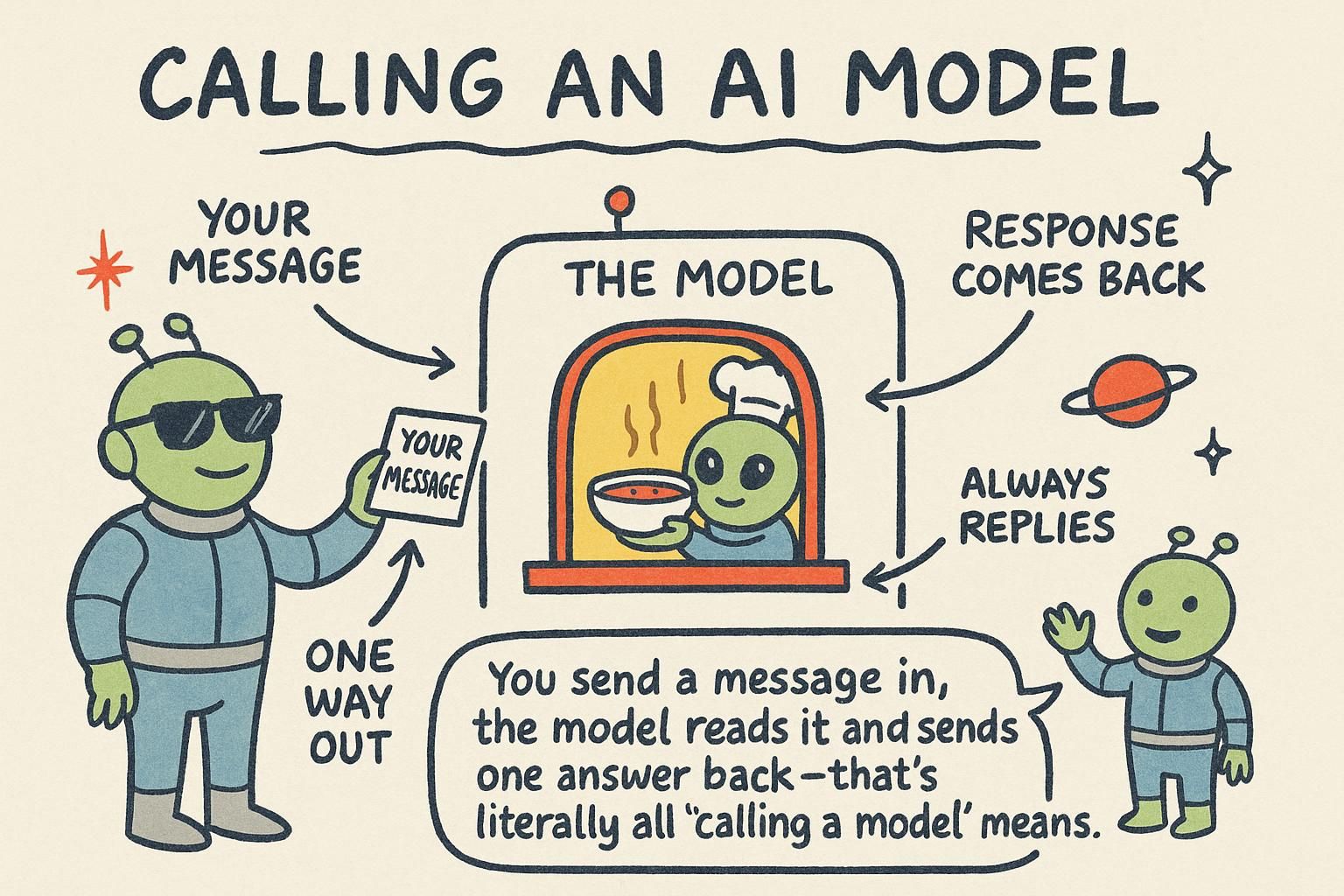
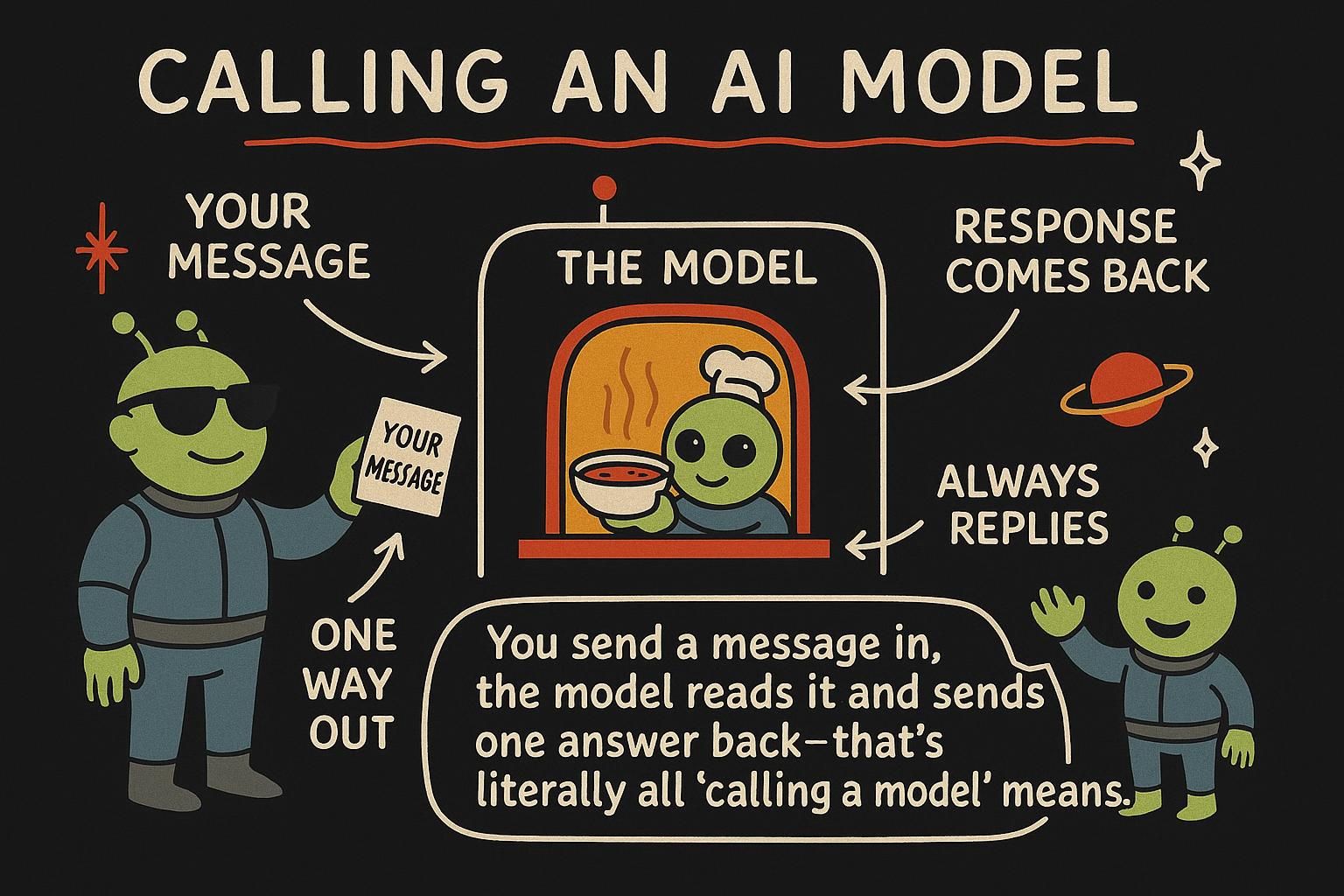
The last chapter built a list of messages. This chapter sends that list to a real model from Python and gets an answer back. That round trip is the smallest complete loop of building with these models, and almost every feature you will write sits on top of it.
You type a prompt, your code sends it somewhere, and text comes back. It feels like the model lives in your program. It does not, and seeing where it actually runs explains the cost, the speed, and the quirks you will meet.
So picture what is physically happening. The model is a huge set of parameters sitting on the provider's servers, on hardware you will never see. When you call it, your code sends an ordinary web request over the internet carrying your messages.
The provider runs the prediction loop on their machine and sends the generated tokens back to you. A model call is renting a few moments on someone else's computer. That framing makes sense of a lot: latency is the model generating tokens one at a time on their end, cost is them charging for that compute, and the whole thing is a network call, with everything that implies.
The examples use the official OpenAI library. Other providers differ in details, but the shape is nearly the same everywhere: you send a list of messages, you get a message back. That sameness is your insurance against lock-in, since the same code can point at an open model you host or rent elsewhere, often with only a change of base URL (Open and closed models covers that choice).
The request
Install the library with pip install openai, create a client, and call it. The client reads your API key from an environment variable, so the key never appears in your code.
from openai import OpenAI

client = OpenAI()  # reads OPENAI_API_KEY from the environment

MODEL = "gpt-4o-mini"  # the one line you change to swap models

response = client.chat.completions.create(
    model=MODEL,
    messages=[
        {"role": "system", "content": "You are a concise assistant. Answer in one sentence."},
        {"role": "user", "content": "Why is the sky blue?"},
    ],
)
Two pieces are required: model, the name of the model you want to run, and messages, the list of role-tagged messages from the last chapter. Everything else has a default.
Notice the model name lives in a single constant. In a field where a better, cheaper model lands every few months, that is deliberate. Keep the model name in one place so swapping models is a one-line change. This is the churn rule in practice: keep the volatile specifics where you can find them, not scattered through your code.

model and messages. The model name belongs in a single constant, because a cheaper or better one shows up every few months and you do not want to go hunting for it. Took me a while to learn that one the slow way, after a model got renamed and I found it pasted in nine files. Reading the response
The reply comes back wrapped in some structure. The text you want is one path in, but the rest of the structure is worth knowing, because it tells you what happened.
choice = response.choices[0]

print(choice.message.content)   # the reply text
print(choice.finish_reason)     # "stop"  -> the model finished on its own
print(response.usage)           # Usage(prompt_tokens=24, completion_tokens=18, total_tokens=42)
Three things in there matter. message.content is the text, sitting inside choices[0] because the API can return more than one option, though you almost always ask for one and read the first.
finish_reason tells you why the model stopped. "stop" means it finished its thought, while "length" means it ran into your token cap and got cut off mid-answer. Checking that field is how you detect a truncated reply in code rather than by eye.
And usage reports the tokens the call spent, split into the prompt you sent and the completion it wrote. That usage object is your bill, itemised. Every call tells you exactly what it cost in tokens, which is the number to watch as you build.
response.choices[0].message.content, but two neighbours matter too. finish_reason tells you why it stopped: "stop" means done, "length" means it hit your token cap and got cut off. And response.usage is your bill in tokens, prompt and completion split out, so you never have to guess what a call cost. The parameters worth knowing
Beyond model and messages, two optional settings come up constantly.
temperature is the randomness dial from How LLMs work, made concrete. Low values (near 0) keep the model close to its top picks: focused and repeatable, what you want for extraction and classification. Higher values (around 0.7 to 1) let it reach for less likely tokens: more varied and creative, and more prone to wander. You are tuning how boldly the model samples, nothing more.
max_tokens caps how many tokens the reply can run to. It protects you from a runaway answer and a runaway bill. Set max_tokens too low and the model gets cut off, which is exactly the "length" finish reason from the last section, so leave real headroom.
response = client.chat.completions.create(
    model=MODEL,
    messages=messages,
    temperature=0.2,  # focused and consistent
    max_tokens=300,   # cap the reply length
)temperature tunes how boldly the model samples: low for focused, repeatable answers, higher for varied, creative ones. max_tokens caps the reply length to protect your bill, but set too low it triggers the "length" cutoff, so leave headroom. For extraction and classification, reach for a low temperature every time. Streaming
By default you wait for the whole answer to finish generating, then it arrives at once. Since the model produces tokens one at a time, a long reply means a long wait staring at nothing.
Streaming sends each token down to you the moment it is generated, so text appears right away and fills in live, the way chat apps show a reply typing itself out.
stream = client.chat.completions.create(
    model=MODEL,
    messages=messages,
    stream=True,
)

for chunk in stream:
    piece = chunk.choices[0].delta.content
    if piece:
        print(piece, end="", flush=True)
The total generation time is the same either way; the model is not faster. Streaming only changes when you see the tokens, surfacing them as they are produced instead of holding them back until the end.
You handle it by iterating over chunks and printing each delta of text. The trade-off is a little more code for a much better wait. Streaming changes when you see tokens, not how fast they arrive.
delta. Every call is independent
This is the most important behaviour in the chapter, and it follows straight from the context window lesson. The API is stateless: each request stands completely on its own. The provider's server does not remember your previous call. It runs the prediction on exactly the messages you sent, returns the result, and keeps nothing about the exchange for next time.
So the conversation is not stored anywhere by the model or the API. It lives in your code. If you want turn two to know what happened in turn one, you keep the running list of messages yourself and send the whole thing again. A back-and-forth chat is an illusion you create by resending an ever-growing history on every call.
That is also why a long conversation costs more per message over time: each call re-sends all the prior turns as input tokens, so the prompt keeps growing even when the user's new question is short.
history = [
    {"role": "system", "content": "You are a friendly travel assistant. Keep answers short."},
]

def chat(user_text):
    history.append({"role": "user", "content": user_text})

    # the ENTIRE history goes up every time; the server remembers nothing
    response = client.chat.completions.create(model=MODEL, messages=history)
    reply = response.choices[0].message.content

    history.append({"role": "assistant", "content": reply})  # keep the reply for the next turn
    return reply

chat("I have a weekend in Lisbon. What should I see?")
chat("Which of those is best for kids?")  # only works because history carries turn one
The second question makes sense only because the first question and its answer are still in history and get sent along. You are the memory. This one idea, that you assemble and resend the full context every time, underlies conversation, and later it underlies tool use, retrieval, and agents too. They are all variations on deciding what goes into that messages list before each independent call.
When things go wrong
A model call is a network call to someone else's servers, so it fails in all the ways network calls fail. Design for it from the start.
- Errors and rate limits. Providers cap how many requests you can send in a window. Hit the cap and the call fails with a rate-limit error. The standard response is to wait and retry, lengthening the wait after each failure (this is called backoff) so you do not hammer a busy service.
- Timeouts. A call can hang. Set a timeout so one slow request does not freeze your app.
- Keys stay on the server. Your API key is a password that spends your money. Never put the API key in browser code. Anyone can open dev tools and read it. The browser talks to your backend, and your backend, holding the key, talks to the model.
- Assume any answer can be wrong. Even a successful call can return a hallucination or malformed output, so the next chapters are about making the result something your code can trust.
def ask_model(messages):
    try:
        response = client.chat.completions.create(
            model=MODEL,
            messages=messages,
            timeout=20,  # give up after 20 seconds
        )
        return response.choices[0].message.content
    except Exception as err:
        print("Model call failed:", err)
        return "Sorry, something went wrong. Please try again."