

 The AI Engineer Path
Fine-tuning
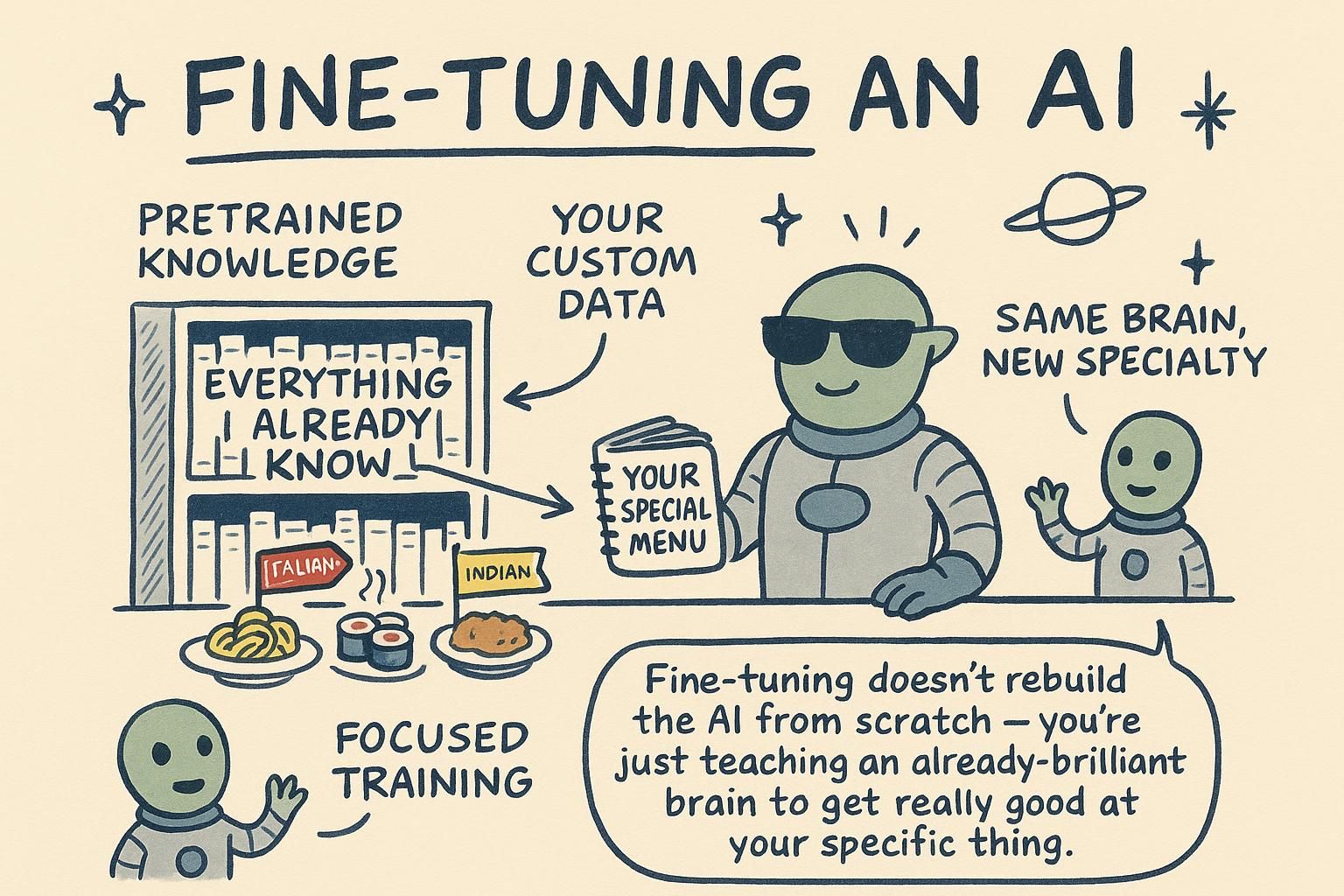
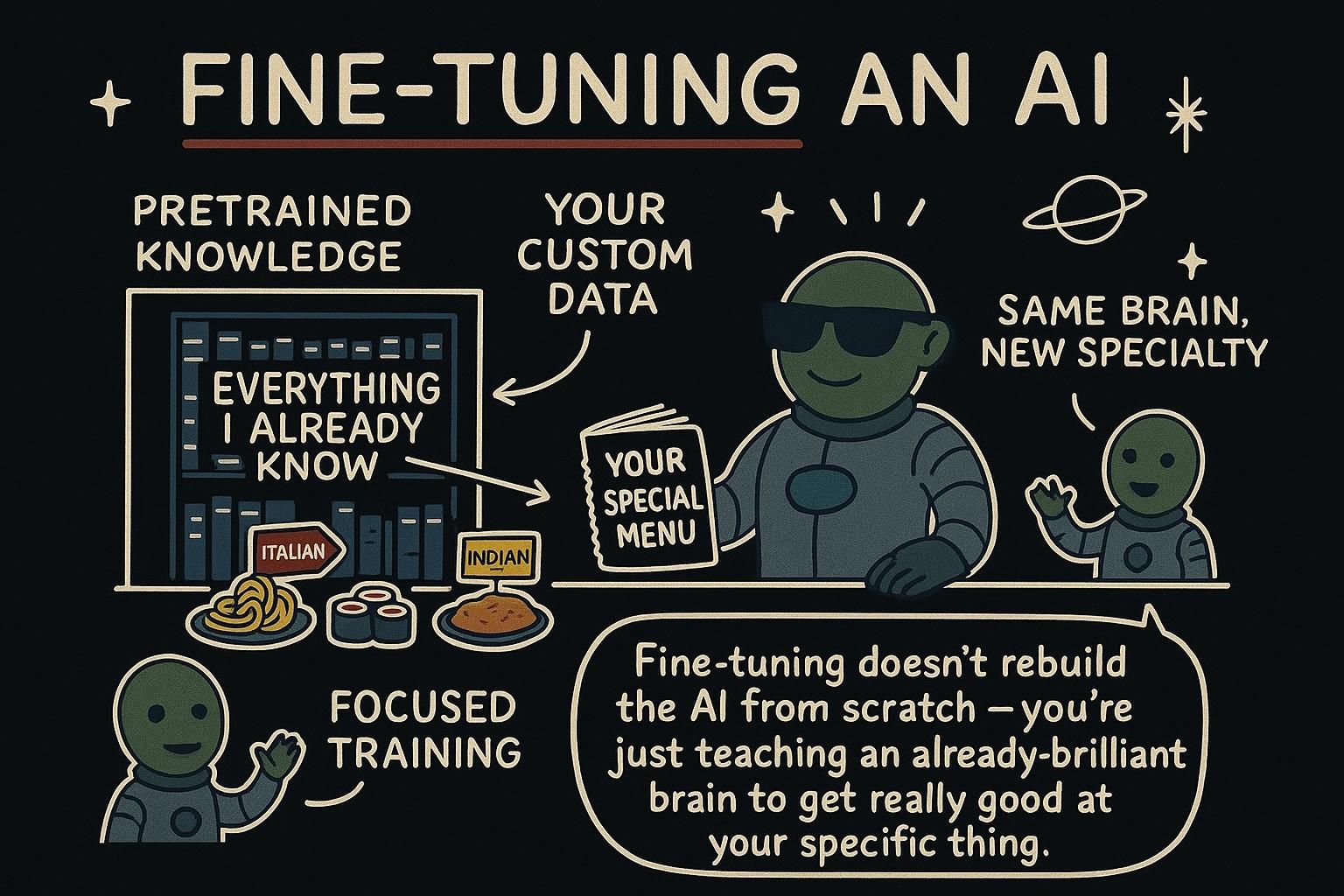
Fine-tuning means taking an existing model and continuing to train it on your own examples, so its default behaviour shifts toward what you want. This chapter is the working picture of what that changes, what it is good for, and when to reach for it instead of a prompt or retrieval.
What training actually does
To see what fine-tuning changes, it helps to know where a model comes from. A model is built in two broad stages.
The first is pretraining: the model reads an enormous amount of text and learns to predict the next token, over and over, until grammar, facts, and patterns of reasoning have settled into it as a side effect. What comes out is a base model, fluent but unfocused. It will happily continue your text, but it has not been taught to be a helpful assistant that answers questions.
The second stage is post-training: the base model is trained further on curated examples of good responses, along with human feedback about which answers are better. This is what turns a raw text predictor into the instruction-following assistant you actually talk to. The model you call from an API has already been through both.
Both stages work by the same mechanism: show the model examples and nudge its internal numbers, its parameters or weights, so its predictions move closer to those examples. Training is prediction practice that leaves the model permanently changed.

What fine-tuning is
Fine-tuning is a small, targeted version of that second stage, run by you. You take a model that is already trained and continue training it on a set of your own examples, each one an input paired with the output you wish it produced. After enough examples, the model's weights shift so that this kind of response becomes its default, without you asking for it in the prompt every time.
The real distinction from prompting and RAG is where the change lives. Prompting and RAG leave the model frozen and steer it through the context you supply at the moment of the call. Fine-tuning changes the model itself, so the new behaviour is baked in and shows up even with a short prompt. You are not giving better instructions at runtime; you are shipping a model that already leans the way you want.
In practice you hand the provider a file of example conversations, it runs a training job, and it gives you back a new model id. You call that id exactly like any other model, except its answers now reflect what you trained on. Fine-tuning moves behaviour into the model, prompting and RAG steer a frozen one.
What it is good at, and what it is not
Fine-tuning earns its place when you need a consistent behaviour that a prompt struggles to pin down: a precise output format every time, a specific tone or house style, or a narrow task like classification done reliably across thousands of calls. It can also make calls cheaper and faster, because behaviour you would otherwise spell out in a long prompt is baked into the model, so your prompts get shorter.
Where it falls down is knowledge. Fine-tuning is poor at teaching a model new facts, and worse at facts that change. Training examples blur into general patterns rather than getting stored as exact, lookup-able entries, so a fine-tuned model still invents details and still goes stale the moment your information updates. Retraining every time a price or a policy changes is slow and expensive. When the problem is "the model does not know X", the answer is almost always RAG, not fine-tuning.
The rule of thumb: fine-tune to change form, not to add facts. Teach the model how to answer, and let retrieval handle what to answer with.
Prompt, RAG, or fine-tune?
Most of the time you do not start here. The three techniques form a ladder, cheapest and fastest to change first:
- Prompting. Always try this first. It is instant to iterate, costs nothing extra, and a clear prompt with a couple of examples solves more than people expect. If you have not made the prompt work, you are not ready to fine-tune.
- RAG. Reach for this when the gap is knowledge: the model needs facts it does not have, or that change over time. RAG supplies them at question time without touching the model.
- Fine-tuning. Reach for this when the gap is behaviour rather than knowledge and prompting cannot get it consistent enough, or when your prompts have grown so long that baking the instructions into the model is cheaper and faster at scale.
They are not exclusive, and the strongest systems combine them: fine-tune a model for your format and tone, then use RAG to feed it current facts at runtime. Behaviour from training, knowledge from retrieval.
So a quick test before you fine-tune. Can you get there with a better prompt? Then do that. Is the gap missing knowledge? Then it is RAG.
Climb the ladder; fine-tuning is the last rung, not the first. Only when the prompt is already right, the facts are already available, and the model still will not behave consistently enough does fine-tuning become the tool that fits.
In practice
Fine-tuning data is nothing exotic. Each example is a short conversation in the exact shape you send at runtime, ending with the answer you wish the model had given:
# A handful shown here; a real dataset is hundreds to thousands of examples,
# covering the full range of inputs you expect at runtime.
training_examples = [
    {"messages": [
        {"role": "system", "content": "Classify the ticket's urgency as low, medium, or high."},
        {"role": "user", "content": "I was charged twice this week and need it fixed today."},
        {"role": "assistant", "content": "high"},
    ]},
    {"messages": [
        {"role": "system", "content": "Classify the ticket's urgency as low, medium, or high."},
        {"role": "user", "content": "Is there a dark mode setting anywhere?"},
        {"role": "assistant", "content": "low"},
    ]},
    # ...
]
You save these to a file, start a training job with the provider, and wait for it to finish. What comes back is a new model id, which you then call exactly like any other model:
# The fine-tuned model is another id; everything else is unchanged.
response = client.chat.completions.create(
    model="your-org/urgency-classifier-v1",
    messages=[
        {"role": "system", "content": "Classify the ticket's urgency as low, medium, or high."},
        {"role": "user", "content": "The export button does nothing when I click it."},
    ],
)
# response.choices[0].message.content -> "low"  (the label only, the behaviour you trained in)
The win is that the behaviour now lives in the model. The instructions can be shorter, the format holds across thousands of calls, and you did not have to grow the prompt to get there. The cost is everything around it: you need a quality dataset, a training run, and a fresh job each time you want to change what it learned, which is exactly why this sits at the bottom of the ladder. Upload examples, get a model id, call it like any other.
That is the last of the ways to shape what a model knows and how it answers, all of which leave it predicting text on a desk you arranged. The next chapters give it the ability to act: in Tool use the model calls your own functions, and then runs them in a loop as an agent.